⭐ PlayStation Store Wallet Saudi Arabia | SA $10-$200 | 24/7 Auto Pickup ⭐
Content: text (0 symbol)
Available: 1
Uploaded:
Positive responses: -1
Negative responses: 0
Sold: -1
Refunds: -1
$10.82
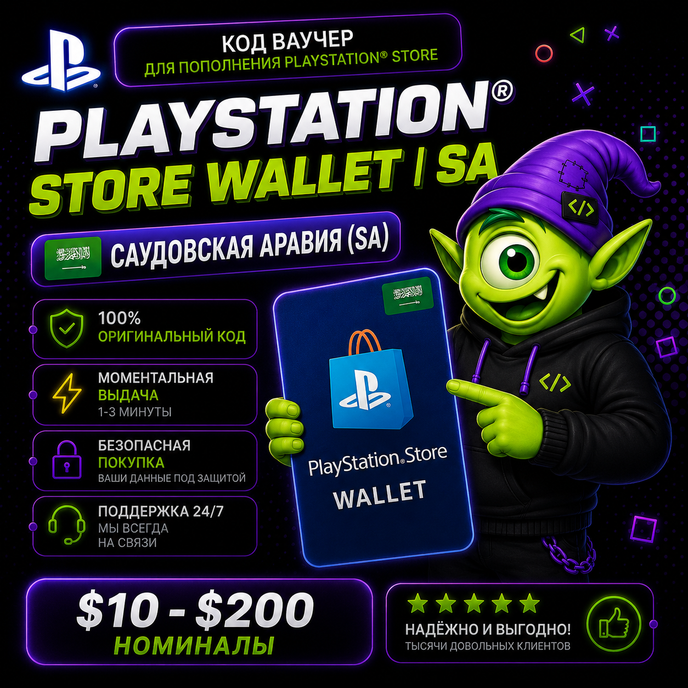
🎮 Buy a PlayStation Network Gift Card Saudi Arabia ($10-$200) from Code Code
⚡ Instant delivery 24/7
🔒 Secure purchase
🎮 Suitable for PlayStation games, add-ons, and subscriptions
💬 The best deals
⚡ Instant delivery 24/7
🔒 Secure purchase
🎮 Suitable for PlayStation games, add-ons, and subscriptions
💬 The best deals
The PlayStation Network Gift Card Saudi Arabia allows you to top up your PlayStation Store balance for the Saudi Arabia region and pay for:
✅ PS4 and PS5 games
✅ Add-ons and DLC
✅ PlayStation Plus
✅ In-game currency
✅ Pre-order new games
✅ Any digital content from PlayStation Store Saudi Arabia
You will receive a unique 12-digit code to top up your PSN card. Only available for accounts with the SAUDI ARABIA region with ⚡️instant delivery from Kodych
✅ PS4 and PS5 games
✅ Add-ons and DLC
✅ PlayStation Plus
✅ In-game currency
✅ Pre-order new games
✅ Any digital content from PlayStation Store Saudi Arabia
You will receive a unique 12-digit code to top up your PSN card. Only available for accounts with the SAUDI ARABIA region with ⚡️instant delivery from Kodych
✅ A CONVENIENT WAY TO TOP UP YOUR PLAYSTATION STORE
🇸🇦 Which region is it suitable for?This card is only for PlayStation Network accounts with the Saudi Arabia region 🇸🇦.
Balance top-ups are processed in $. You can change the region or create a new account if you want to use the card!
How to redeem a PlayStation Store voucher in a web browser:
1. Go to PlayStation Store and click your avatar at the top of the screen.
2. Select "Redeem Codes" from the drop-down menu.
3. Carefully enter the code and click "Redeem."
4. The credit or content has now been added to your account.
How to redeem a PlayStation Store voucher on PS5:
1. Go to Settings > Users & Accounts.
2. Select Account > Payments & Subscriptions > Redeem Codes.
3. Enter the code and click "Redeem."
You can also redeem the voucher during checkout by selecting "Redeem Codes & Gift Cards" in the payment methods menu.
How to redeem a PlayStation Store voucher on PS4:
1. Go to PlayStation Store > scroll down the side menu > Redeem Codes.
2. Carefully enter the code and click "Redeem."
3. The credit or content has now been added to your account.A REFUND OR REPLACEMENT of the card is possible if there are any issues with the code due to our fault.
Code Kodych - digital goods without the hassle 🎮/attention
How do I get a code? 🤔
After payment, click "Receive item" in the email or on the purchase page. You´ll then be taken to a page with a unique code. 🎉There´s no need to send the unique code to the seller via chat.
After payment, click "Receive item" in the email or on the purchase page. You´ll then be taken to a page with a unique code. 🎉There´s no need to send the unique code to the seller via chat.
Sincerely, the Code Kodycha team 💜
We help you get your favorite services quickly, securely, and hassle-free 🚀
We help you get your favorite services quickly, securely, and hassle-free 🚀
No feedback yet