ROBUX 80-2000 | 24/7 AUTO-REFILL | ROBUX ROBUX ROBLOX
Content: text (0 symbol)
Available: 1
Uploaded:
Positive responses: 0
Negative responses: 0
Sold: 0
Refunds: 0
$1.75
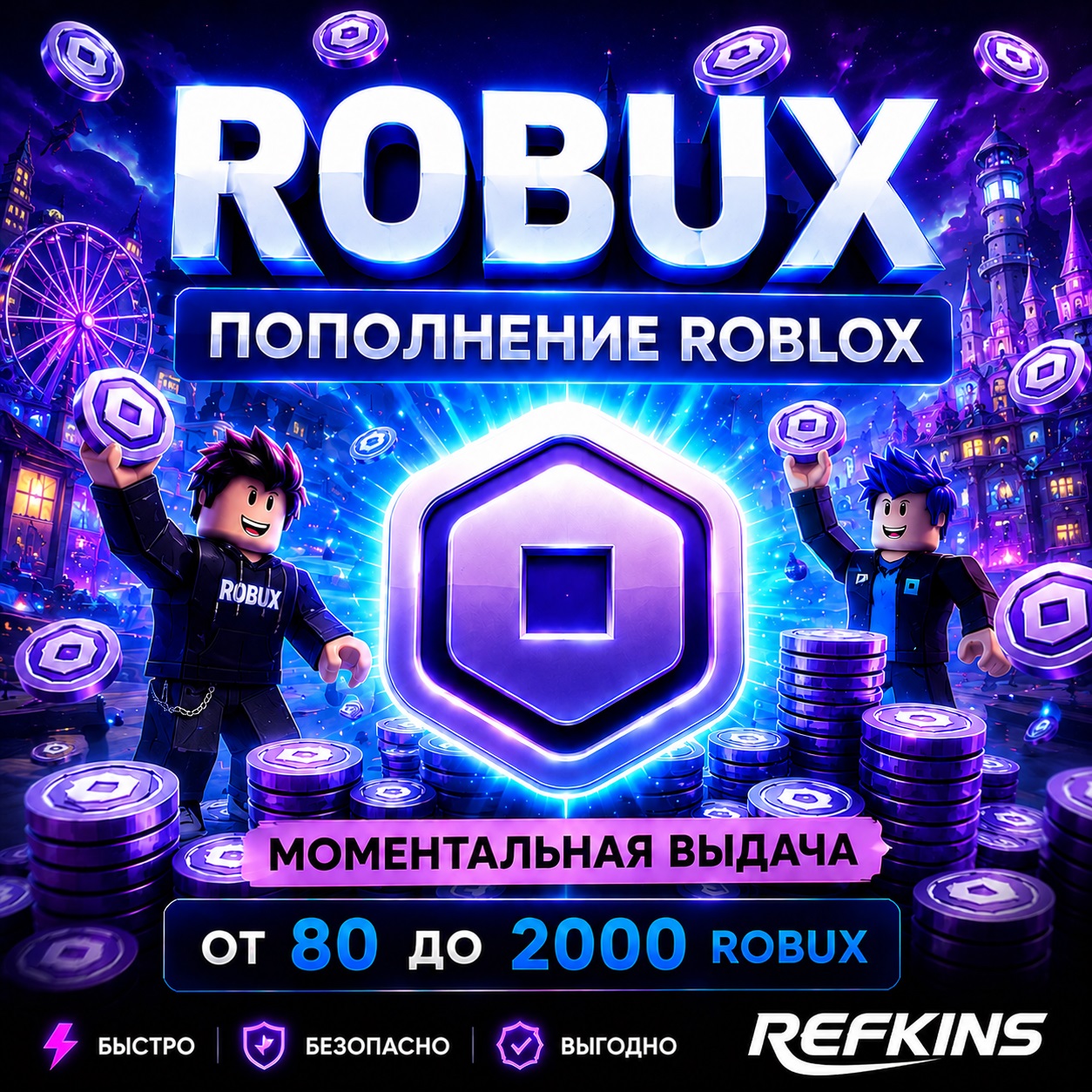
🚀 Robux for Roblox — Fast Automatic Top-up
⚡️ Robux are credited directly to your account.
Top-ups are automatic, in most cases without waiting for an operator.
━━━━━━━━━━━━━━━━━━━━━
⚠️ IMPORTANT FOR AUTOMATIC TOP-UP
To ensure your order goes through automatically and without delays, it´s recommended to disable additional login confirmations in advance:
• Email code;
• Authenticator app code;
• Login confirmation from another device;
• Passkey;
• Other two-step verification methods.
If Roblox requests login confirmation, automatic crediting will not occur.
In this case, please contact us in the order dialog box – we will help you complete the top-up manually.
After receiving your Robux, you can re-enable account protection and change your password.
━━━━━━━━━━━━━━━━━━━━━
📌 How to place an order:
1️⃣ Select the desired amount of Robux.
2️⃣ Enter your Roblox account username and password.
3️⃣ Pay for your order.
4️⃣ Wait for automatic processing.
✅ Eligible for top-up:
• An active Roblox account.
• A valid username and password.
• An account with no restrictions on Robux purchases.
• If parental restrictions or spending limits are enabled, the top-up may fail.
🔒 We do not change your password, email, phone number, or account security settings.
🔁 Refund Policy:
If the service cannot be completed due to the customer´s fault, the refund will be made minus 25% of the order amount for the payment gateway fee.
If the error is ours, we will refund 100% of the order amount.
By purchasing a product, you agree to the terms of service and return policy.
⏰ Support:
Daily from 11:00 AM to 11:00 PM Moscow time
💬 If you have any questions or automatic crediting does not work, please contact us in the order dialog.
⚡️ Robux are credited directly to your account.
Top-ups are automatic, in most cases without waiting for an operator.
━━━━━━━━━━━━━━━━━━━━━
⚠️ IMPORTANT FOR AUTOMATIC TOP-UP
To ensure your order goes through automatically and without delays, it´s recommended to disable additional login confirmations in advance:
• Email code;
• Authenticator app code;
• Login confirmation from another device;
• Passkey;
• Other two-step verification methods.
If Roblox requests login confirmation, automatic crediting will not occur.
In this case, please contact us in the order dialog box – we will help you complete the top-up manually.
After receiving your Robux, you can re-enable account protection and change your password.
━━━━━━━━━━━━━━━━━━━━━
📌 How to place an order:
1️⃣ Select the desired amount of Robux.
2️⃣ Enter your Roblox account username and password.
3️⃣ Pay for your order.
4️⃣ Wait for automatic processing.
✅ Eligible for top-up:
• An active Roblox account.
• A valid username and password.
• An account with no restrictions on Robux purchases.
• If parental restrictions or spending limits are enabled, the top-up may fail.
🔒 We do not change your password, email, phone number, or account security settings.
🔁 Refund Policy:
If the service cannot be completed due to the customer´s fault, the refund will be made minus 25% of the order amount for the payment gateway fee.
If the error is ours, we will refund 100% of the order amount.
By purchasing a product, you agree to the terms of service and return policy.
⏰ Support:
Daily from 11:00 AM to 11:00 PM Moscow time
💬 If you have any questions or automatic crediting does not work, please contact us in the order dialog.
No feedback yet