SuperLive Coins By ID
Content: text (0 symbol)
Available: 1
Uploaded:
Positive responses: 0
Negative responses: 0
Sold: 0
Refunds: 0
$12
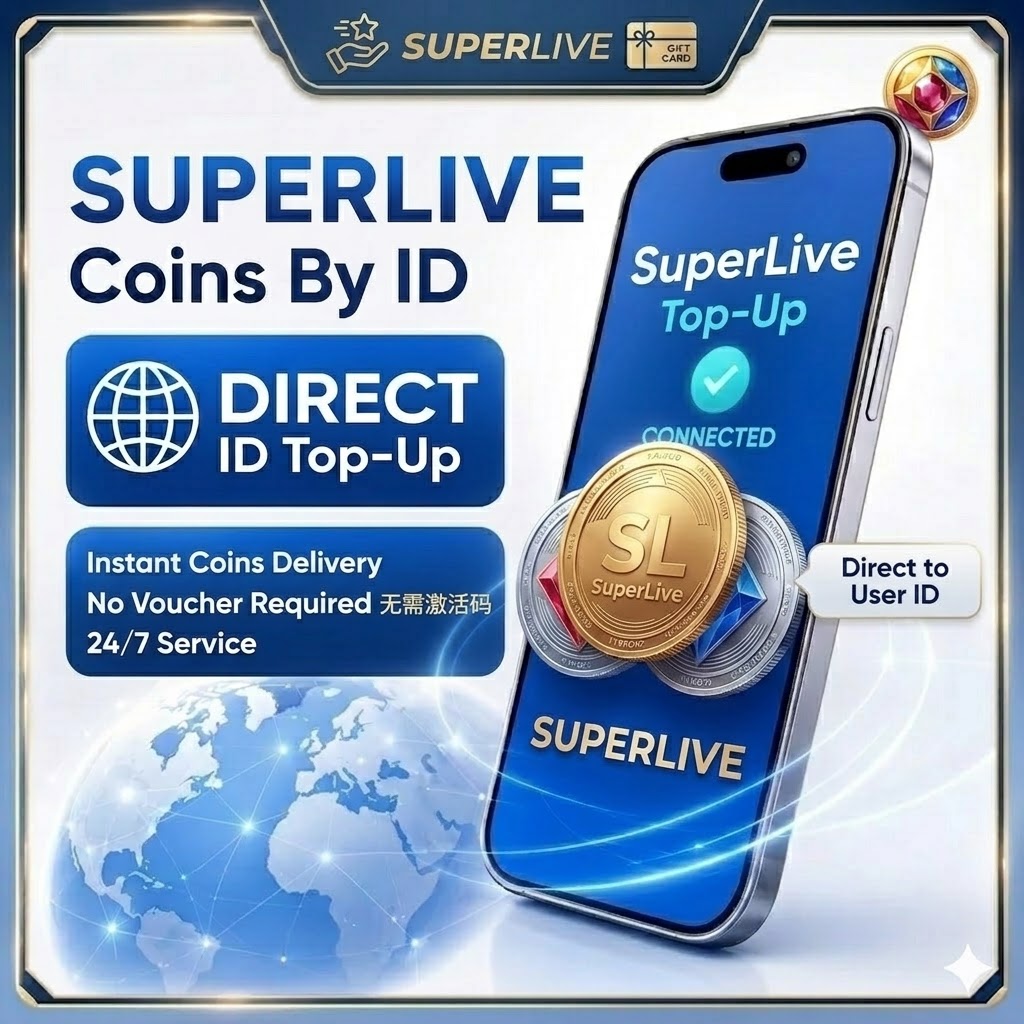
💎 SuperLive Coins Top-Up Guide Welcome to the world of purchasing SuperLive Coins! Whether you´re gifting virtual items, unlocking exclusive privileges, or supporting your favorite creators, quickly topping up your account will take your interactive experience to the next level.
🚀 Top-up Process (Just 3 Steps)
Step 1: Select a Product
Select the quantity/denomination of SuperLive Coins you wish to purchase.
Step 2: Enter your account information
Enter your user ID accurately in the appropriate field.
Step 3: Complete the payment
Click "Buy" and select your preferred payment method. After successful payment, the coins will be automatically credited to your account within 1-5 minutes.
Step 1: Select a Product
Select the quantity/denomination of SuperLive Coins you wish to purchase.
Step 2: Enter your account information
Enter your user ID accurately in the appropriate field.
Step 3: Complete the payment
Click "Buy" and select your preferred payment method. After successful payment, the coins will be automatically credited to your account within 1-5 minutes.
🔍 How do I find my SuperLive user ID?
If you don´t know where your user ID is, follow these steps:
Open the SuperLive app and log in to your account.
Tap the "Profile" icon in the lower right corner of the screen.
Your user ID will be displayed directly on your profile page (usually under your avatar or nickname, and is a string of numbers).
💡 Tip: Please double-check your user ID to avoid accidentally topping up the wrong account due to incorrect numbers.
If you don´t know where your user ID is, follow these steps:
Open the SuperLive app and log in to your account.
Tap the "Profile" icon in the lower right corner of the screen.
Your user ID will be displayed directly on your profile page (usually under your avatar or nickname, and is a string of numbers).
💡 Tip: Please double-check your user ID to avoid accidentally topping up the wrong account due to incorrect numbers.
⚠️ Important Notes / Reminders
Delivery Time: Usually instant. If there is a network delay, please wait 3-5 minutes or refresh the app.
Information Verification: Once virtual funds have been successfully deposited, cancellations or refunds are not possible. Please carefully confirm your user ID before submitting.
Support: If you have any questions during the top-up process, please contact our 24/7 online support team.
Delivery Time: Usually instant. If there is a network delay, please wait 3-5 minutes or refresh the app.
Information Verification: Once virtual funds have been successfully deposited, cancellations or refunds are not possible. Please carefully confirm your user ID before submitting.
Support: If you have any questions during the top-up process, please contact our 24/7 online support team.
No feedback yet