Roblox | Gift Codes 225–10000 Robux | Automatic Delivery
Content: text (0 symbol)
Available: 1
Uploaded:
Positive responses: 0
Negative responses: 0
Sold: 0
Refunds: 0
$3.2
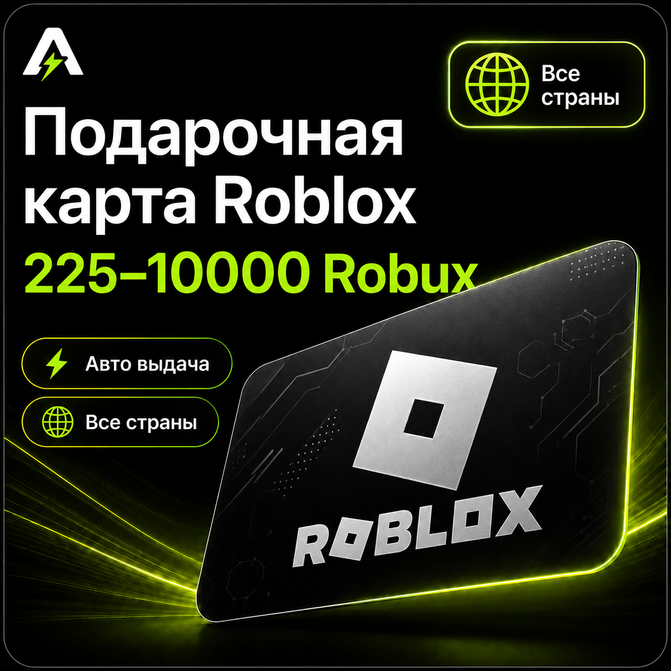
🎁 Roblox Gift Card | Automatic Delivery
Roblox Gift Card helps you top up your account balance and get Robux for purchasing items, accessories, passes and other in-game features.
The code is delivered automatically after payment, and redemption is completed on the official Roblox website.
✅ The product is delivered automatically right after payment
✅ Code redemption is available here:
https://www.roblox.com/gamecards/redeem
✅ Works for any region, including Russia
✅ All codes are purchased from trusted suppliers and cannot be previously activated by other users
1. Select the required Roblox card value
2. Pay for the order using a convenient payment method
3. Receive the code on the order page and by email
4. Go to the Roblox redemption website:
https://www.roblox.com/gamecards/redeem
5. Enter the received code
6. Confirm the redemption
7. Check your account balance or Robux
❗ Before payment, please carefully check the selected region and card type. Choosing the wrong product may affect the final crediting result.
Roblox Gift Card helps you top up your account balance and get Robux for purchasing items, accessories, passes and other in-game features.
The code is delivered automatically after payment, and redemption is completed on the official Roblox website.
✅ The product is delivered automatically right after payment
✅ Code redemption is available here:
https://www.roblox.com/gamecards/redeem
✅ Works for any region, including Russia
✅ All codes are purchased from trusted suppliers and cannot be previously activated by other users
⚠️ Before purchasing, please carefully check the selected region and card type.
🇷🇺 For codes marked as “Russia”, please make sure before purchasing that your account region is Russia and the currency is displayed in rubles.
💳 Codes marked as “Russia” add rubles to your Roblox balance. After that, the balance must be converted into Robux on the code redemption page.
🌍 On accounts from other regions, the final amount of Robux may differ.
🚫 If you have any doubts, we recommend recording your screen from the moment you receive the code until successful activation.
Without a screen recording from the moment of receiving the code to the activation attempt, a replacement or refund request may be declined.
🇷🇺 For codes marked as “Russia”, please make sure before purchasing that your account region is Russia and the currency is displayed in rubles.
💳 Codes marked as “Russia” add rubles to your Roblox balance. After that, the balance must be converted into Robux on the code redemption page.
🌍 On accounts from other regions, the final amount of Robux may differ.
🚫 If you have any doubts, we recommend recording your screen from the moment you receive the code until successful activation.
Without a screen recording from the moment of receiving the code to the activation attempt, a replacement or refund request may be declined.
⚡ After payment, the code will be delivered automatically on the order page.
📩 Order details may also be sent to the email address provided during purchase.
🔐 Save the code after receiving it and redeem it only on the official Roblox website.
📋 Redemption instructions:📩 Order details may also be sent to the email address provided during purchase.
🔐 Save the code after receiving it and redeem it only on the official Roblox website.
1. Select the required Roblox card value
2. Pay for the order using a convenient payment method
3. Receive the code on the order page and by email
4. Go to the Roblox redemption website:
https://www.roblox.com/gamecards/redeem
5. Enter the received code
6. Confirm the redemption
7. Check your account balance or Robux
❗ Before payment, please carefully check the selected region and card type. Choosing the wrong product may affect the final crediting result.
No feedback yet