STEAM GIFT CARD 10-200 BRL BRAZIL CODE LOW PRICE
Content: text (0 symbol)
Available: 1
Uploaded:
Positive responses: 0
Negative responses: 0
Sold: 0
Refunds: 0
Seller: Робин Гуд ШОП
information about the seller and its items
Loyalty discount! If the total amount of your purchases from the seller more than:
| $25 | the discount is | 1% |
| $75 | the discount is | 2% |
| $150 | the discount is | 3% |
| $500 | the discount is | 5% |
$3.94

🔒 Trusted seller since 2010
⚡️ 100% working, instant delivery
🏆 More than 40,000 successful sales
💰Best prices available
⚡️ 100% working, instant delivery
🏆 More than 40,000 successful sales
💰Best prices available
🟩🚀 After payment, you will instantly receive a unique code to top up your Steam Wallet. Available only for accounts with the BRAZIL region.
😍🔥 WHY CHOOSE STEAM BRAZIL?
🔸 One of the most выгодных Steam regions — low prices on games and DLCs
🔸 Top up your wallet and spend on any games, add-ons, and in-game purchases
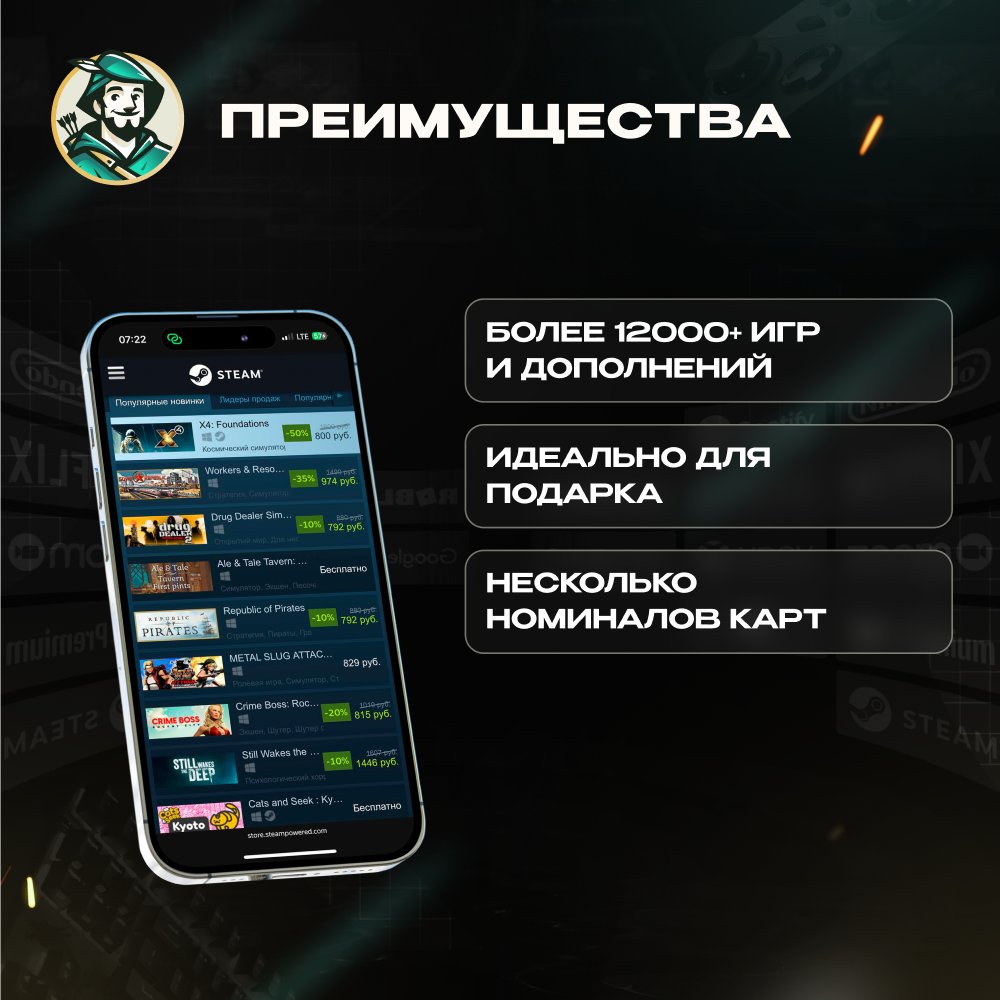
🔸 Perfect as a gift for any gamer!
🔸 One of the most выгодных Steam regions — low prices on games and DLCs
🔸 Top up your wallet and spend on any games, add-ons, and in-game purchases
🔸 Perfect as a gift for any gamer!
❗️ PLEASE PAY ATTENTION
The code is intended exclusively for accounts with the BRAZIL region.
Before activation, make sure your Steam account region is set to BRAZIL, otherwise the code will not work.
The code is intended exclusively for accounts with the BRAZIL region.
Before activation, make sure your Steam account region is set to BRAZIL, otherwise the code will not work.
📜 INSTRUCTIONS FOR RECEIVING THE CODE:
1. Choose the option that suits you.
2. Click “Buy Now” or add the item to your cart;
3. Pay using any convenient payment method from the list;
4. After purchase, please contact us in any convenient way.
5. Please provide us with the 16-digit code you received after purchase. After that, we will complete your order.
1. Choose the option that suits you.
2. Click “Buy Now” or add the item to your cart;
3. Pay using any convenient payment method from the list;
4. After purchase, please contact us in any convenient way.
5. Please provide us with the 16-digit code you received after purchase. After that, we will complete your order.
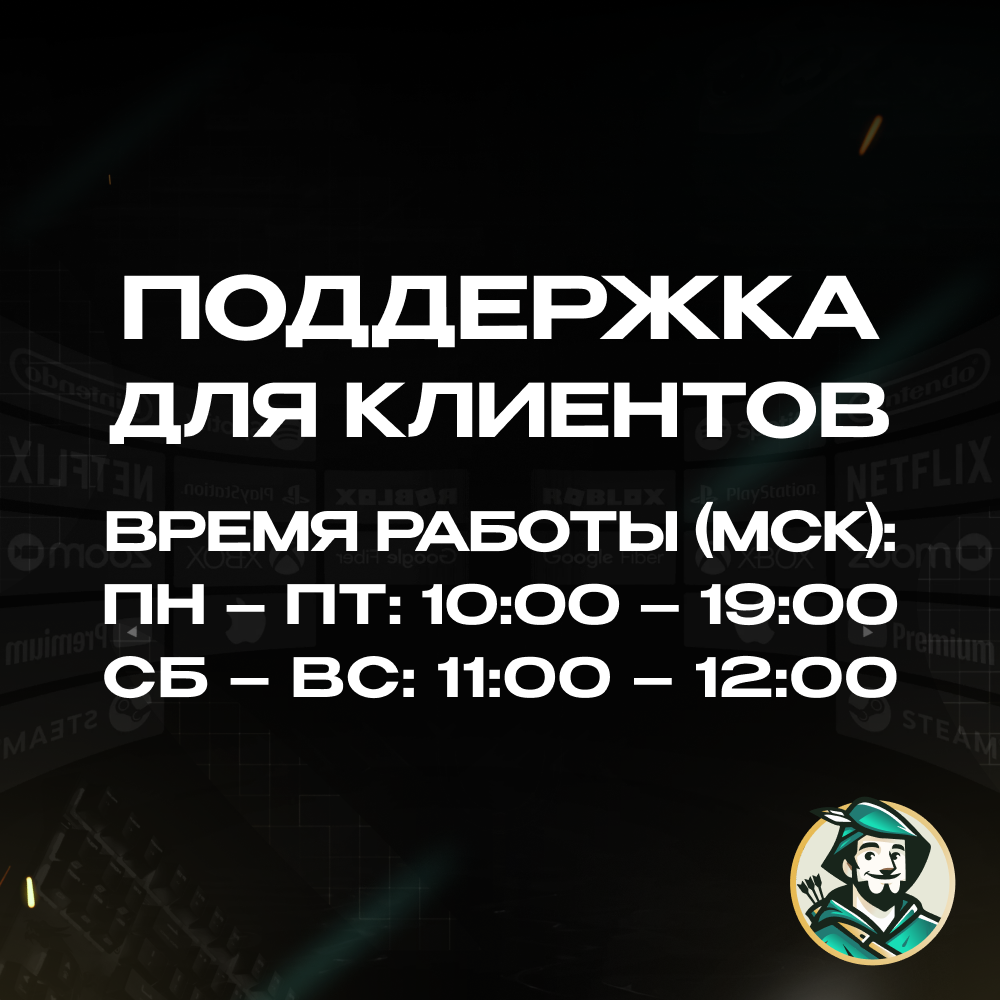
⏰ Code delivery times (MSK):
🔖 Monday – Friday: from 10:00 to 19:00
🔖 Saturday – Sunday: from 11:00 to 12:00 and throughout the day whenever possible
If the order is placed after 19:00 on weekdays, delivery will be moved to the next business day.
If the order is placed on weekends and was not delivered before 12:00, delivery will also be postponed to the nearest business day.
🔖 Monday – Friday: from 10:00 to 19:00
🔖 Saturday – Sunday: from 11:00 to 12:00 and throughout the day whenever possible
If the order is placed after 19:00 on weekdays, delivery will be moved to the next business day.
If the order is placed on weekends and was not delivered before 12:00, delivery will also be postponed to the nearest business day.
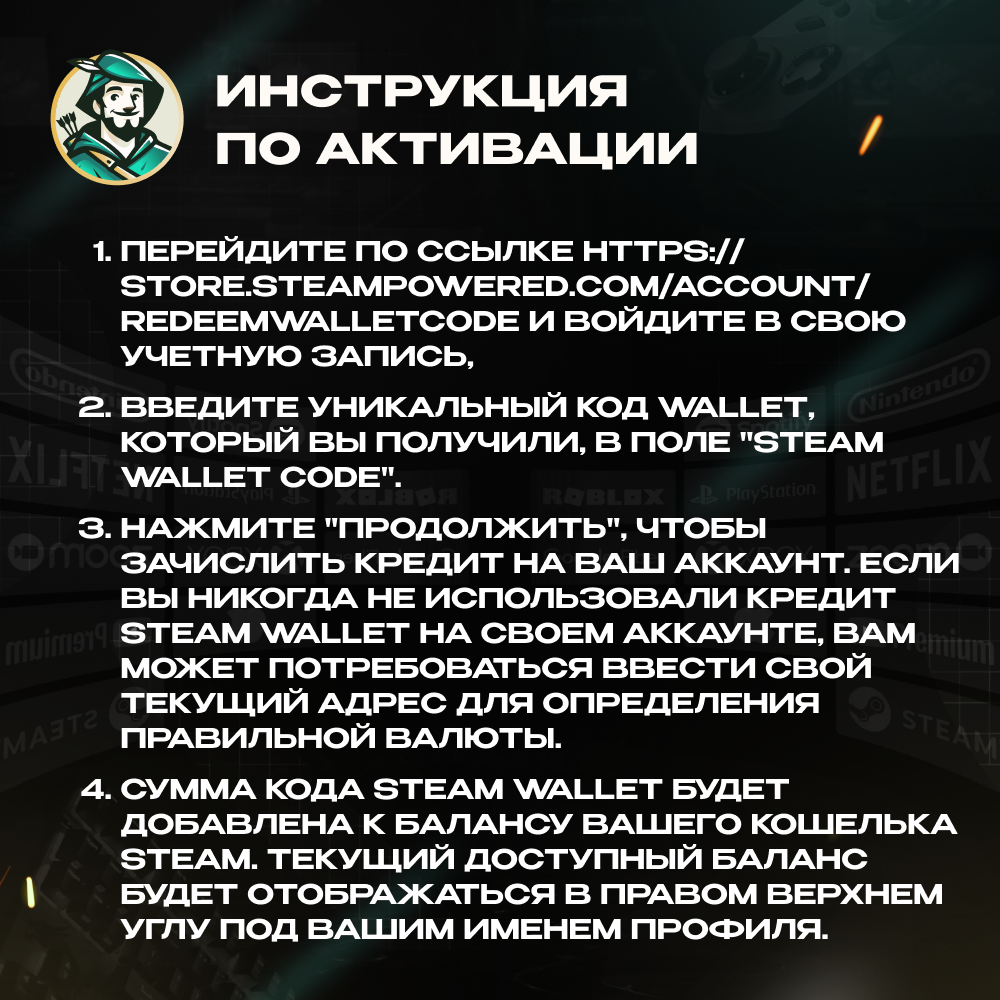
📜 How to activate a STEAM gift card?
1. Go to https://store.steampowered.com/account/redeemwalletcode and sign in to your account if you haven’t already. If you do not have a Steam account, you will need to create one.
2. After logging into Steam, enter the unique Wallet code you received into the “Steam Wallet Code” field.
3. Click “Continue” to add the credit to your account. Please note: if you have never used Steam Wallet credit on your account before, you may need to enter your current address to determine the correct currency.
4. The Steam Wallet amount will be added to your Steam Wallet balance. Your current available balance will be displayed in the top-right corner under your profile name.
1. Go to https://store.steampowered.com/account/redeemwalletcode and sign in to your account if you haven’t already. If you do not have a Steam account, you will need to create one.
2. After logging into Steam, enter the unique Wallet code you received into the “Steam Wallet Code” field.
3. Click “Continue” to add the credit to your account. Please note: if you have never used Steam Wallet credit on your account before, you may need to enter your current address to determine the correct currency.
4. The Steam Wallet amount will be added to your Steam Wallet balance. Your current available balance will be displayed in the top-right corner under your profile name.
📌POPULAR CHOICES:
🌍 GLOBAL — ❤️🔥🍑🍆 TINDER GOLD 1 MONTH ⚡️24/7
https://top.steamkeygift.ru/item/3476534
🔴 TURKEY — 🍎 APPLE / ITUNES / APP STORE 10–1500 TL ⚡️24/7
https://top.steamkeygift.ru/item/4366927
🔵 USA — 🍎 APPLE / ITUNES / APP STORE 2–500$ ⚡️24/7
https://top.steamkeygift.ru/item/4396500
🔴 TURKEY — 📱 GOOGLE PLAY 25–1000 TRY ⚡️24/7
https://top.steamkeygift.ru/item/4394225
🌍 GLOBAL — 👑 PAYMENT CARD US/EU 5–500$ ⚡️24/7
https://plati.io/itm/rewarble-voucher-5-500-payment-everywhere-24-7/4633007
🔵 USA — 🍄🧱 NINTENDO ESHOP CARD 10–50$ ⚡️24/7
https://top.steamkeygift.ru/item/4379844
🌍 GLOBAL — ❤️🔥🍑🍆 TINDER GOLD 1 MONTH ⚡️24/7
https://top.steamkeygift.ru/item/3476534
🔴 TURKEY — 🍎 APPLE / ITUNES / APP STORE 10–1500 TL ⚡️24/7
https://top.steamkeygift.ru/item/4366927
🔵 USA — 🍎 APPLE / ITUNES / APP STORE 2–500$ ⚡️24/7
https://top.steamkeygift.ru/item/4396500
🔴 TURKEY — 📱 GOOGLE PLAY 25–1000 TRY ⚡️24/7
https://top.steamkeygift.ru/item/4394225
🌍 GLOBAL — 👑 PAYMENT CARD US/EU 5–500$ ⚡️24/7
https://plati.io/itm/rewarble-voucher-5-500-payment-everywhere-24-7/4633007
🔵 USA — 🍄🧱 NINTENDO ESHOP CARD 10–50$ ⚡️24/7
https://top.steamkeygift.ru/item/4379844
😍 We offer the best prices combined with transaction reliability.
😍 We provide a guarantee for every product and answer all questions.
😍 Your trusted seller with a 5.0 rating and many years of experience on other platforms.
😍 We provide a guarantee for every product and answer all questions.
😍 Your trusted seller with a 5.0 rating and many years of experience on other platforms.
Full catalog of our products:
https://top.steamkeygift.ru/seller/141019
https://top.steamkeygift.ru/seller/141019
⏰ Support working hours (MSK):
🔖Mon – Fri: 10:00 – 19:00
🔖Sat – Sun: 11:00 – 12:00
Thank you for using Robin Hood SHOP! 💚
🔖Mon – Fri: 10:00 – 19:00
🔖Sat – Sun: 11:00 – 12:00
Thank you for using Robin Hood SHOP! 💚
No feedback yet