DaVinci Resolve Studio 21 Lifetime for video editing | Full Version for Windows & Mac
Content: text (0 symbol)
Uploaded: 27.05.2026
Positive responses: 0
Negative responses: 0
Sold: 0
Refunds: 0
$210.17
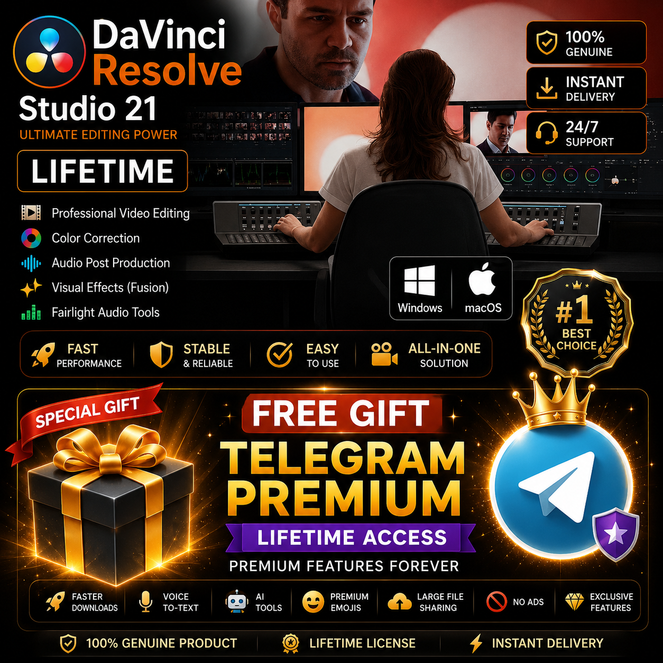
DaVinci Resolve Studio 21 Lifetime Activated | Full Version for Windows & Mac
Get access to DaVinci Resolve Studio 21, the ultimate all-in-one professional software for video editing, color grading, visual effects, motion graphics, and audio post-production.
Designed for filmmakers, editors, YouTubers, and content creators who need powerful and reliable tools for high-quality production. This is the English version of the software.
🎬 Features:
• Professional video editing and advanced timeline tools
• Industry-leading color grading system
• Built-in visual effects and motion graphics tools
• Advanced AI features for faster workflow
• High-performance rendering and GPU acceleration
• Suitable for Windows & Mac systems
. This is the English version of the software
⚡ Instant Digital Delivery after purchase
💳 All payment methods available for your convenience
🔒 Secure and smooth transaction process
📩 Customer support available for any questions or concerns before or after purchase
✨ Perfect choice for creators who want a complete professional editing solution in one powerful software package.
🤚 Note
• Updates for future other versions are not supported.
Get access to DaVinci Resolve Studio 21, the ultimate all-in-one professional software for video editing, color grading, visual effects, motion graphics, and audio post-production.
Designed for filmmakers, editors, YouTubers, and content creators who need powerful and reliable tools for high-quality production. This is the English version of the software.
🎬 Features:
• Professional video editing and advanced timeline tools
• Industry-leading color grading system
• Built-in visual effects and motion graphics tools
• Advanced AI features for faster workflow
• High-performance rendering and GPU acceleration
• Suitable for Windows & Mac systems
. This is the English version of the software
⚡ Instant Digital Delivery after purchase
💳 All payment methods available for your convenience
🔒 Secure and smooth transaction process
📩 Customer support available for any questions or concerns before or after purchase
✨ Perfect choice for creators who want a complete professional editing solution in one powerful software package.
🤚 Note
• Updates for future other versions are not supported.
How to Use DaVinci Resolve Studio 21 (English Version):
1. Download the software file after purchase.
2. Extract the compressed folder (if available).
3. Run the setup file and follow the installation steps.
4. Open DaVinci Resolve after installation is completed.
5. This is the English version of the software.
6. The software is pre-activated and ready to use immediately.
7. Start editing, color grading, and creating professional videos right away.
📌 Important: Do not uninstall or modify system files to ensure stable performance.
1. Download the software file after purchase.
2. Extract the compressed folder (if available).
3. Run the setup file and follow the installation steps.
4. Open DaVinci Resolve after installation is completed.
5. This is the English version of the software.
6. The software is pre-activated and ready to use immediately.
7. Start editing, color grading, and creating professional videos right away.
📌 Important: Do not uninstall or modify system files to ensure stable performance.
No feedback yet