Microsoft 365 Family Premium Activation | 12 Months | 1TB Cloud | All Devices
Content: text (0 symbol)
Available: 1
Uploaded:
Positive responses: 0
Negative responses: 0
Sold: 0
Refunds: 0
$16.49
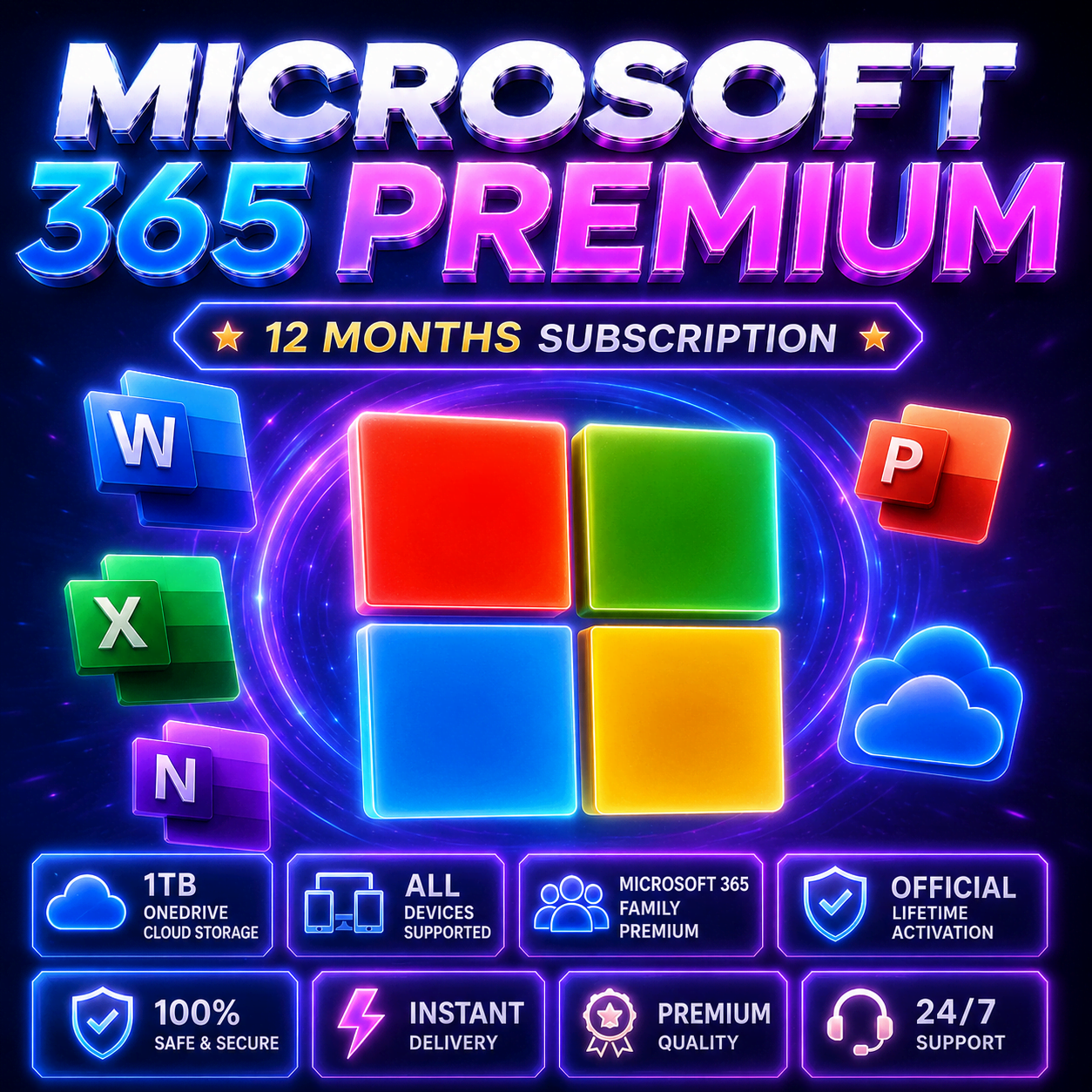
# Microsoft 365 Family Premium Activation | 12 Months
Upgrade your digital workspace with secure access to the Microsoft 365 Premium ecosystem through a professionally managed activation service.
━━━━━━━━━━━━━━━━━━
✅ INCLUDED FEATURES
━━━━━━━━━━━━━━━━━━
🟦 1 TB OneDrive Cloud Storage
🟪 Premium Office Applications
🟦 Word • Excel • PowerPoint • Outlook • OneNote • Copilot
🟪 PC • Mac • Android • iPhone • Tablet Support
🟦 Multi-Device Compatibility
🟪 Stable 12-Month Access
🟦 Professional Activation Assistance
━━━━━━━━━━━━━━━━━━
🔹 ACTIVATION METHODS
━━━━━━━━━━━━━━━━━━
Depending on availability and compatibility, activation is processed using one of the following methods:
① PERSONAL ACCOUNT ACTIVATION
Activation directly on your own Microsoft account through the official Microsoft Family system.
✔ Subscription appears directly on your account
✔ Personal files remain private
✔ Official Microsoft activation workflow
✔ No separate workspace required
━━━━━━━━━━━━━━━━━━
② PREPARED ACTIVATED WORKSPACE
A ready-to-use Microsoft 365 environment prepared for immediate access.
✔ Fast setup process
✔ Fully activated Office ecosystem
✔ Simple login & installation
✔ Instant access to premium applications
━━━━━━━━━━━━━━━━━━
💎 INCLUDED APPLICATIONS
━━━━━━━━━━━━━━━━━━
✔ Word
✔ Excel
✔ PowerPoint
✔ Outlook
✔ OneNote
✔ OneDrive
✔ Microsoft Copilot
━━━━━━━━━━━━━━━━━━
✅ COMPATIBILITY
━━━━━━━━━━━━━━━━━━
• Windows
• macOS
• Android
• iPhone / iPad
• Tablets
Use across multiple devices simultaneously.
━━━━━━━━━━━━━━━━━━
💬 PROFESSIONAL SUPPORT
━━━━━━━━━━━━━━━━━━
Activation assistance is available for:
• installation
• setup guidance
• onboarding help
• activation support
━━━━━━━━━━━━━━━━━━
ALL FEATURES INCLUDED
━━━━━━━━━━━━━━━━━━
RELIABLE • STABLE • SECURE
Upgrade your digital workspace with secure access to the Microsoft 365 Premium ecosystem through a professionally managed activation service.
━━━━━━━━━━━━━━━━━━
✅ INCLUDED FEATURES
━━━━━━━━━━━━━━━━━━
🟦 1 TB OneDrive Cloud Storage
🟪 Premium Office Applications
🟦 Word • Excel • PowerPoint • Outlook • OneNote • Copilot
🟪 PC • Mac • Android • iPhone • Tablet Support
🟦 Multi-Device Compatibility
🟪 Stable 12-Month Access
🟦 Professional Activation Assistance
━━━━━━━━━━━━━━━━━━
🔹 ACTIVATION METHODS
━━━━━━━━━━━━━━━━━━
Depending on availability and compatibility, activation is processed using one of the following methods:
① PERSONAL ACCOUNT ACTIVATION
Activation directly on your own Microsoft account through the official Microsoft Family system.
✔ Subscription appears directly on your account
✔ Personal files remain private
✔ Official Microsoft activation workflow
✔ No separate workspace required
━━━━━━━━━━━━━━━━━━
② PREPARED ACTIVATED WORKSPACE
A ready-to-use Microsoft 365 environment prepared for immediate access.
✔ Fast setup process
✔ Fully activated Office ecosystem
✔ Simple login & installation
✔ Instant access to premium applications
━━━━━━━━━━━━━━━━━━
💎 INCLUDED APPLICATIONS
━━━━━━━━━━━━━━━━━━
✔ Word
✔ Excel
✔ PowerPoint
✔ Outlook
✔ OneNote
✔ OneDrive
✔ Microsoft Copilot
━━━━━━━━━━━━━━━━━━
✅ COMPATIBILITY
━━━━━━━━━━━━━━━━━━
• Windows
• macOS
• Android
• iPhone / iPad
• Tablets
Use across multiple devices simultaneously.
━━━━━━━━━━━━━━━━━━
💬 PROFESSIONAL SUPPORT
━━━━━━━━━━━━━━━━━━
Activation assistance is available for:
• installation
• setup guidance
• onboarding help
• activation support
━━━━━━━━━━━━━━━━━━
ALL FEATURES INCLUDED
━━━━━━━━━━━━━━━━━━
RELIABLE • STABLE • SECURE
📋 Buyer Instructions
━━━━━━━━━━━━━━━━━━
① PERSONAL ACCOUNT ACTIVATION
━━━━━━━━━━━━━━━━━━
✅ Send your Microsoft email via:
• “Contact Seller”
OR
✅ Enable automatic contact sharing during purchase for faster processing.
The subscription will be activated directly on your personal Microsoft account.
━━━━━━━━━━━━━━━━━━
② PREPARED ACTIVATED WORKSPACE
━━━━━━━━━━━━━━━━━━
✅ Login details are delivered automatically.
1. Sign in at:
[www.office.com](http://www.office.com)
2. Change the password during first login.
3. Click:
“Install Office Applications”
4. Install Office 365 Applications.
⚠️ Lost changed passwords cannot be recovered or compensated.
━━━━━━━━━━━━━━━━━━
💻 SUPPORTED DEVICES
━━━━━━━━━━━━━━━━━━
Windows • macOS • Android • iPhone • Tablets
━━━━━━━━━━━━━━━━━━
① PERSONAL ACCOUNT ACTIVATION
━━━━━━━━━━━━━━━━━━
✅ Send your Microsoft email via:
• “Contact Seller”
OR
✅ Enable automatic contact sharing during purchase for faster processing.
The subscription will be activated directly on your personal Microsoft account.
━━━━━━━━━━━━━━━━━━
② PREPARED ACTIVATED WORKSPACE
━━━━━━━━━━━━━━━━━━
✅ Login details are delivered automatically.
1. Sign in at:
[www.office.com](http://www.office.com)
2. Change the password during first login.
3. Click:
“Install Office Applications”
4. Install Office 365 Applications.
⚠️ Lost changed passwords cannot be recovered or compensated.
━━━━━━━━━━━━━━━━━━
💻 SUPPORTED DEVICES
━━━━━━━━━━━━━━━━━━
Windows • macOS • Android • iPhone • Tablets
No feedback yet