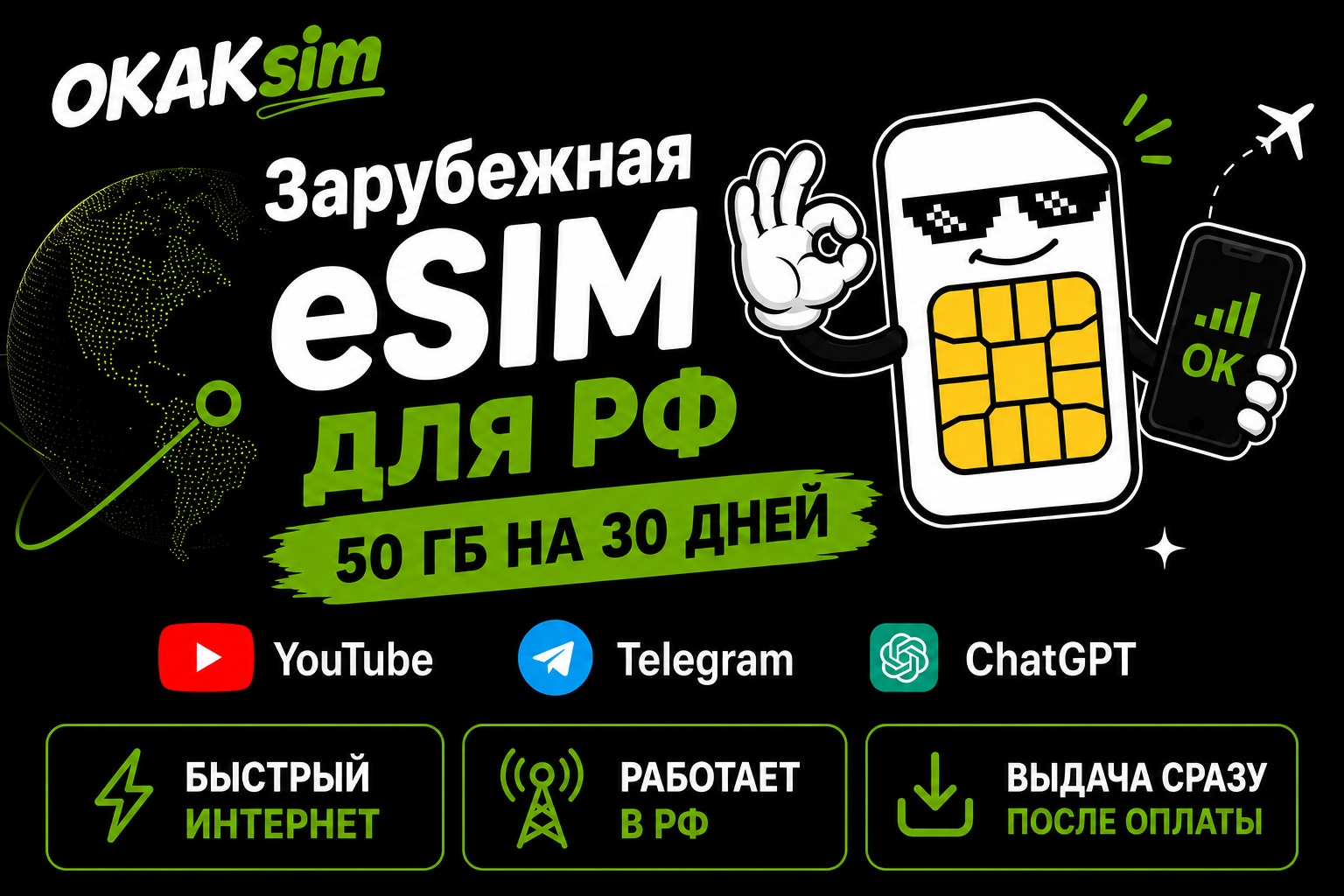
European eSIM for Russia | YouTube Telegram ChatGPT | 50 GB
Content: text (0 symbol)
Available: 1
Uploaded:
Positive responses: 0
Negative responses: 0
Sold: 0
Refunds: 0
$70.26
📶 OKAK eSIM 50 GB / 30 days
🇷🇺 Mobile internet for use in Russia via international roaming.
Suitable for: primary internet, a large monthly data reserve, video, work, and hotspot sharing to a laptop.
You can use popular services and international websites without a separate VPN app.
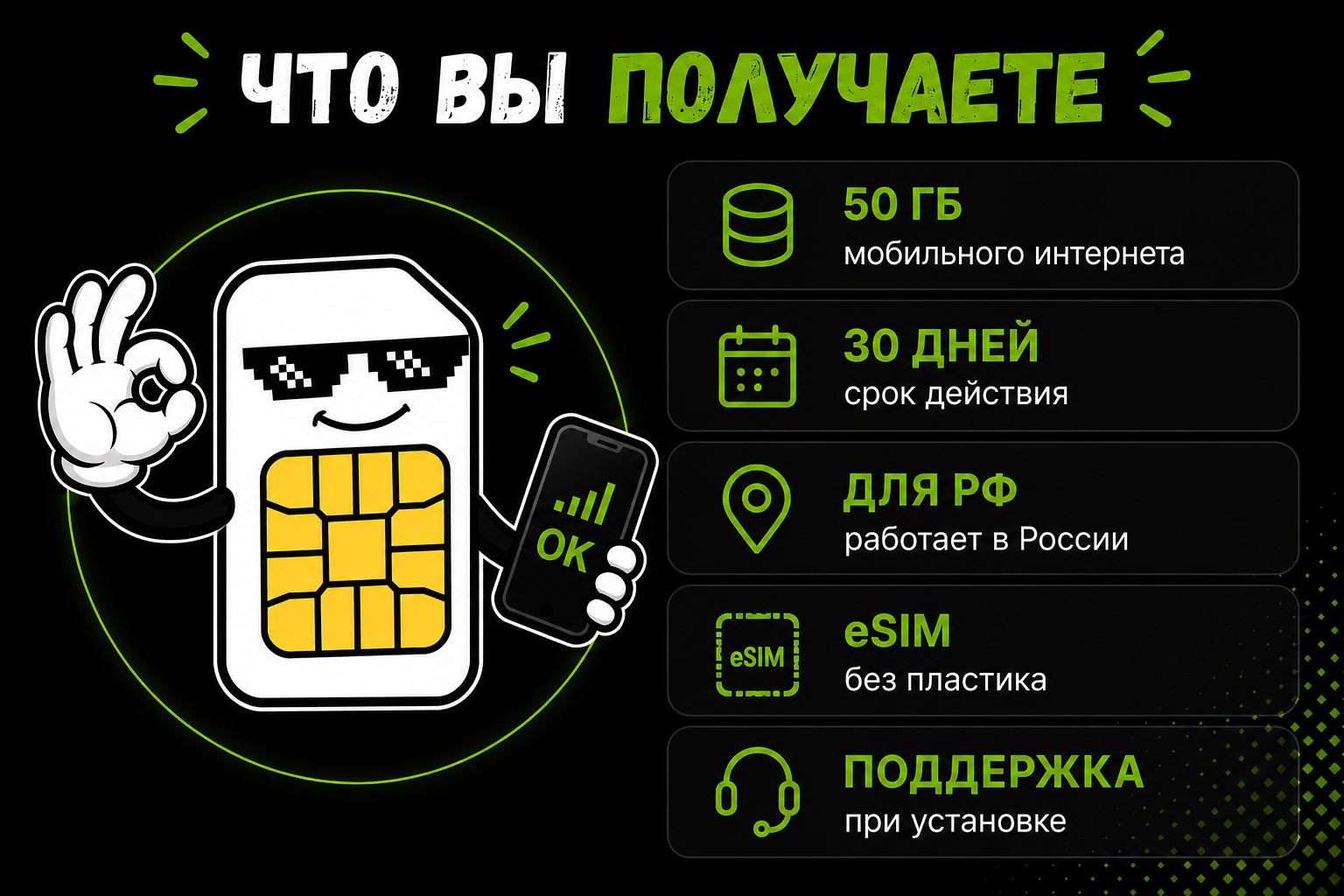
📦 What´s included:
✅ 50 GB mobile data
✅ 30 days from activation
✅ Works in Russia via international roaming
✅ European IP in normal connection scenarios
✅ QR code for eSIM installation
✅ Manual installation details when available
✅ Short setup guide and installation support
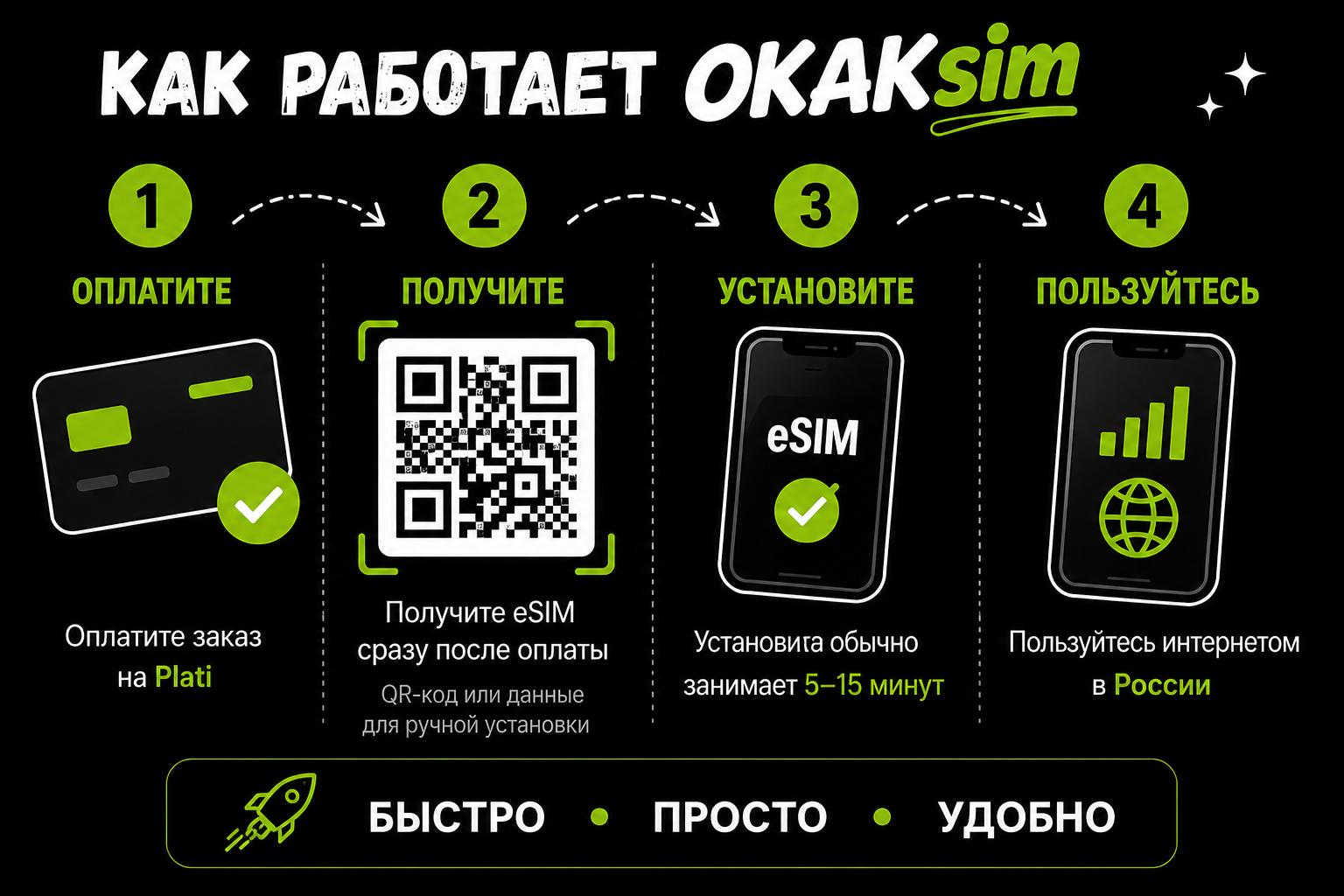
⚡ How it works:
1️⃣ Pay for the product.
2️⃣ After payment, the system automatically opens the eSIM delivery page.
3️⃣ Receive a QR code or manual installation details.
4️⃣ Install the eSIM in your phone settings.
5️⃣ Turn on mobile data through the eSIM and use the internet.
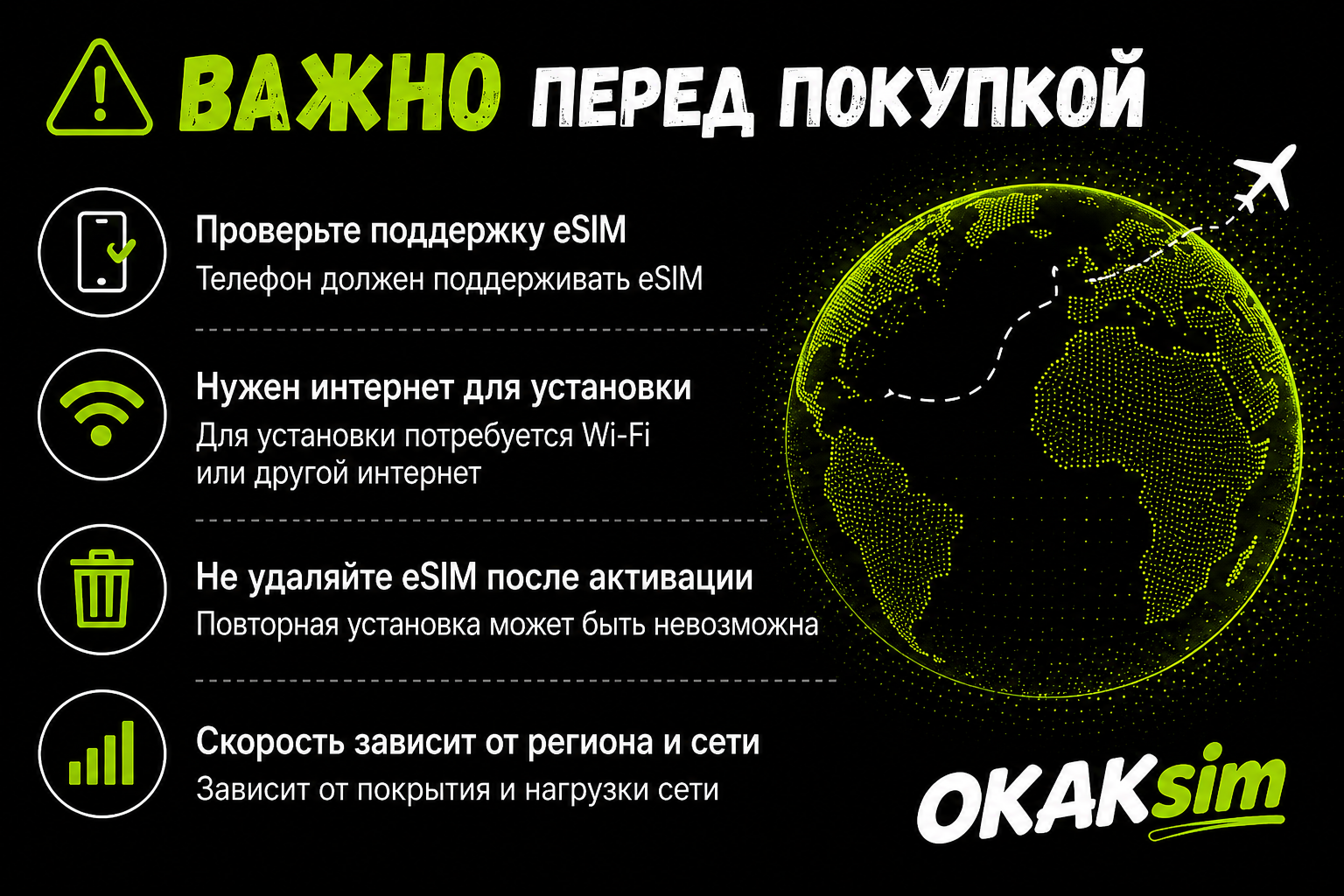
📱 Important before purchase:
❗ Your device must support eSIM.
❗ Wi-Fi or another internet connection is required for installation.
❗ The eSIM can be installed only once. Do not delete the profile unless necessary.
❗ Performance depends on local mobile network coverage and roaming connectivity.
❗ In regions with restrictions for foreign SIM/eSIM, availability and speed may vary.
❗ We do not promise operation in Crimea, new territories, or areas with persistent local network restrictions.
🔄 Refunds:
✅ Refund is possible before eSIM delivery.
❌ After the eSIM is created and delivered, refund is not possible because the profile is considered delivered digital goods.
✅ If the issue is on our side before activation, we will help with setup or refund the payment.
💬 OKAKsim - simple eSIM access: QR code, clear instructions, and setup support without unnecessary technical fuss.
🇷🇺 Mobile internet for use in Russia via international roaming.
Suitable for: primary internet, a large monthly data reserve, video, work, and hotspot sharing to a laptop.
You can use popular services and international websites without a separate VPN app.
📦 What´s included:
✅ 50 GB mobile data
✅ 30 days from activation
✅ Works in Russia via international roaming
✅ European IP in normal connection scenarios
✅ QR code for eSIM installation
✅ Manual installation details when available
✅ Short setup guide and installation support
⚡ How it works:
1️⃣ Pay for the product.
2️⃣ After payment, the system automatically opens the eSIM delivery page.
3️⃣ Receive a QR code or manual installation details.
4️⃣ Install the eSIM in your phone settings.
5️⃣ Turn on mobile data through the eSIM and use the internet.
📱 Important before purchase:
❗ Your device must support eSIM.
❗ Wi-Fi or another internet connection is required for installation.
❗ The eSIM can be installed only once. Do not delete the profile unless necessary.
❗ Performance depends on local mobile network coverage and roaming connectivity.
❗ In regions with restrictions for foreign SIM/eSIM, availability and speed may vary.
❗ We do not promise operation in Crimea, new territories, or areas with persistent local network restrictions.
🔄 Refunds:
✅ Refund is possible before eSIM delivery.
❌ After the eSIM is created and delivered, refund is not possible because the profile is considered delivered digital goods.
✅ If the issue is on our side before activation, we will help with setup or refund the payment.
💬 OKAKsim - simple eSIM access: QR code, clear instructions, and setup support without unnecessary technical fuss.
Connection usually takes 5-15 minutes after receiving the eSIM details.
To install:
1. Open phone settings.
2. Choose "Cellular" or "Mobile network".
3. Tap "Add eSIM".
4. Scan the QR code or enter details manually.
5. Enable mobile data through the new eSIM.
If internet does not appear, enable data roaming for this eSIM.
Important:
- Do not delete the eSIM after installation.
- Reinstalling the same profile may be impossible.
- Wi-Fi or another internet connection is required for installation.
- Connection quality depends on the local network and roaming route.
To install:
1. Open phone settings.
2. Choose "Cellular" or "Mobile network".
3. Tap "Add eSIM".
4. Scan the QR code or enter details manually.
5. Enable mobile data through the new eSIM.
If internet does not appear, enable data roaming for this eSIM.
Important:
- Do not delete the eSIM after installation.
- Reinstalling the same profile may be impossible.
- Wi-Fi or another internet connection is required for installation.
- Connection quality depends on the local network and roaming route.
No feedback yet