Phoenix Private Access — Amnezia VPN Access Code for 30 Days
Content: text (0 symbol)
Available: 20
Uploaded: 23.05.2026
Positive responses: 1
Negative responses: 0
Sold: 3
Refunds: 0
$1.4
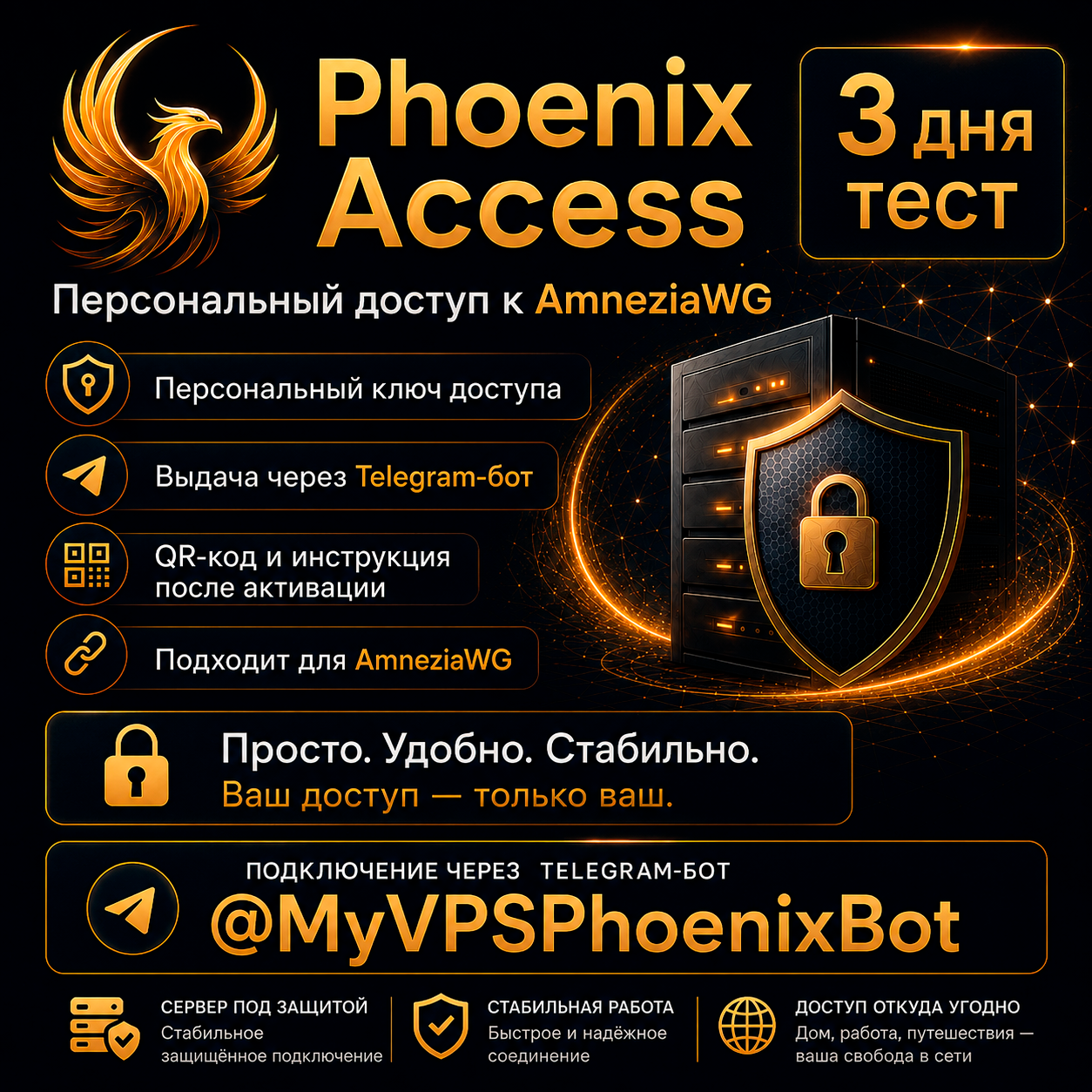
🔥 Phoenix Private Access — personal VPN access for 30 days
VPN access via a Telegram bot with automatic issuance of a private key, QR code, and connection instructions.
🎁 Want to try before you buy?
Contact us here, through the storefront — a free 3-day trial is available.
After payment, you will receive a unique activation promo code of the following format:
PHX-XXXX-XXXX-XXXX
Send the promo code to the Phoenix VPS Telegram bot:
@MyVPSPhoenixBot
After activation, the bot will automatically generate a personalized VPN key, QR code, and connection instructions for you via Amnezia VPN / AmneziaWG.
This is not a shared account or a resale of other people´s subscriptions.
Access is generated individually for each user after the promo code is activated.
The key is issued via the Telegram bot — no manual configuration transfers via third-party file-sharing services.
---
📋 What´s included:
• Personal promo code for activation;
• 30 days of access from the moment of ACTIVATION (not purchase) of the code in the Telegram bot;
• Individual VPN key;
• QR code for quick setup;
• Text key for manual addition;
• Instructions after activation;
• Automatic issuance via the Telegram bot;
• Ability to restore/reissue the key via the bot when changing devices.
---
💻 Compatibility:
The free Amnezia VPN / AmneziaWG app is used for connection.
Suitable for popular devices:
🤖 Android — smartphones and tablets
🍎 iOS — iPhone and iPad
⊞ Windows — computers and laptops
---
⚙️ How it works:
1. You pay for the product and receive a unique promo code.
2. Go to the VPS Phoenix Telegram bot: @MyVPSPhoenixBot
3. Click Start.
4. Send the promo code to the bot in a single text message.
5. The bot verifies the code and creates customized connection settings.
6. You receive a QR code, a text key, and instructions.
7. Install Amnezia VPN / AmneziaWG.
8. Import the received settings and connect.
Access begins only after activating the promo code in the Telegram bot.
---
✅ Why use the Telegram bot:
• the key is created individually for the user;
• no need to download configuration files from third-party file-sharing services;
• the QR code and instructions are issued automatically;
• the key can be restored when changing devices;
• the access period is counted from the moment of activation, not from the moment of purchase;
• access can be controlled and maintained carefully.
---
⚠️ Fair Use Policy:
Access is intended for personal use by one user.
🔑 One key - one device.
Each VPN key is designed for use on only one device.
If the same key is connected to two devices simultaneously, the connection may be unstable: the VPN may appear connected on one device, but the internet may not work.
A separate key is required for a second phone, laptop, or other device.
Using the connection for the following purposes is prohibited:
• BitTorrent/P2P distribution;
• Spam and automated mass mailings;
• Network scanning and password guessing;
• Malicious activity;
• Creating an abnormally high continuous load that interferes with the stable operation of the server.
Violating these rules may result in temporary restriction or disconnection of your access.
---
📌 Important Information:
• One promo code can only be activated once;
• Access validity begins after sending the promo code to the bot;
• Do not share the promo code or the issued VPN key with third parties;
• The product is a digital activation code;
• Refunds may not be possible after successful activation of the promo code;
• If you encounter connection issues, please contact us in the purchase chat, and we´ll help you resolve the issue.
---
🛠 If something isn´t working:
If the VPN connects, but websites are unstable:
1. Make sure the same key isn´t being used on multiple devices simultaneously.
2. Disable and re-enable the VPN.
3. Try reconnecting via QR code or tex
VPN access via a Telegram bot with automatic issuance of a private key, QR code, and connection instructions.
🎁 Want to try before you buy?
Contact us here, through the storefront — a free 3-day trial is available.
After payment, you will receive a unique activation promo code of the following format:
PHX-XXXX-XXXX-XXXX
Send the promo code to the Phoenix VPS Telegram bot:
@MyVPSPhoenixBot
After activation, the bot will automatically generate a personalized VPN key, QR code, and connection instructions for you via Amnezia VPN / AmneziaWG.
This is not a shared account or a resale of other people´s subscriptions.
Access is generated individually for each user after the promo code is activated.
The key is issued via the Telegram bot — no manual configuration transfers via third-party file-sharing services.
---
📋 What´s included:
• Personal promo code for activation;
• 30 days of access from the moment of ACTIVATION (not purchase) of the code in the Telegram bot;
• Individual VPN key;
• QR code for quick setup;
• Text key for manual addition;
• Instructions after activation;
• Automatic issuance via the Telegram bot;
• Ability to restore/reissue the key via the bot when changing devices.
---
💻 Compatibility:
The free Amnezia VPN / AmneziaWG app is used for connection.
Suitable for popular devices:
🤖 Android — smartphones and tablets
🍎 iOS — iPhone and iPad
⊞ Windows — computers and laptops
---
⚙️ How it works:
1. You pay for the product and receive a unique promo code.
2. Go to the VPS Phoenix Telegram bot: @MyVPSPhoenixBot
3. Click Start.
4. Send the promo code to the bot in a single text message.
5. The bot verifies the code and creates customized connection settings.
6. You receive a QR code, a text key, and instructions.
7. Install Amnezia VPN / AmneziaWG.
8. Import the received settings and connect.
Access begins only after activating the promo code in the Telegram bot.
---
✅ Why use the Telegram bot:
• the key is created individually for the user;
• no need to download configuration files from third-party file-sharing services;
• the QR code and instructions are issued automatically;
• the key can be restored when changing devices;
• the access period is counted from the moment of activation, not from the moment of purchase;
• access can be controlled and maintained carefully.
---
⚠️ Fair Use Policy:
Access is intended for personal use by one user.
🔑 One key - one device.
Each VPN key is designed for use on only one device.
If the same key is connected to two devices simultaneously, the connection may be unstable: the VPN may appear connected on one device, but the internet may not work.
A separate key is required for a second phone, laptop, or other device.
Using the connection for the following purposes is prohibited:
• BitTorrent/P2P distribution;
• Spam and automated mass mailings;
• Network scanning and password guessing;
• Malicious activity;
• Creating an abnormally high continuous load that interferes with the stable operation of the server.
Violating these rules may result in temporary restriction or disconnection of your access.
---
📌 Important Information:
• One promo code can only be activated once;
• Access validity begins after sending the promo code to the bot;
• Do not share the promo code or the issued VPN key with third parties;
• The product is a digital activation code;
• Refunds may not be possible after successful activation of the promo code;
• If you encounter connection issues, please contact us in the purchase chat, and we´ll help you resolve the issue.
---
🛠 If something isn´t working:
If the VPN connects, but websites are unstable:
1. Make sure the same key isn´t being used on multiple devices simultaneously.
2. Disable and re-enable the VPN.
3. Try reconnecting via QR code or tex
-------------------------------------------------------------------------
📥 ACTIVATION INSTRUCTIONS AND BACKUP OPTION
-------------------------------------------------------------------------
1. Copy the promo code received after payment: PHX-XXXX-XXXX-XXXX.
2. Open the VPS Phoenix Telegram bot: @MyVPSPhoenixBot.
3. Press /start.
4. Send the promo code to the bot as a single message.
5. The bot will send you a QR code and a text connection key.
6. Install Amnezia VPN on your device.
7. Add the connection using the QR code or paste the text key manually.
🛠 BACKUP ACTIVATION
If Telegram is temporarily unavailable, you can activate the product manually.
To do this, send the seller a message on this marketplace with:
1. your promo code;
2. your paid order number.
We will check the details and send the connection settings in a reply message on the marketplace.
Maximum response time for manual activation: up to 12 hours.
Usually, processing takes less time.
📥 ACTIVATION INSTRUCTIONS AND BACKUP OPTION
-------------------------------------------------------------------------
1. Copy the promo code received after payment: PHX-XXXX-XXXX-XXXX.
2. Open the VPS Phoenix Telegram bot: @MyVPSPhoenixBot.
3. Press /start.
4. Send the promo code to the bot as a single message.
5. The bot will send you a QR code and a text connection key.
6. Install Amnezia VPN on your device.
7. Add the connection using the QR code or paste the text key manually.
🛠 BACKUP ACTIVATION
If Telegram is temporarily unavailable, you can activate the product manually.
To do this, send the seller a message on this marketplace with:
1. your promo code;
2. your paid order number.
We will check the details and send the connection settings in a reply message on the marketplace.
Maximum response time for manual activation: up to 12 hours.
Usually, processing takes less time.
28.05.2026 22:22:09
Проблем не было, все работает