Microsoft 365 Family Invite To Your Account 12-24 Months Premium
Content: text (0 symbol)
Available: 5
Uploaded: 14.05.2026
Positive responses: 0
Negative responses: 0
Sold: 0
Refunds: 0
$20.38
⚡ MICROSOFT 365 FAMILY INVITE TO YOUR ACCOUNT ⚡
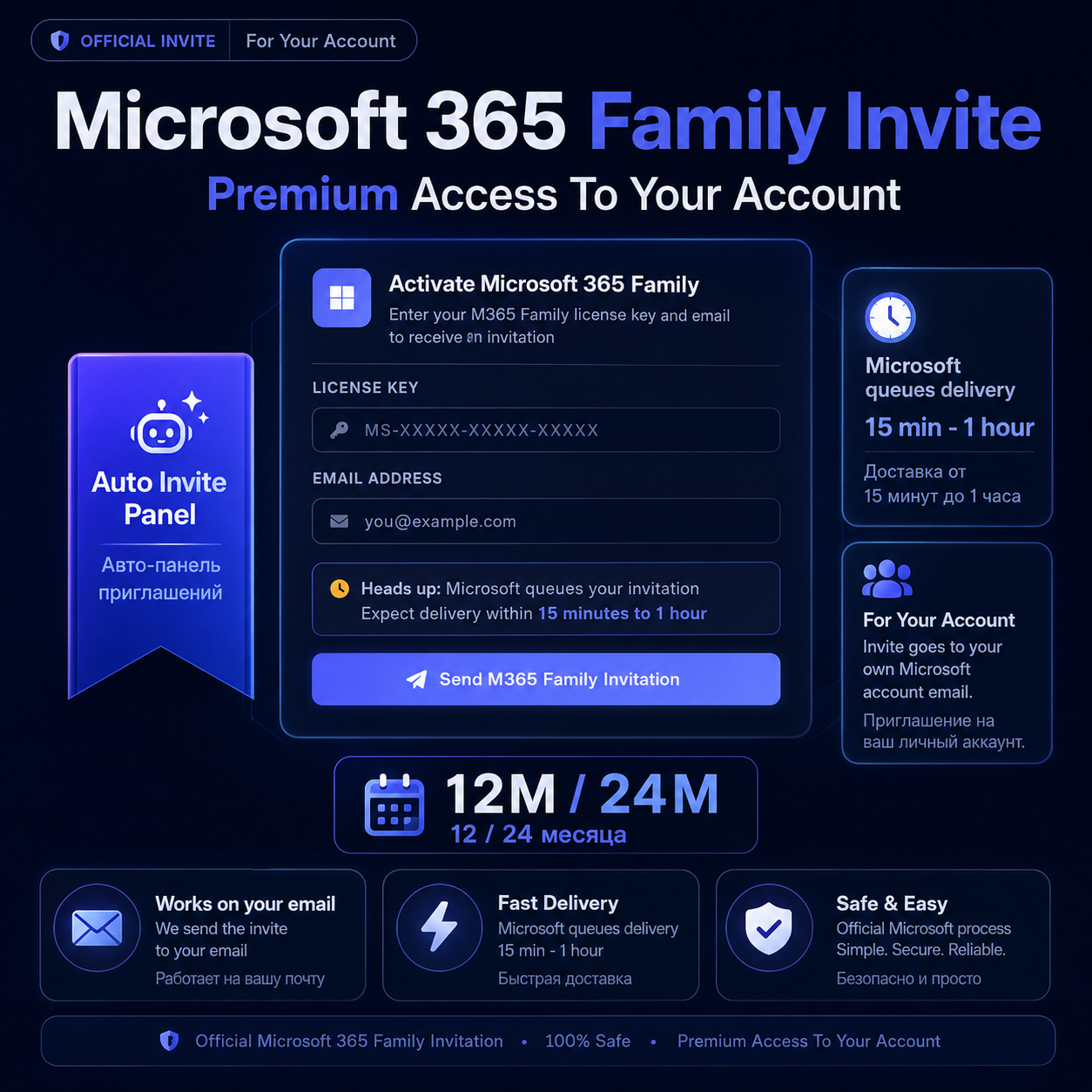
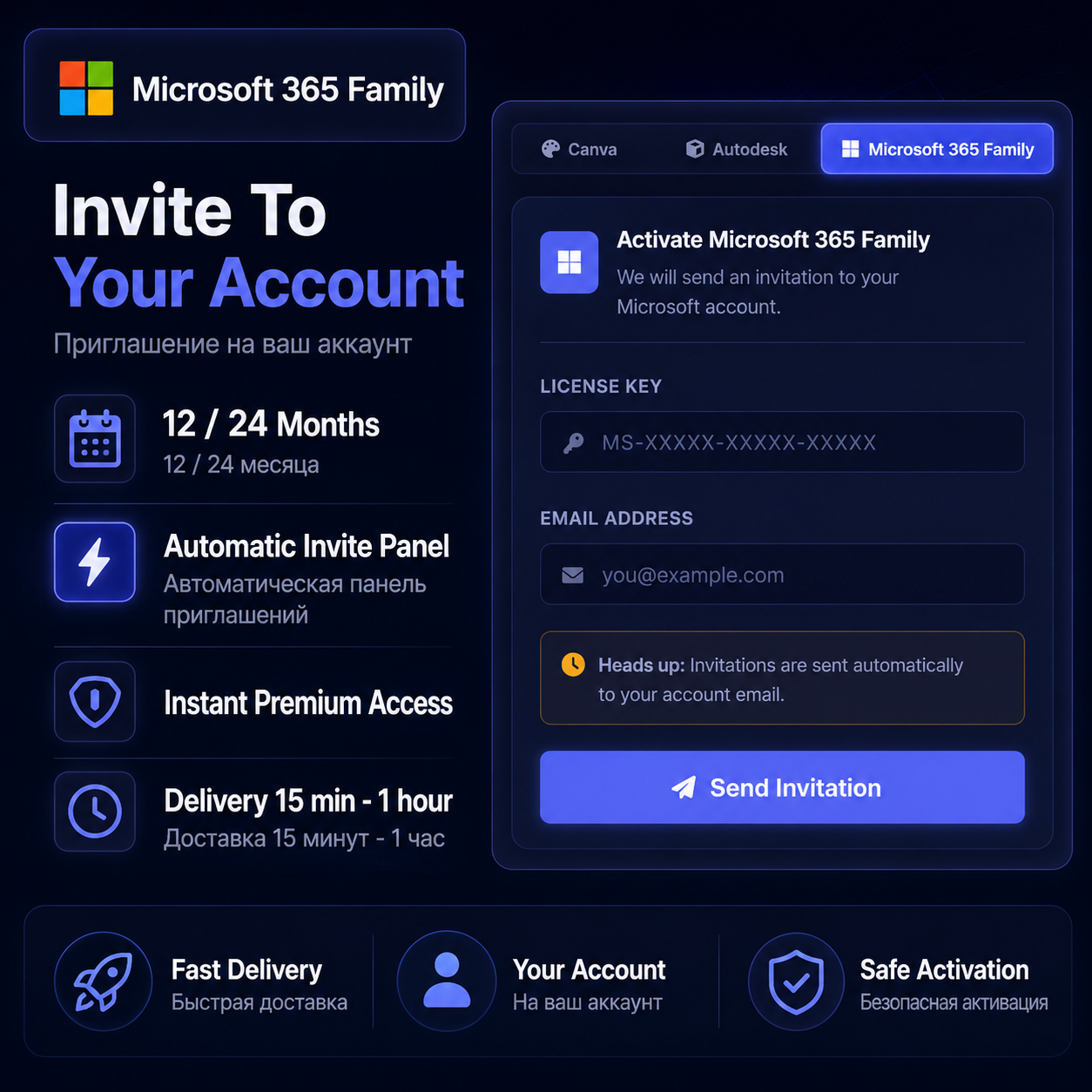
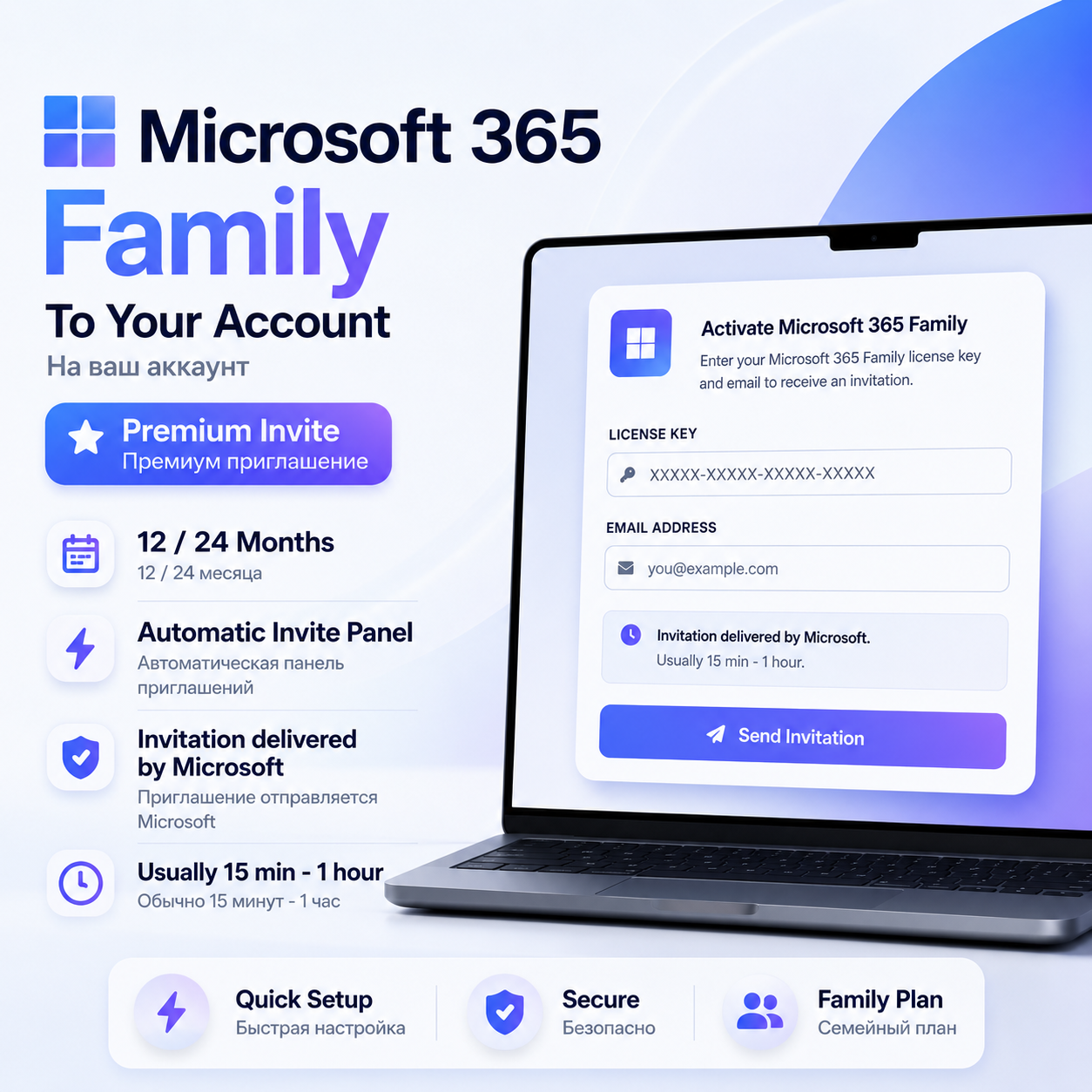
✅ You are not buying a license key, you are buying an invitation to Microsoft 365 Family
✅ Access duration: 12 or 24 months
✅ Works with your own personal email account
✅ You will receive a unique 16-character activation code after purchase
✅ Use the code on our activation panel to request your invitation
✅ Microsoft sends the invitation email automatically
✅ Delivery time: usually 15 minutes to 1 hour after submission
HOW TO ACTIVATE:
1️⃣ After purchase, you will receive your unique activation code.
2️⃣ Go to the activation panel: https://everythinglicensed.com
3️⃣ Select “Microsoft 365 Family”.
4️⃣ Enter your activation code in the License Key field.
5️⃣ Enter the email address where you want to receive the invitation.
6️⃣ Click “Send M365 Family Invitation”.
7️⃣ Wait for the invitation email from Microsoft.
IMPORTANT:
⚠️ Please enter your email address correctly before submitting.
⚠️ Microsoft 365 Family invitations are queued and delivered by Microsoft.
⚠️ The invitation email usually arrives within 15 minutes to 1 hour.
⚠️ After the invitation is sent, the digital service is considered delivered.
✅ You are not buying a license key, you are buying an invitation to Microsoft 365 Family
✅ Access duration: 12 or 24 months
✅ Works with your own personal email account
✅ You will receive a unique 16-character activation code after purchase
✅ Use the code on our activation panel to request your invitation
✅ Microsoft sends the invitation email automatically
✅ Delivery time: usually 15 minutes to 1 hour after submission
HOW TO ACTIVATE:
1️⃣ After purchase, you will receive your unique activation code.
2️⃣ Go to the activation panel: https://everythinglicensed.com
3️⃣ Select “Microsoft 365 Family”.
4️⃣ Enter your activation code in the License Key field.
5️⃣ Enter the email address where you want to receive the invitation.
6️⃣ Click “Send M365 Family Invitation”.
7️⃣ Wait for the invitation email from Microsoft.
IMPORTANT:
⚠️ Please enter your email address correctly before submitting.
⚠️ Microsoft 365 Family invitations are queued and delivered by Microsoft.
⚠️ The invitation email usually arrives within 15 minutes to 1 hour.
⚠️ After the invitation is sent, the digital service is considered delivered.
⚡ MICROSOFT 365 FAMILY INVITE TO YOUR ACCOUNT ⚡
✅ You are buying an invitation to Microsoft 365 Family, not a license key
✅ Access duration: 12 or 24 months
✅ Works with your own email account
✅ After purchase, you will receive a unique activation code
✅ Use the code on the activation panel to request your invitation
✅ Delivery time: usually 15 minutes to 1 hour
Activation:
Go to https://everythinglicensed.com
Select Microsoft 365 Family, enter your activation code and email address, then click “Send M365 Family Invitation”.
⚠️ Please enter your email correctly.
⚠️ Invitation delivery is processed by Microsoft and may take 15 minutes to 1 hour.
✅ You are buying an invitation to Microsoft 365 Family, not a license key
✅ Access duration: 12 or 24 months
✅ Works with your own email account
✅ After purchase, you will receive a unique activation code
✅ Use the code on the activation panel to request your invitation
✅ Delivery time: usually 15 minutes to 1 hour
Activation:
Go to https://everythinglicensed.com
Select Microsoft 365 Family, enter your activation code and email address, then click “Send M365 Family Invitation”.
⚠️ Please enter your email correctly.
⚠️ Invitation delivery is processed by Microsoft and may take 15 minutes to 1 hour.
No feedback yet