Canva Pro Team Invite To Your Account 1-3-6 Month Premium Instant
Content: text (0 symbol)
Available: 100
Uploaded: 14.05.2026
Positive responses: 0
Negative responses: 0
Sold: 0
Refunds: 0
$0.4
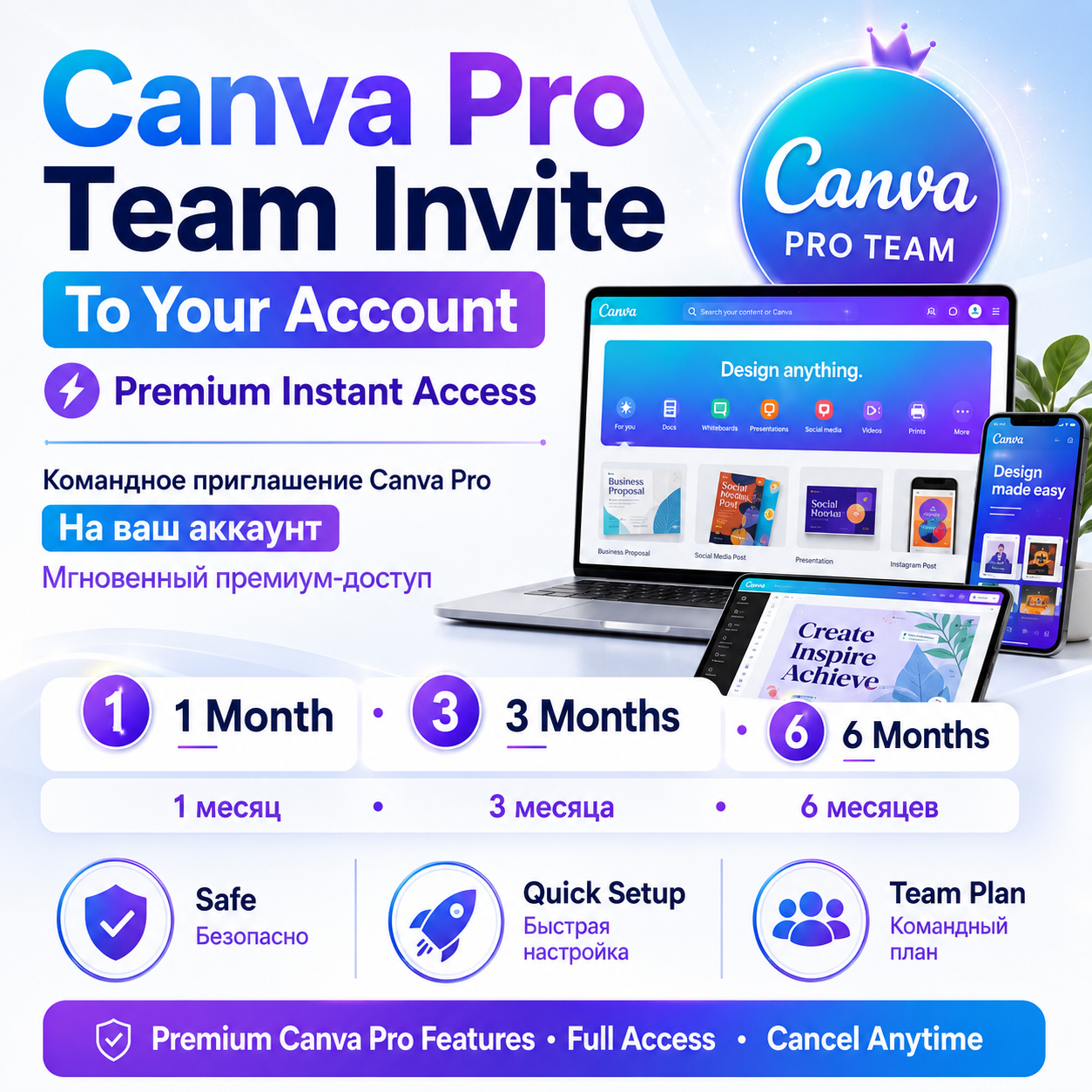
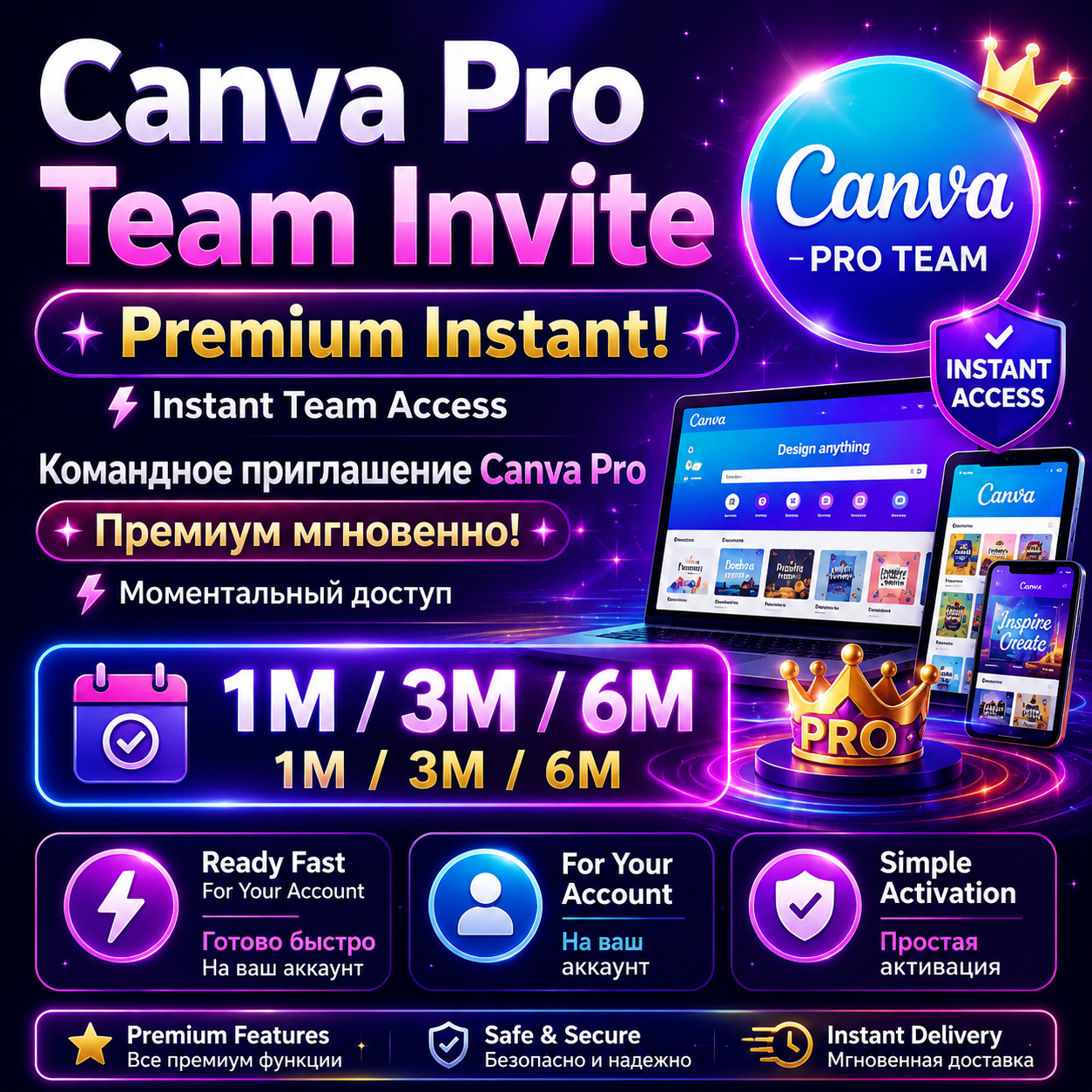
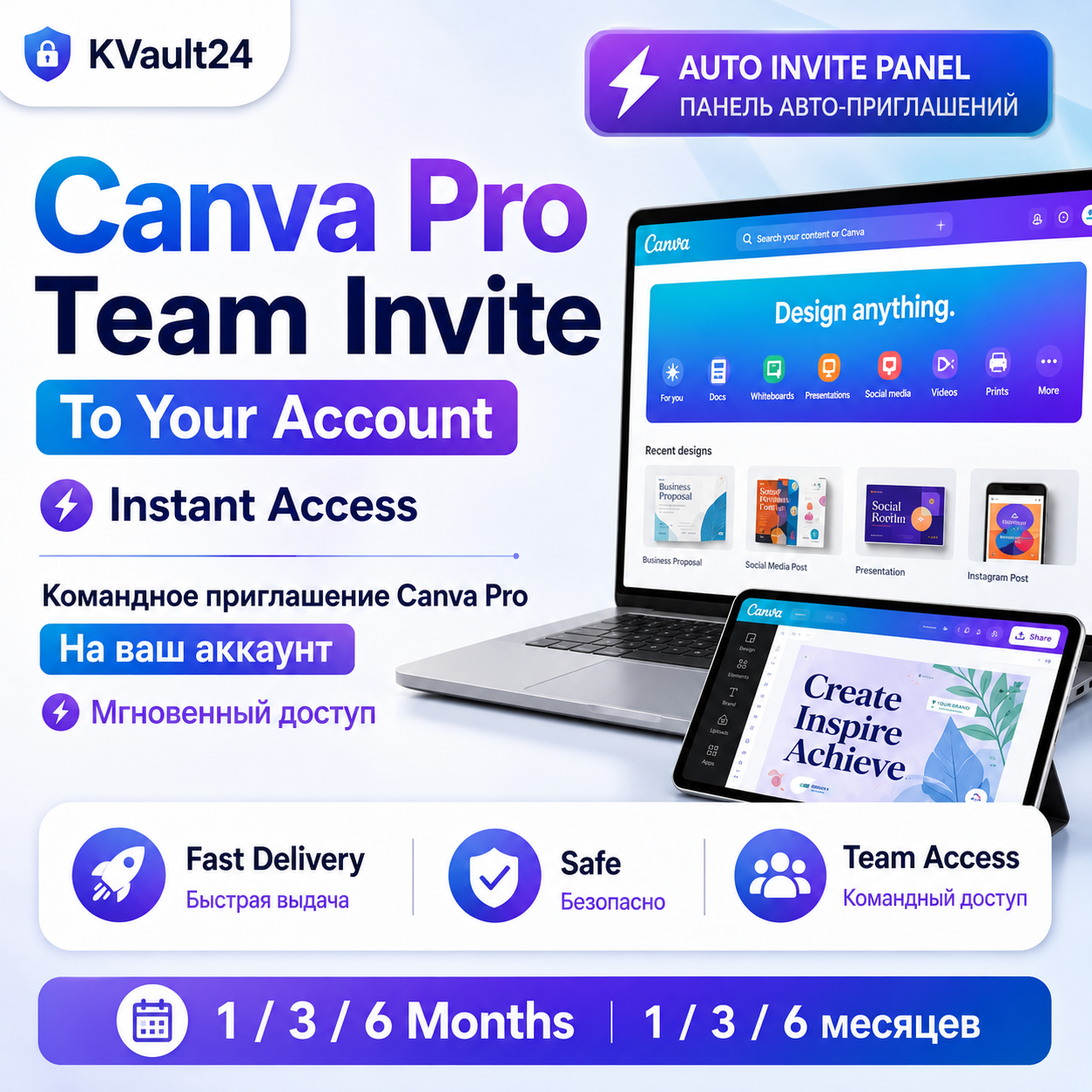
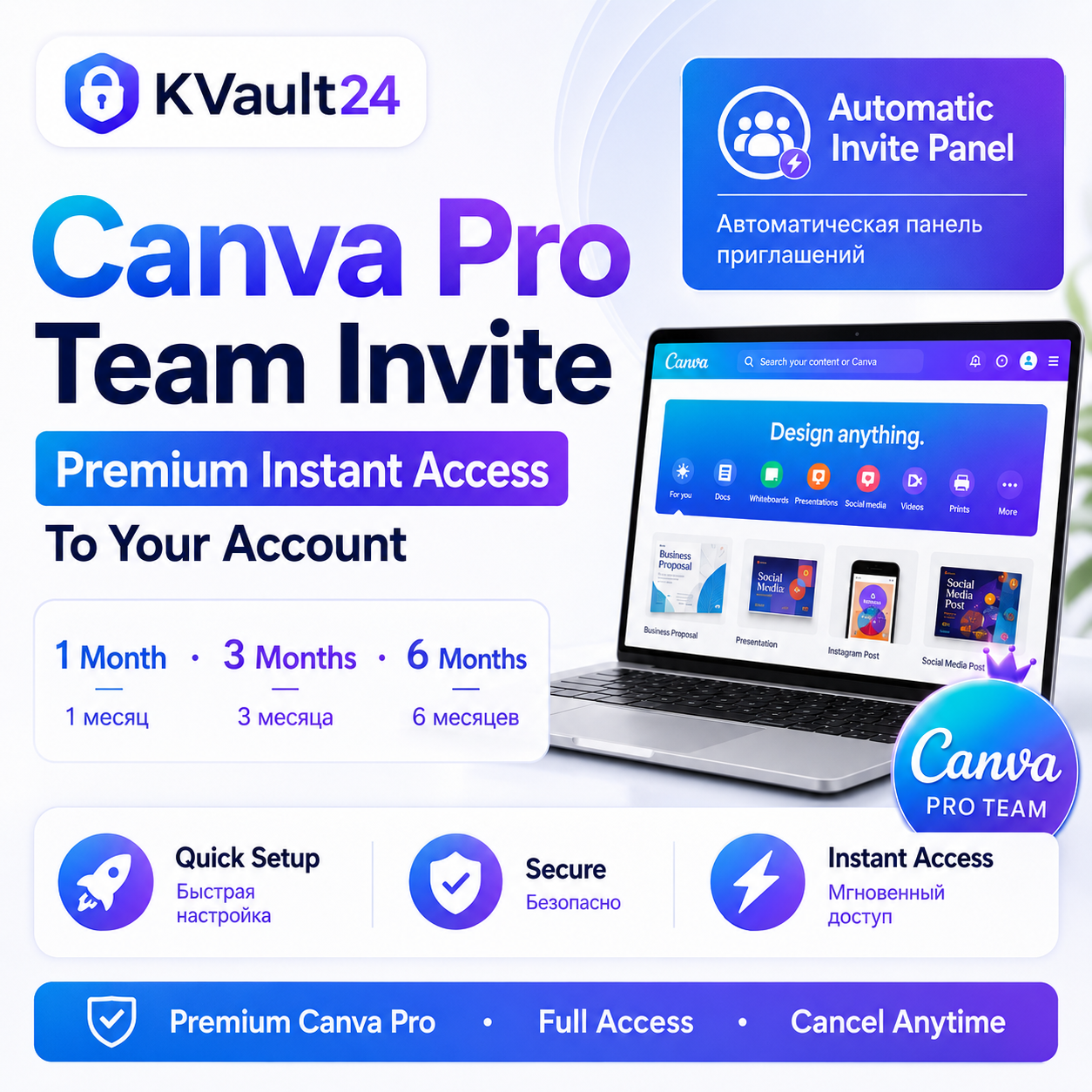
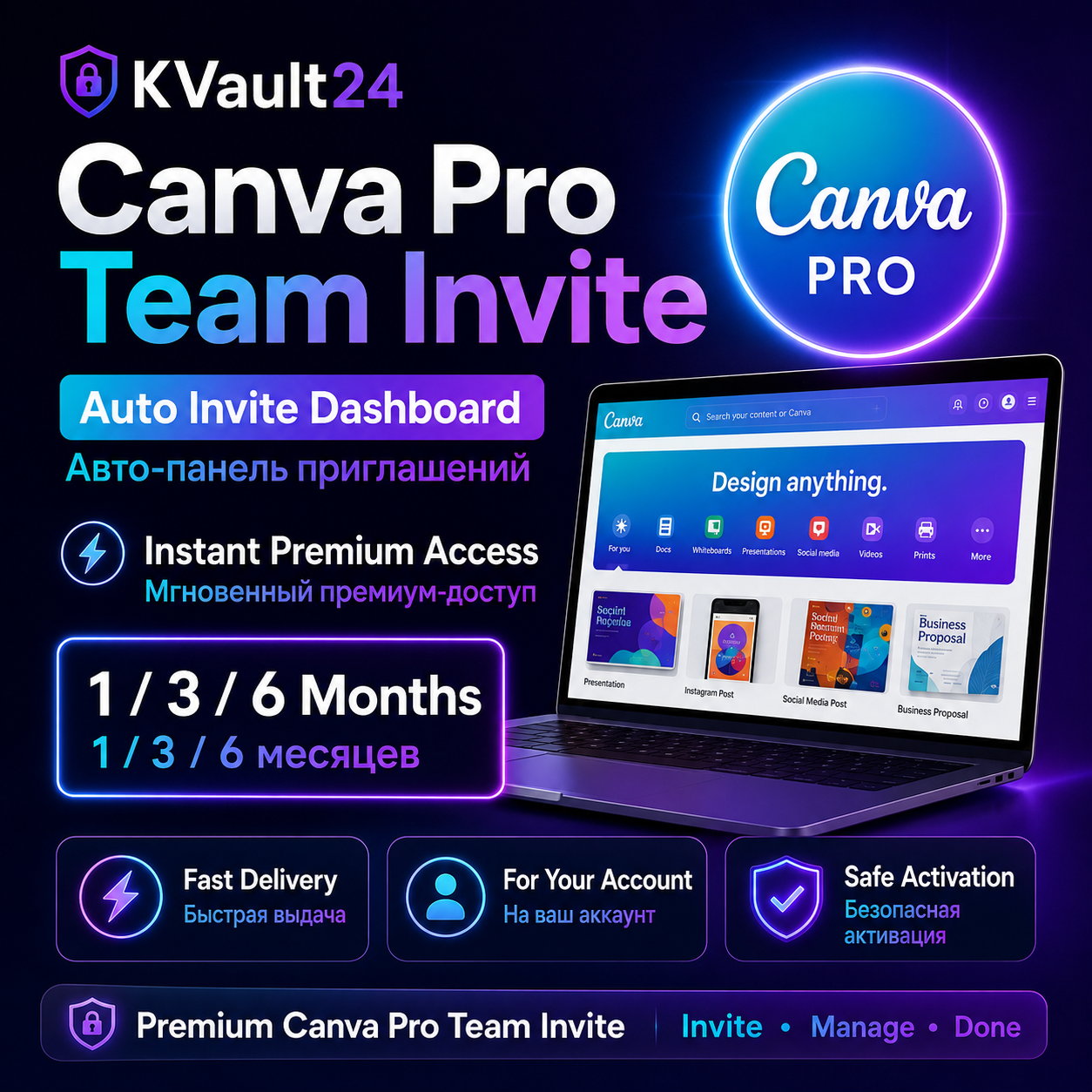
✅ Canva Pro Team Invite to your own account
✅ Access duration: 1, 3, or 6 months
✅ Automatic invite panel included
✅ Works with your personal email address
✅ Instant or fast delivery after payment
✅ All Canva Pro features unlocked
✅ Easy activation, no complicated setup
How it works:
1. After purchase, you will receive your license key.
2. Go to the activation panel: https://everythinglicensed.com
3. Select Canva.
4. Enter your license key and email address.
5. Click Send Canva Invitation.
6. The invitation will be sent automatically to your email.
Important:
Please enter your email address correctly before sending the invitation.
The invite is delivered to the email address you submit in the panel.
This product is a digital service and is considered completed after delivery.
✅ Access duration: 1, 3, or 6 months
✅ Automatic invite panel included
✅ Works with your personal email address
✅ Instant or fast delivery after payment
✅ All Canva Pro features unlocked
✅ Easy activation, no complicated setup
How it works:
1. After purchase, you will receive your license key.
2. Go to the activation panel: https://everythinglicensed.com
3. Select Canva.
4. Enter your license key and email address.
5. Click Send Canva Invitation.
6. The invitation will be sent automatically to your email.
Important:
Please enter your email address correctly before sending the invitation.
The invite is delivered to the email address you submit in the panel.
This product is a digital service and is considered completed after delivery.
📌 HOW TO USE THE AUTO INVITE PANEL (EN)<br /><br />
After purchase, you will receive your license key.<br />
1️⃣ Go to the activation panel: https://everythinglicensed.com<br />
2️⃣ Select the service you purchased: Canva, Autodesk, or Microsoft 365 Family.<br />
3️⃣ Enter your license key in the “License Key” field.<br />
4️⃣ Enter the email address where you want to receive the invitation.<br />
5️⃣ Click the “Send Invitation” button.<br /><br />
✅ Your invitation will be sent automatically to the email address you entered.<br />
⚠️ Please make sure your email address is correct before submitting.<br />
⚠️ If you enter the wrong email address, the invitation may be sent to the wrong account.<br /><br />
After purchase, you will receive your license key.<br />
1️⃣ Go to the activation panel: https://everythinglicensed.com<br />
2️⃣ Select the service you purchased: Canva, Autodesk, or Microsoft 365 Family.<br />
3️⃣ Enter your license key in the “License Key” field.<br />
4️⃣ Enter the email address where you want to receive the invitation.<br />
5️⃣ Click the “Send Invitation” button.<br /><br />
✅ Your invitation will be sent automatically to the email address you entered.<br />
⚠️ Please make sure your email address is correct before submitting.<br />
⚠️ If you enter the wrong email address, the invitation may be sent to the wrong account.<br /><br />
No feedback yet