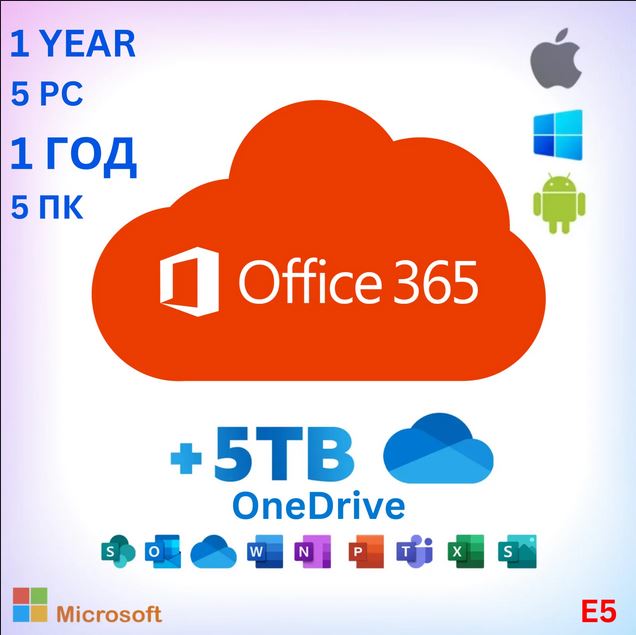
Office 365 for 5 Devices (Windows & Mac) – 1-Year Warranty + 5TB Cloud Storage
Content: text (0 symbol)
Available: 1
Uploaded:
Positive responses: 0
Negative responses: 0
Sold: 0
Refunds: 0
$7
🎁 Bonus Offer: Leave a positive review and receive a 10% gift card as a thank-you! 🎉✨
Office 365 E5 Features & Usage Instructions
Getting Started:
📌 Login: portal.office.com 💻
📌 Your Office Account: Automatically provided after purchase ✅
📌 Secure Access: Password change required at first login 🔒
📌 Multi-Device Support: Install on up to 5 Windows PCs, 5 tablets, or 5 smartphones 📱💻
📌 Important: Remove any previous Office versions from your device before installing ❗
📌 License Duration: 365 days ⏳
📌 Supported Devices: 5 🖥️
📌 Interface Languages: All languages supported 🌍
📌 System Compatibility: 32-bit & 64-bit 🖥️
📌 Regional Availability: Worldwide 🌎
Core Applications (Microsoft Office 365 E5):
✍️ Word: Write, edit, and collaborate in real time
📊 Excel: Create budgets, perform calculations, and manage data
🎤 PowerPoint: Design and share professional presentations
📧 Outlook: Manage emails, schedule events, and organize tasks
📝 OneNote: Keep all your notes and ideas organized digitally
☁️ OneDrive: Securely access files from anywhere with 5 TB storage (for sharing and storage, not backup) ❗
Extra Apps (Free with Office 365):
🤖 Copilot: AI-powered assistant to speed up workflows
📅 Bookings: Manage appointments easily
🎬 Clipchamp: Video creation and editing
🔗 Connections: Access personalized tools and resources
👥 Engage: Collaborate with colleagues on projects
📑 Forms: Create surveys and quizzes with real-time tracking
📈 Insights: Boost productivity with Microsoft Viva Insights
👥 People: Organize and manage contacts
📚 Learning: Continuous learning with Viva Learning
🗂️ Lists: Create, share, and track data
🔄 Loop: Facilitate team collaboration
📋 Planner: Organize tasks and monitor progress
📱 Power Apps: Build data-driven applications
🔄 Power Automate: Automate workflows efficiently
📊 Power BI: Create interactive dashboards
🌐 Power Pages: Build low-code business websites
📤 SharePoint: Share content and collaborate
🎥 Stream: Share video content
🌟 Sway: Create interactive reports and presentations
📅 Calendar: Schedule and manage your time
👨💻 Teams: Chat, meet, and collaborate
✅ To Do: Track tasks and organize lists
📊 Visio: Simplify complex information visually
💼 Viva: Enhance workflows with Viva apps
🖌️ Whiteboard: Collaborate on a free-form canvas
Supported Operating Systems:
🖥️ Windows
📱 Android
🍏 iOS & macOS (❗Make sure no previous Office version is installed)
License Details:
For personal use only
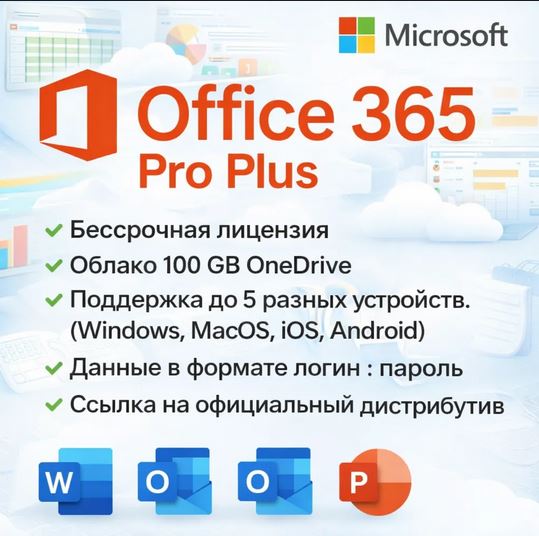
After purchase, you will receive a Microsoft Office 365 ProPlus account for 5 PCs + OneDrive 5 TB access
Login details include username + password 🔑
Product Type: Office 365 E5 (Microsoft Dev Edition) ✅
Office 365 E5 Features & Usage Instructions
Getting Started:
📌 Login: portal.office.com 💻
📌 Your Office Account: Automatically provided after purchase ✅
📌 Secure Access: Password change required at first login 🔒
📌 Multi-Device Support: Install on up to 5 Windows PCs, 5 tablets, or 5 smartphones 📱💻
📌 Important: Remove any previous Office versions from your device before installing ❗
📌 License Duration: 365 days ⏳
📌 Supported Devices: 5 🖥️
📌 Interface Languages: All languages supported 🌍
📌 System Compatibility: 32-bit & 64-bit 🖥️
📌 Regional Availability: Worldwide 🌎
Core Applications (Microsoft Office 365 E5):
✍️ Word: Write, edit, and collaborate in real time
📊 Excel: Create budgets, perform calculations, and manage data
🎤 PowerPoint: Design and share professional presentations
📧 Outlook: Manage emails, schedule events, and organize tasks
📝 OneNote: Keep all your notes and ideas organized digitally
☁️ OneDrive: Securely access files from anywhere with 5 TB storage (for sharing and storage, not backup) ❗
Extra Apps (Free with Office 365):
🤖 Copilot: AI-powered assistant to speed up workflows
📅 Bookings: Manage appointments easily
🎬 Clipchamp: Video creation and editing
🔗 Connections: Access personalized tools and resources
👥 Engage: Collaborate with colleagues on projects
📑 Forms: Create surveys and quizzes with real-time tracking
📈 Insights: Boost productivity with Microsoft Viva Insights
👥 People: Organize and manage contacts
📚 Learning: Continuous learning with Viva Learning
🗂️ Lists: Create, share, and track data
🔄 Loop: Facilitate team collaboration
📋 Planner: Organize tasks and monitor progress
📱 Power Apps: Build data-driven applications
🔄 Power Automate: Automate workflows efficiently
📊 Power BI: Create interactive dashboards
🌐 Power Pages: Build low-code business websites
📤 SharePoint: Share content and collaborate
🎥 Stream: Share video content
🌟 Sway: Create interactive reports and presentations
📅 Calendar: Schedule and manage your time
👨💻 Teams: Chat, meet, and collaborate
✅ To Do: Track tasks and organize lists
📊 Visio: Simplify complex information visually
💼 Viva: Enhance workflows with Viva apps
🖌️ Whiteboard: Collaborate on a free-form canvas
Supported Operating Systems:
🖥️ Windows
📱 Android
🍏 iOS & macOS (❗Make sure no previous Office version is installed)
License Details:
For personal use only
After purchase, you will receive a Microsoft Office 365 ProPlus account for 5 PCs + OneDrive 5 TB access
Login details include username + password 🔑
Product Type: Office 365 E5 (Microsoft Dev Edition) ✅
No feedback yet