It Takes Two PS4/PS5 For rent 7 14 30 days
Content: text (0 symbol)
Available: 2
Uploaded: 25.04.2026
Positive responses: -1
Negative responses: 0
Sold: -1
Refunds: -1
$1.88
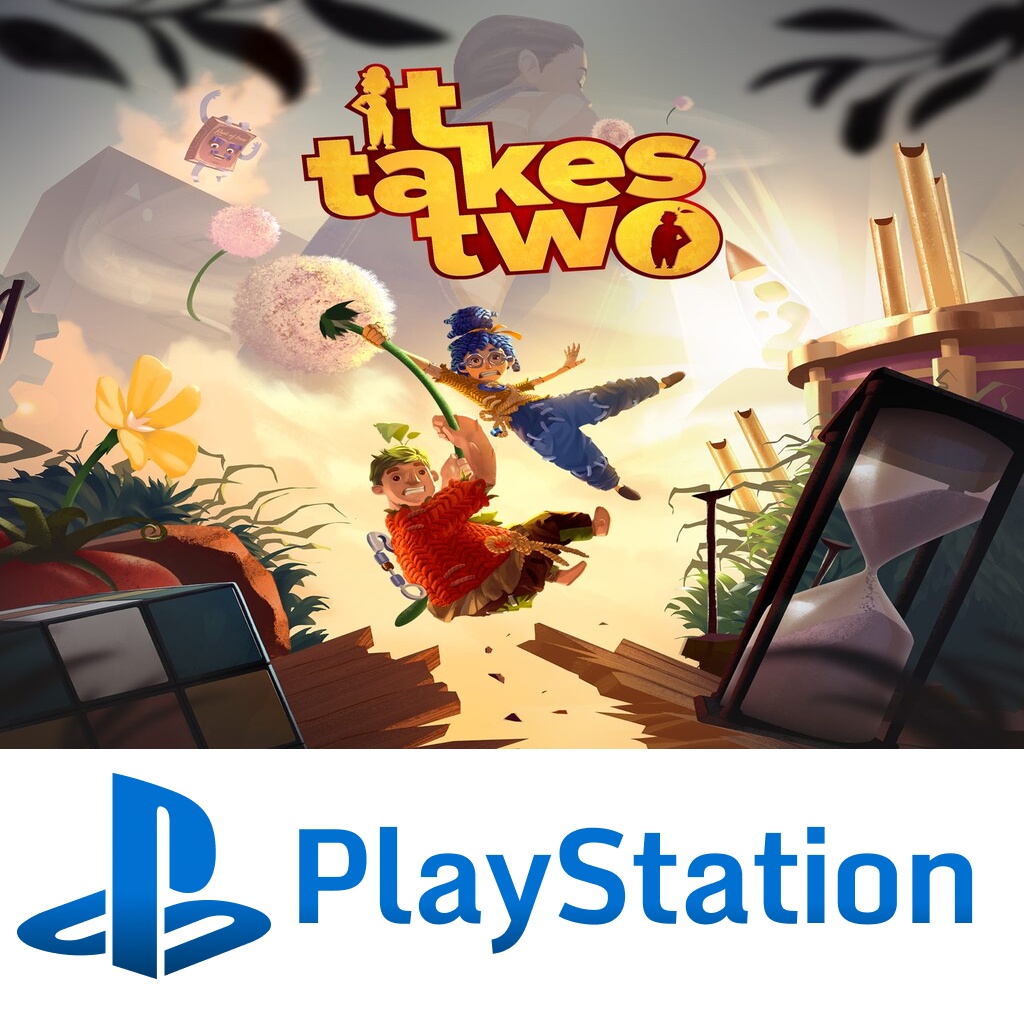
⚡ Automatic delivery 24/7
Immediately after payment, you will receive the account details and can start downloading the game.
☝ Important before purchase
You are not purchasing the account itself, but access to a rental account for a specific period of time.
The game has already been purchased on the account. You log into the profile, download the game, and play through this account during the rental period.
Please read the instructions and terms of use carefully before purchasing.
🔰 Account information
✅ The account was created by us
✅ The game was purchased from the official PlayStation Store
✅ During the rental period, only you use this account
✅ Can be used anywhere in the world
✅ Suitable for PS4 / PS5
💳 0% commission when choosing the top payment method
▶ Game on the account:
It Takes Two
📝 Instructions for use
1. Select “Add User” when turning on the console or by pressing the PS button → Switch User.
❖ For PS4: New User → Create User
Important: do not choose guest login.
❖ For PS5: Add User → “GET STARTED”
Important: do not choose quick play → then select “Sign In Manually”.
2. Enter the login and password for the received account.
3. After signing in, the system may offer to activate the console. You need to choose “No”.
❖ For PS4: In the “Activate as Your Primary PS4” prompt, select “Do Not Activate”.
❖ For PS5: In the “Console Sharing and Offline Play” section, select “Don’t Enable”.
4. Go to Library → Purchased and start downloading the game.
5. After downloading, launch the game through the rental profile.
During the rental period, you can switch between your own user and the rented account by pressing the PS button → Switch User.
6. After the rental period ends, delete the profile from the console.
If you want to extend access, message us in the conversation on the product receipt page.
⚠️ Rental terms
1. Use the account strictly according to the instructions.
2. It is forbidden to log into the account from any device other than a PlayStation console.
3. It is forbidden to change any account details: password, email, security settings, or any other parameters.
If any attempt to change the data is detected, we will restore access, the rental will be terminated without a refund, and there is also a risk of account blocking.
4. After the rental period ends, access to the account will be revoked.
If you want to extend the rental, message us in advance through “My Purchases” on the product receipt page, in the “Conversation” tab. A discount may be provided for an extension.
5. Access is guaranteed for the entire rental period if the terms are followed.
If you have any issues with login, downloading, or launching the game, please do not rush to leave a negative review. Message us, and we will help resolve the problem.
🔰 Why choose us
✅ Accounts are created by us, and games are purchased from the official PlayStation Store
✅ During the rental period, the account is issued to only one buyer
✅ We retain access to the account and can help if any problems occur
✅ Support is available and helps with installation
✅ Discounts are available for regular customers
✅ We have been working since 2024
✅ We try to resolve issues quickly and politely
Please read the instructions and rental terms carefully before payment.
After purchase, the account details will be delivered automatically.
Immediately after payment, you will receive the account details and can start downloading the game.
☝ Important before purchase
You are not purchasing the account itself, but access to a rental account for a specific period of time.
The game has already been purchased on the account. You log into the profile, download the game, and play through this account during the rental period.
Please read the instructions and terms of use carefully before purchasing.
🔰 Account information
✅ The account was created by us
✅ The game was purchased from the official PlayStation Store
✅ During the rental period, only you use this account
✅ Can be used anywhere in the world
✅ Suitable for PS4 / PS5
💳 0% commission when choosing the top payment method
▶ Game on the account:
It Takes Two
📝 Instructions for use
1. Select “Add User” when turning on the console or by pressing the PS button → Switch User.
❖ For PS4: New User → Create User
Important: do not choose guest login.
❖ For PS5: Add User → “GET STARTED”
Important: do not choose quick play → then select “Sign In Manually”.
2. Enter the login and password for the received account.
3. After signing in, the system may offer to activate the console. You need to choose “No”.
❖ For PS4: In the “Activate as Your Primary PS4” prompt, select “Do Not Activate”.
❖ For PS5: In the “Console Sharing and Offline Play” section, select “Don’t Enable”.
4. Go to Library → Purchased and start downloading the game.
5. After downloading, launch the game through the rental profile.
During the rental period, you can switch between your own user and the rented account by pressing the PS button → Switch User.
6. After the rental period ends, delete the profile from the console.
If you want to extend access, message us in the conversation on the product receipt page.
⚠️ Rental terms
1. Use the account strictly according to the instructions.
2. It is forbidden to log into the account from any device other than a PlayStation console.
3. It is forbidden to change any account details: password, email, security settings, or any other parameters.
If any attempt to change the data is detected, we will restore access, the rental will be terminated without a refund, and there is also a risk of account blocking.
4. After the rental period ends, access to the account will be revoked.
If you want to extend the rental, message us in advance through “My Purchases” on the product receipt page, in the “Conversation” tab. A discount may be provided for an extension.
5. Access is guaranteed for the entire rental period if the terms are followed.
If you have any issues with login, downloading, or launching the game, please do not rush to leave a negative review. Message us, and we will help resolve the problem.
🔰 Why choose us
✅ Accounts are created by us, and games are purchased from the official PlayStation Store
✅ During the rental period, the account is issued to only one buyer
✅ We retain access to the account and can help if any problems occur
✅ Support is available and helps with installation
✅ Discounts are available for regular customers
✅ We have been working since 2024
✅ We try to resolve issues quickly and politely
Please read the instructions and rental terms carefully before payment.
After purchase, the account details will be delivered automatically.
26.04.2026 13:12:48
Продавец вежливый, секунда в секунду ответил и очень быстро помог 👍