Orcs Must Die! 3 Complete Bundle 💎 STEAM KEY | (CIS+RU) 🔑
Content: text (0 symbol)
Available: 1
Uploaded: 14.04.2026
Positive responses: 0
Negative responses: 0
Sold: 0
Refunds: 0
$13.86
📊 PRODUCT SPECIFICATIONS
🔘 Platform: Windows 🎮
🔘 Product Type: Digital Key (License) 🔑
🔘 Region: CIS (Uzbekistan, Armenia, Azerbaijan, Belarus, Georgia, Kazakhstan, Kyrgyzstan, Moldova, Tajikistan, Turkmenistan, Ukraine) + Russian Federation 🌏
🔘 Reviews: Very Positive (85% of 4888 reviews) ⭐
🔘 Languages:
💬 Interface: English, French, Italian, German, Spanish - Spain, Arabic, Czech, Danish, Finnish, Japanese, Korean, Norwegian, Polish, Portuguese - Portugal, Portuguese - Brazil, Russian, Simplified Chinese, Swedish, Turkish
🗣 Audio: English, French, Italian, German, Spanish - Spain, Japanese, Korean, Russian, Turkish
📝 Subtitles: English, French, Italian, German, Spanish - Spain, Arabic, Czech, Danish, Finnish, Japanese, Korean, Norwegian, Polish, Portuguese - Portugal, Portuguese - Brazil, Russian, Simplified Chinese, Swedish, Turkish
🏮 ABOUT GAME
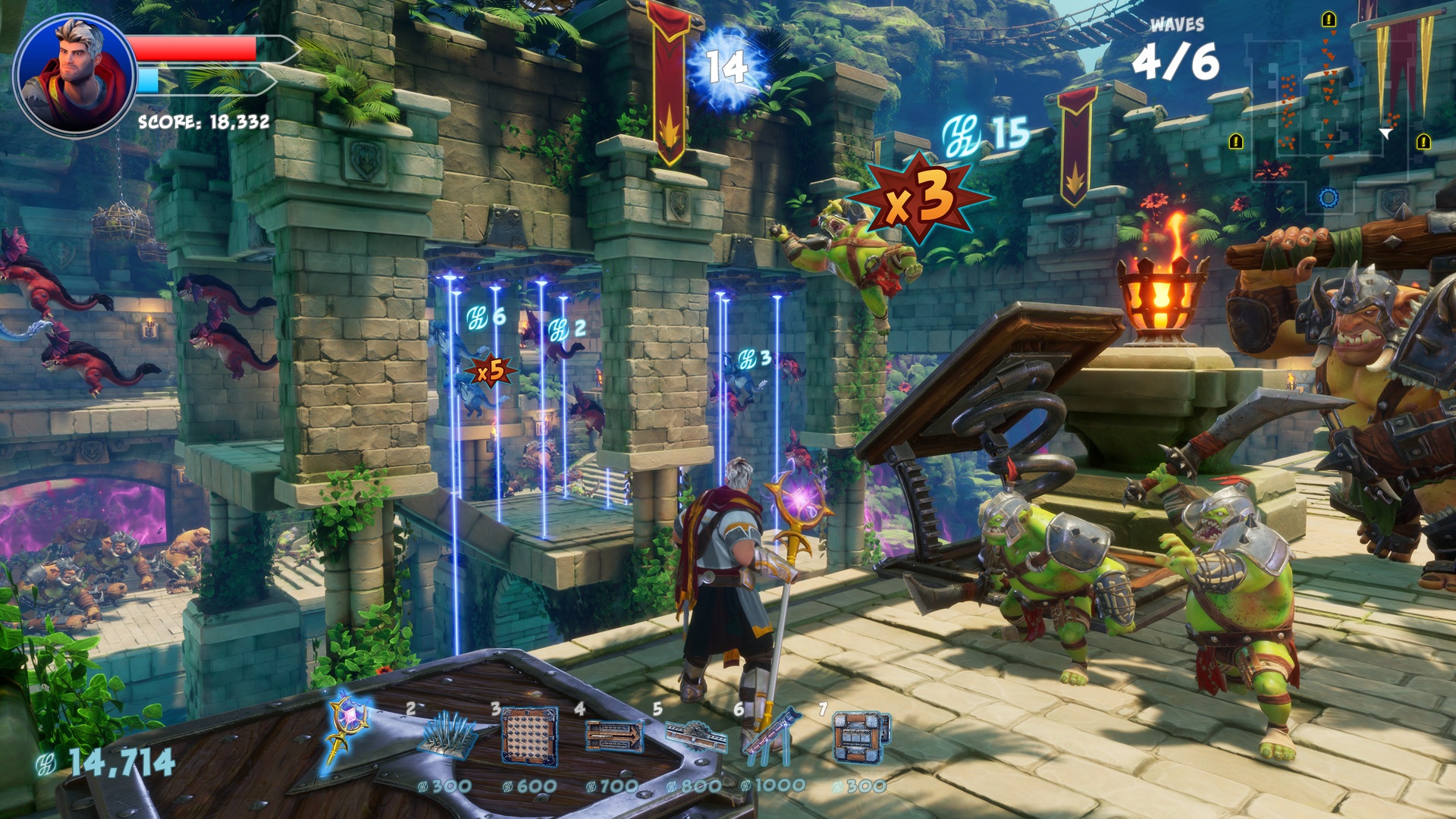
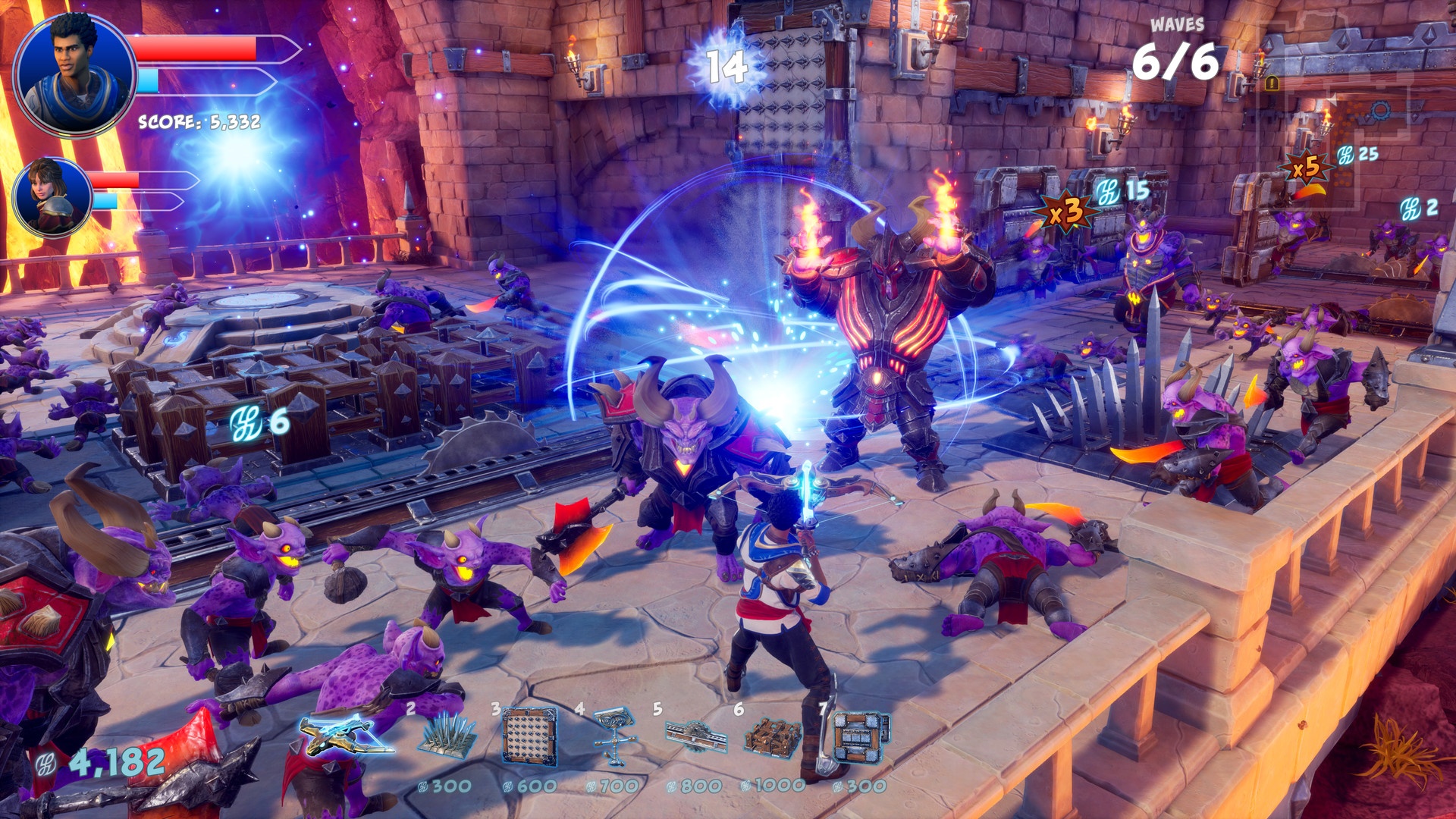
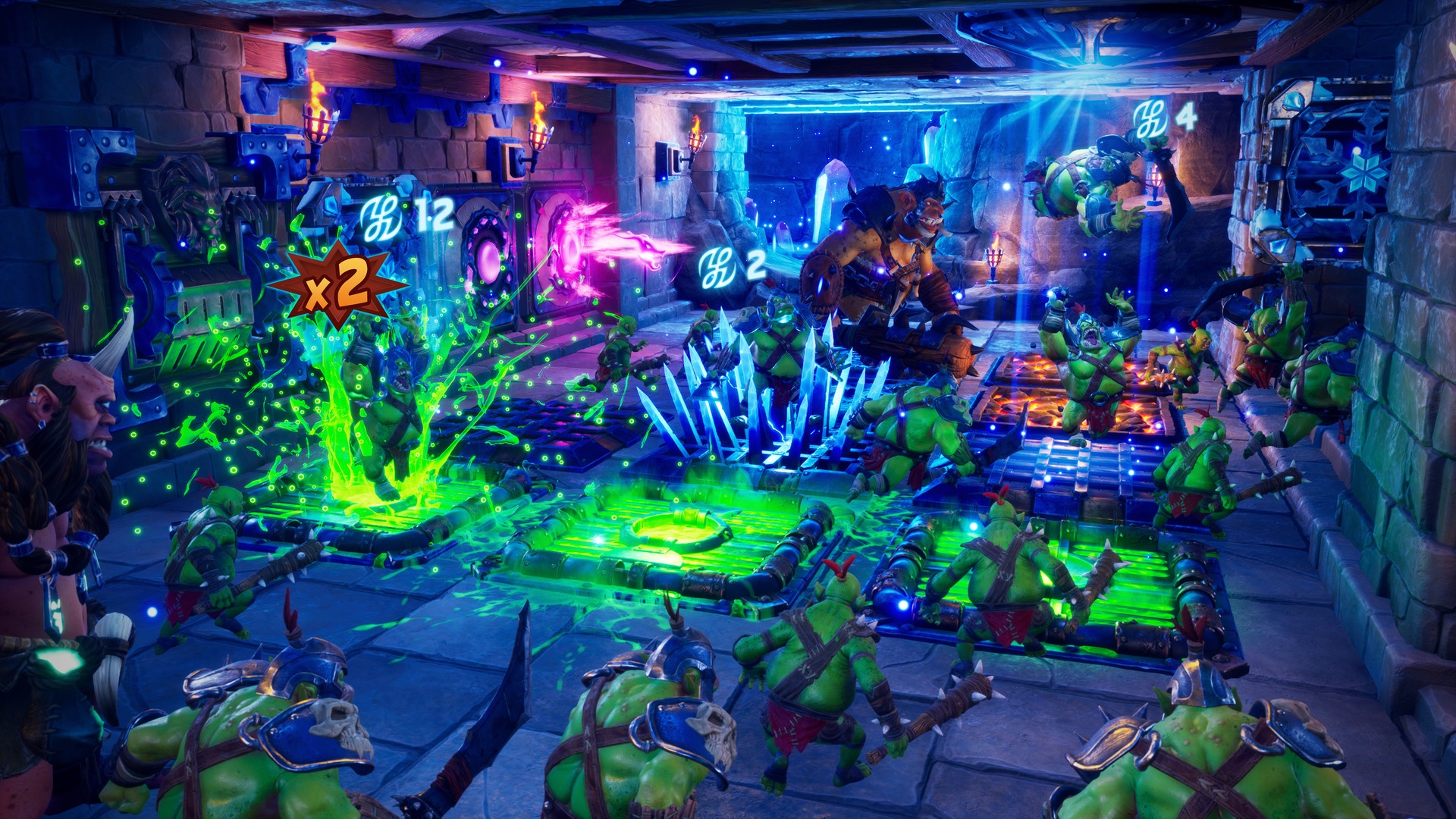
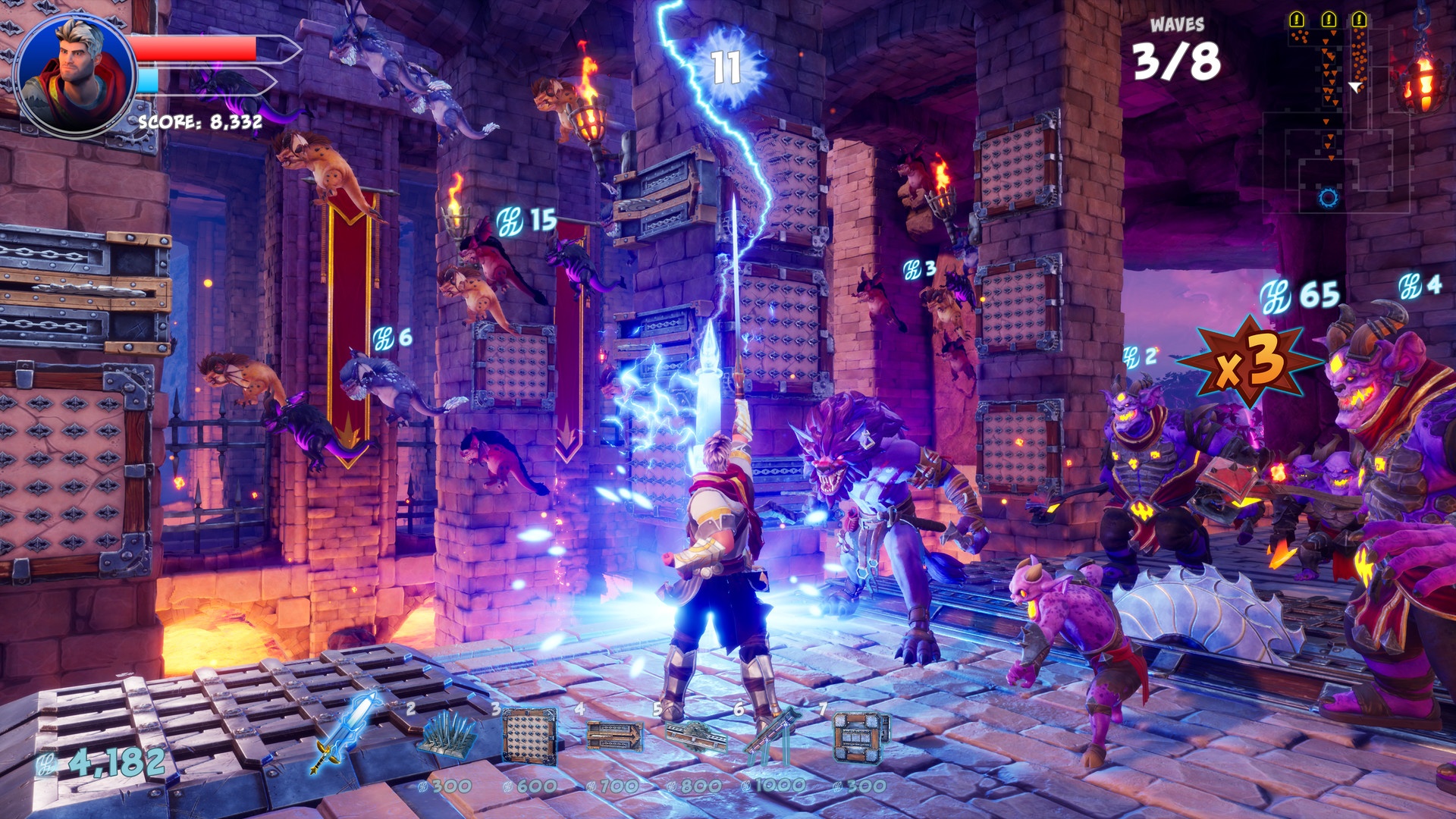
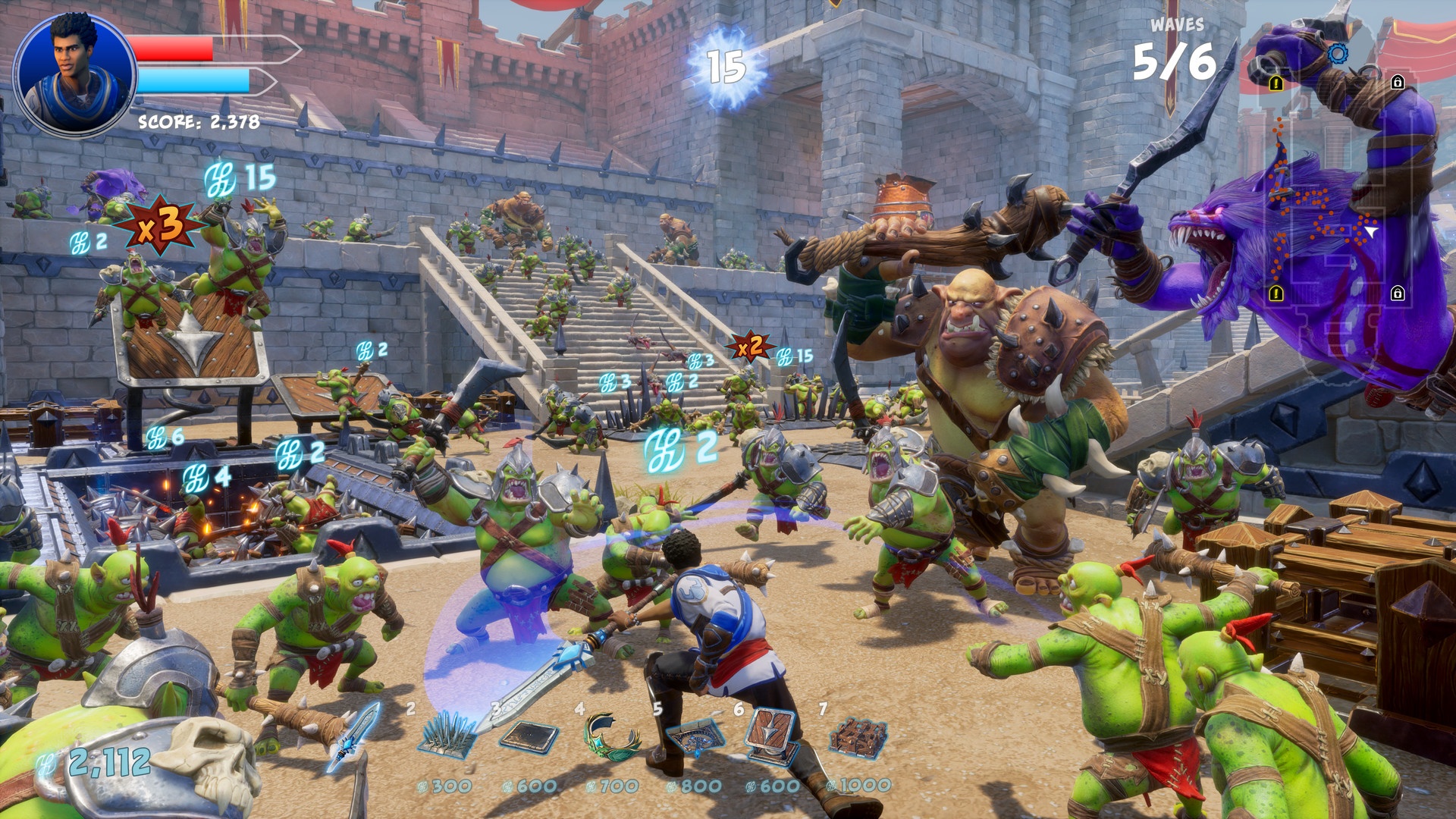
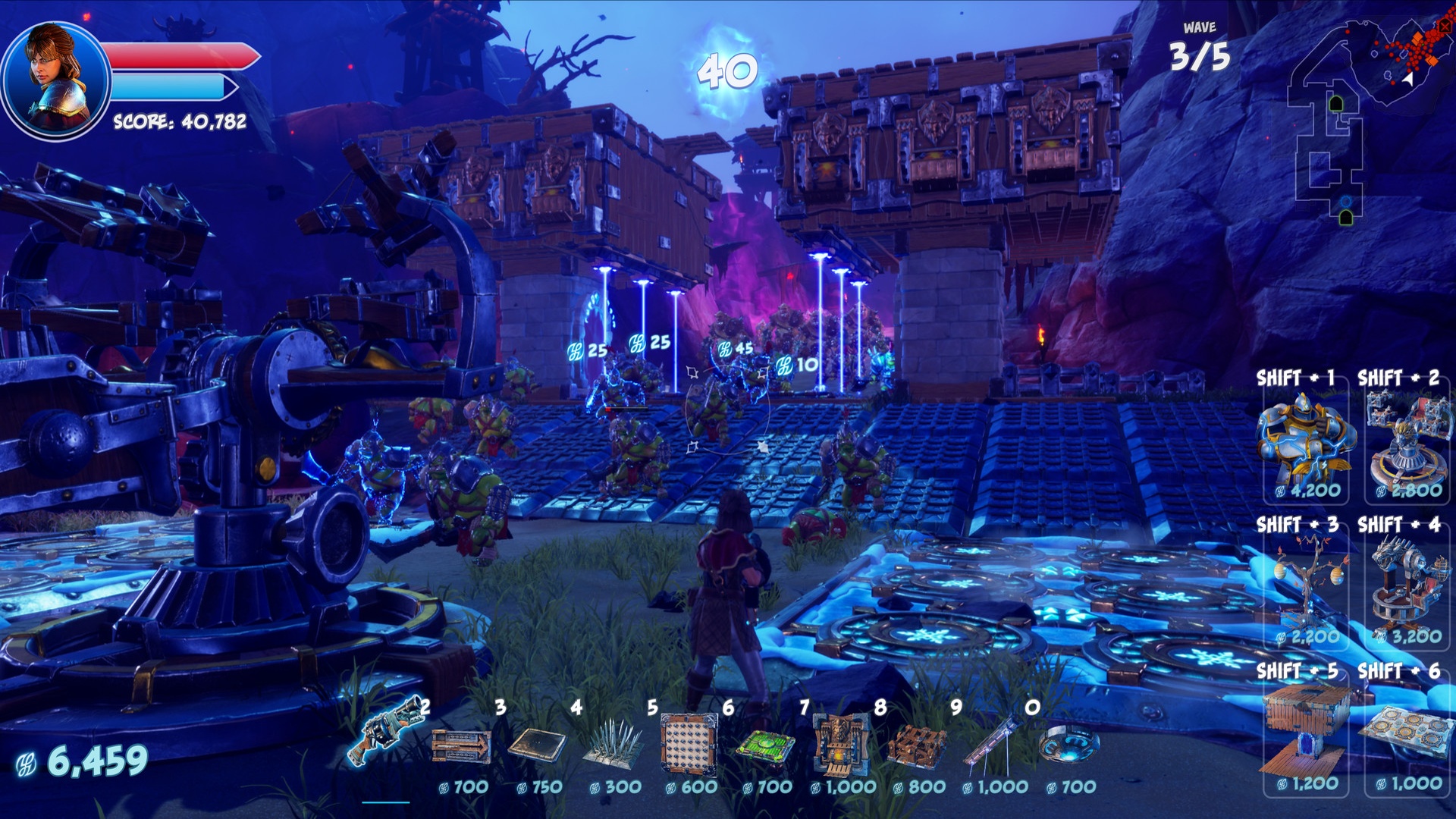
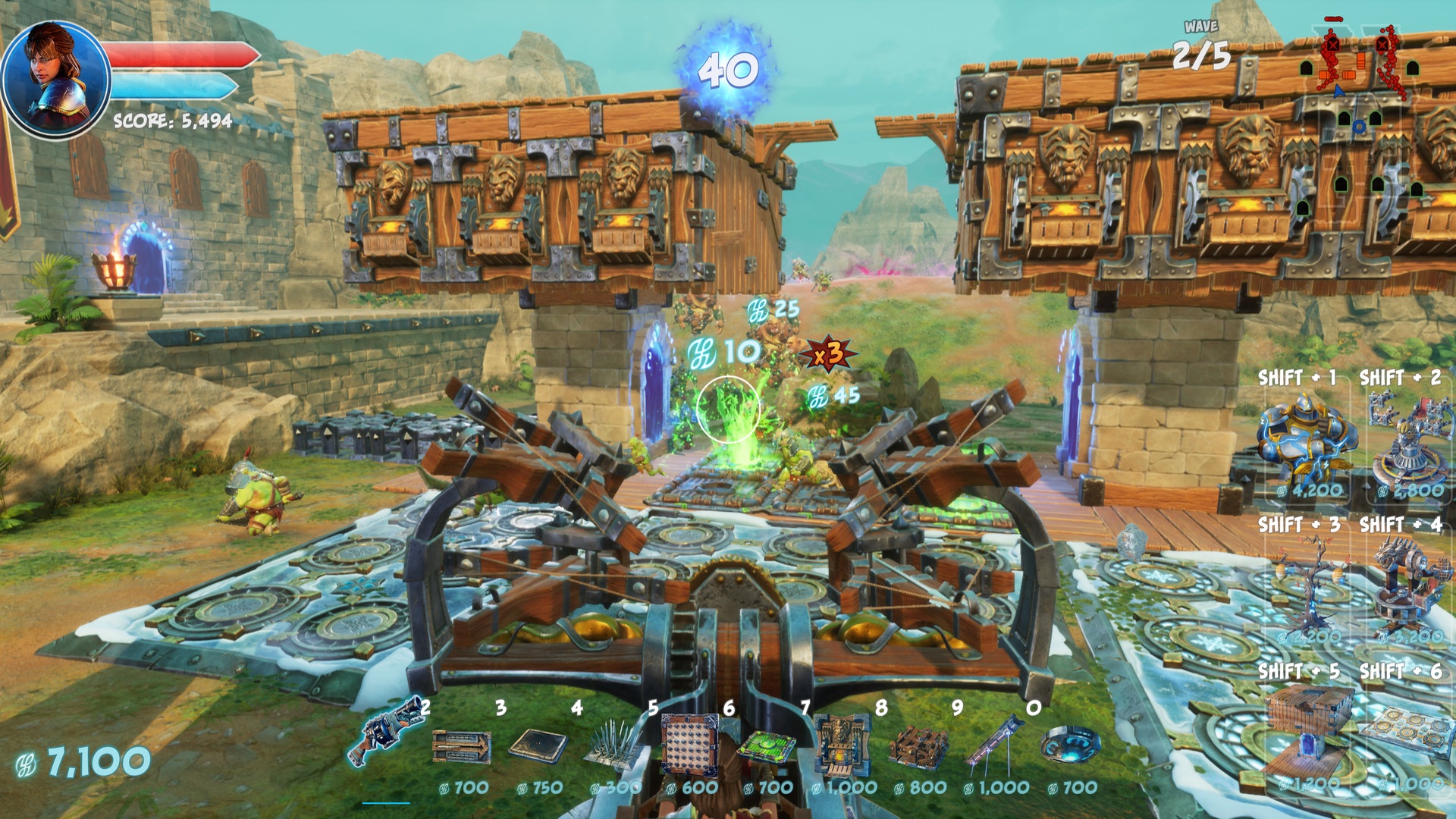
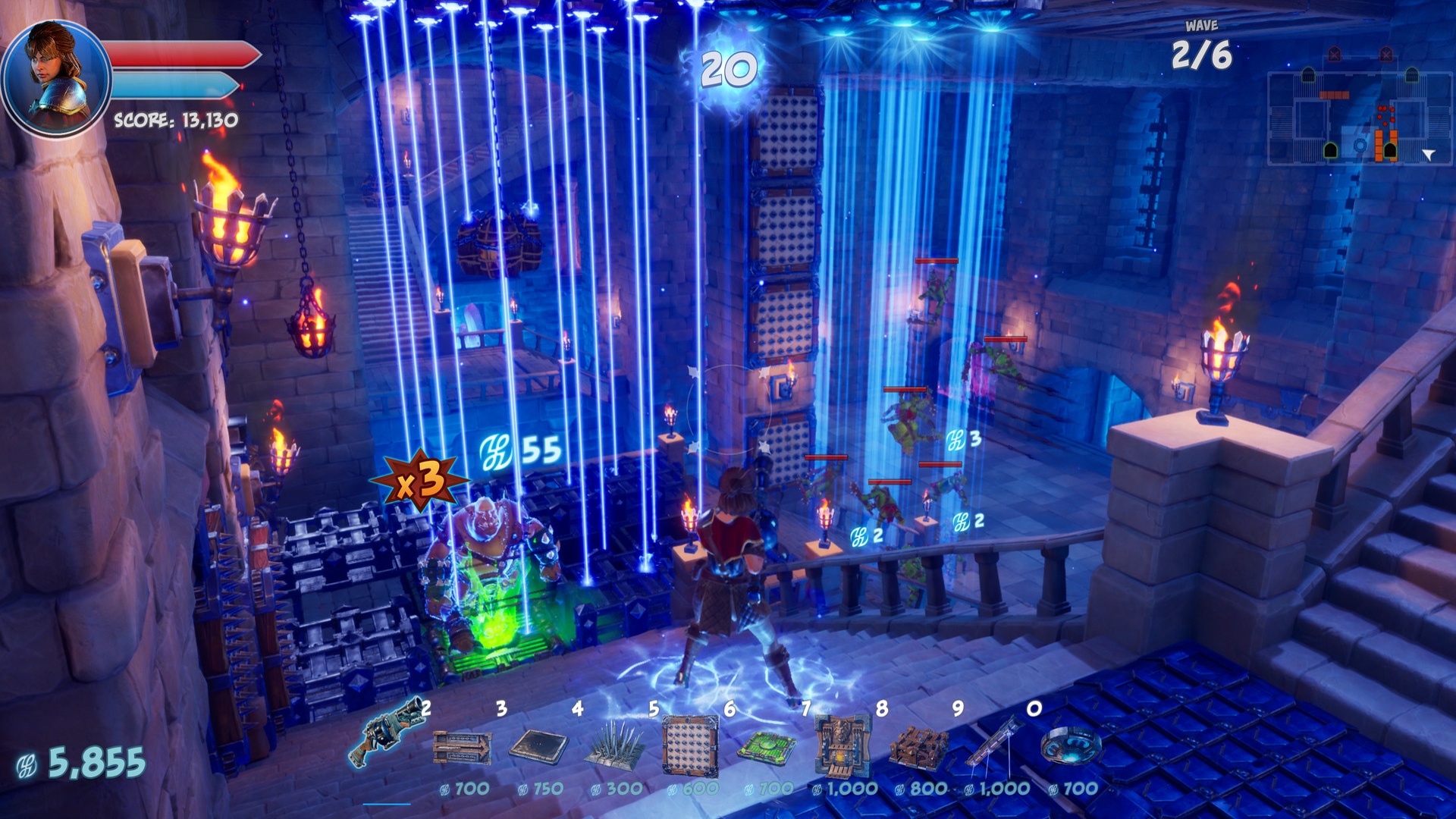
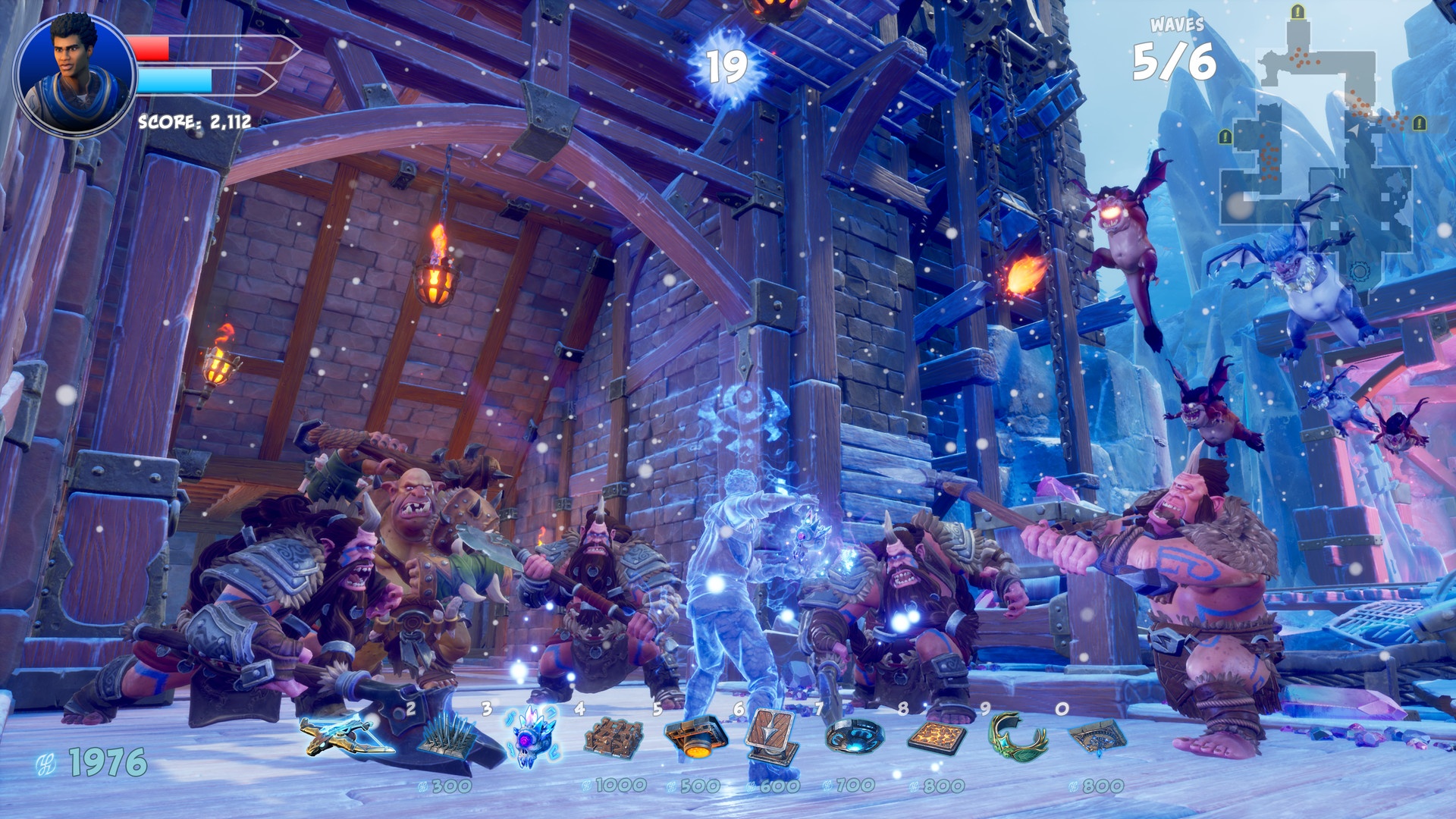
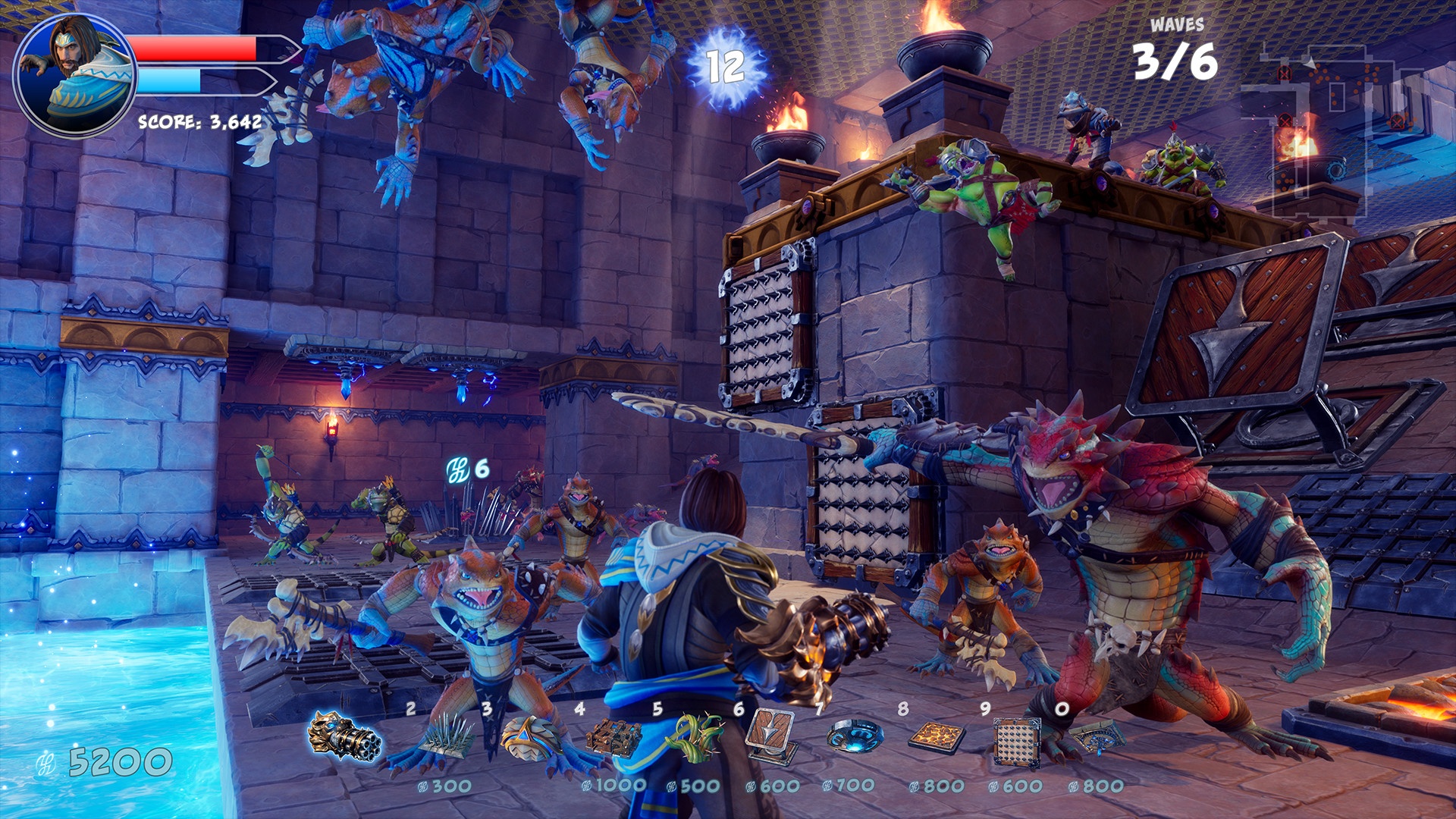
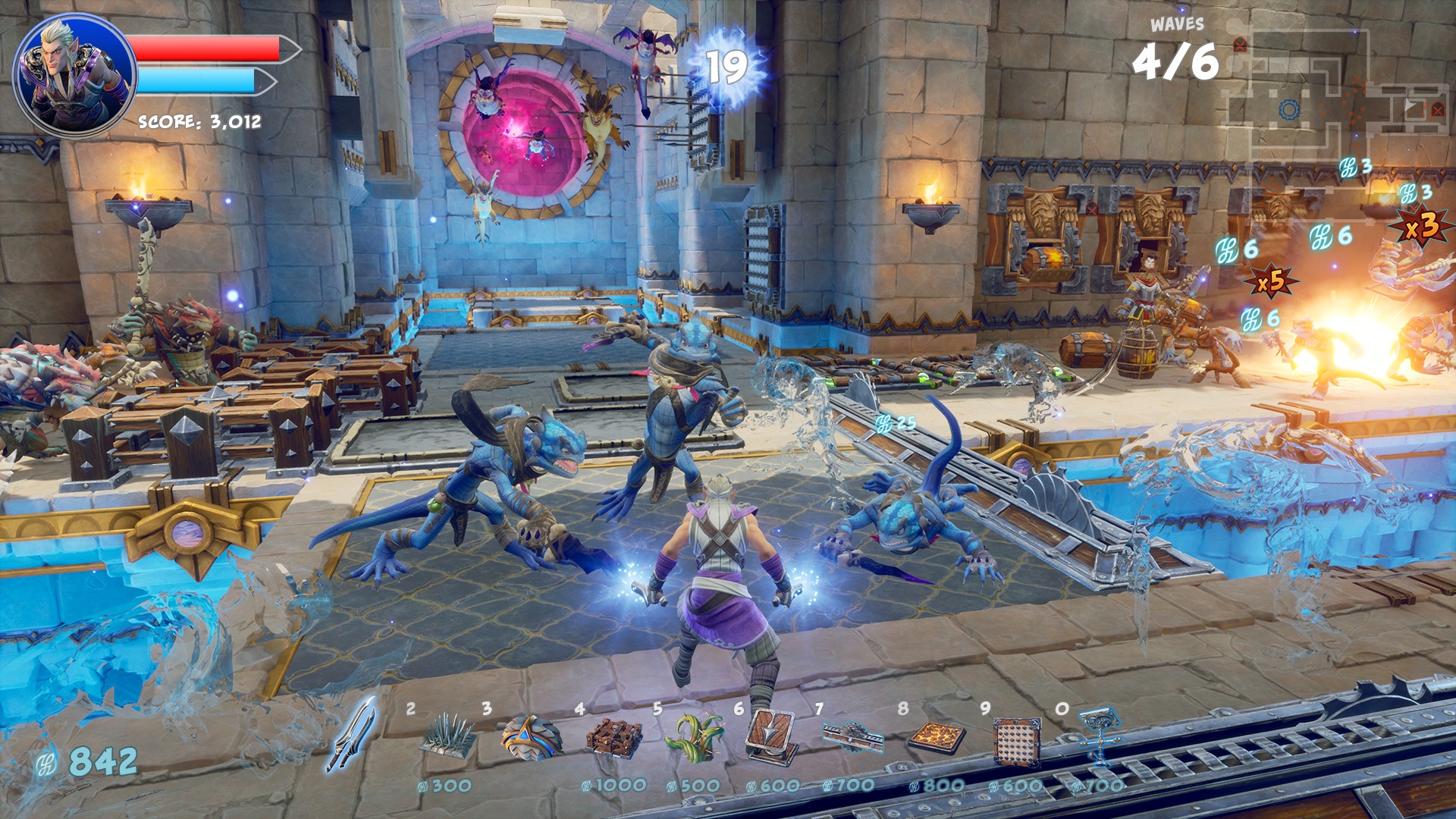
Orcs Must Die! 3 ushers orc-slaying mayhem to a previously unimaginable scale. Solo, or 2 player co-op, arm yourself with a massive arsenal of traps and weapons. Slice, burn, toss and zap hordes of repugnant orcs in this long-awaited successor to the award-winning series. New to the series, War Scenarios pit players against the largest orc armies ever assembled.
⚙️ ADDITIONAL INFO:
👾 Genre: Action, Adventure, Indie, Strategy
💎 Features: Single-player, Multi-player, Co-op, Online Co-op, Steam Achievements, Full controller support, Steam Trading Cards, Steam Cloud, Steam Leaderboards, Remote Play on TV, Family Sharing
💻 Developer: Robot Entertainment
📅 Release Date: Jul 23, 2021
✅ WHY CHOOSE US
🚀 Instant Delivery: Receive your key immediately after payment.
🛡️ 100% Secure: Sourced directly from official distributors. No risks, no revokes.
💬 24/7 Support: We are here to help you anytime!
❗❗ Note: Please record a video from the moment of purchase to activation in case of any disputes.
🛠 INSTALLATION
1. Copy the key from your account.
2. Open Steam client -> "Add a Game" (bottom left) -> "Activate a Product on Steam...".
3. Paste the code and confirm.
🔗 Quick Link: https://store.steampowered.com/account/registerkey
🔘 Platform: Windows 🎮
🔘 Product Type: Digital Key (License) 🔑
🔘 Region: CIS (Uzbekistan, Armenia, Azerbaijan, Belarus, Georgia, Kazakhstan, Kyrgyzstan, Moldova, Tajikistan, Turkmenistan, Ukraine) + Russian Federation 🌏
🔘 Reviews: Very Positive (85% of 4888 reviews) ⭐
🔘 Languages:
💬 Interface: English, French, Italian, German, Spanish - Spain, Arabic, Czech, Danish, Finnish, Japanese, Korean, Norwegian, Polish, Portuguese - Portugal, Portuguese - Brazil, Russian, Simplified Chinese, Swedish, Turkish
🗣 Audio: English, French, Italian, German, Spanish - Spain, Japanese, Korean, Russian, Turkish
📝 Subtitles: English, French, Italian, German, Spanish - Spain, Arabic, Czech, Danish, Finnish, Japanese, Korean, Norwegian, Polish, Portuguese - Portugal, Portuguese - Brazil, Russian, Simplified Chinese, Swedish, Turkish
🏮 ABOUT GAME
Orcs Must Die! 3 ushers orc-slaying mayhem to a previously unimaginable scale. Solo, or 2 player co-op, arm yourself with a massive arsenal of traps and weapons. Slice, burn, toss and zap hordes of repugnant orcs in this long-awaited successor to the award-winning series. New to the series, War Scenarios pit players against the largest orc armies ever assembled.
⚙️ ADDITIONAL INFO:
👾 Genre: Action, Adventure, Indie, Strategy
💎 Features: Single-player, Multi-player, Co-op, Online Co-op, Steam Achievements, Full controller support, Steam Trading Cards, Steam Cloud, Steam Leaderboards, Remote Play on TV, Family Sharing
💻 Developer: Robot Entertainment
📅 Release Date: Jul 23, 2021
✅ WHY CHOOSE US
🚀 Instant Delivery: Receive your key immediately after payment.
🛡️ 100% Secure: Sourced directly from official distributors. No risks, no revokes.
💬 24/7 Support: We are here to help you anytime!
❗❗ Note: Please record a video from the moment of purchase to activation in case of any disputes.
🛠 INSTALLATION
1. Copy the key from your account.
2. Open Steam client -> "Add a Game" (bottom left) -> "Activate a Product on Steam...".
3. Paste the code and confirm.
🔗 Quick Link: https://store.steampowered.com/account/registerkey
No feedback yet