Microsoft Office 365 Up to 5 Devices [Original | Партнер MS | Чек ФЗ]
Content: text (0 symbol)
Available: 1
Uploaded:
Positive responses: 2
Negative responses: 0
Sold: 16
Refunds: 0
Seller: el:Store
information about the seller and its items
Loyalty discount! If the total amount of your purchases from the seller more than:
| $50 | the discount is | 1% |
| $75 | the discount is | 2% |
| $100 | the discount is | 3% |
| $133 | the discount is | 4% |
| $167 | the discount is | 5% |
| $200 | the discount is | 6% |
| $250 | the discount is | 7% |
| $300 | the discount is | 8% |
| $400 | the discount is | 9% |
| $500 | the discount is | 10% |
$25.77
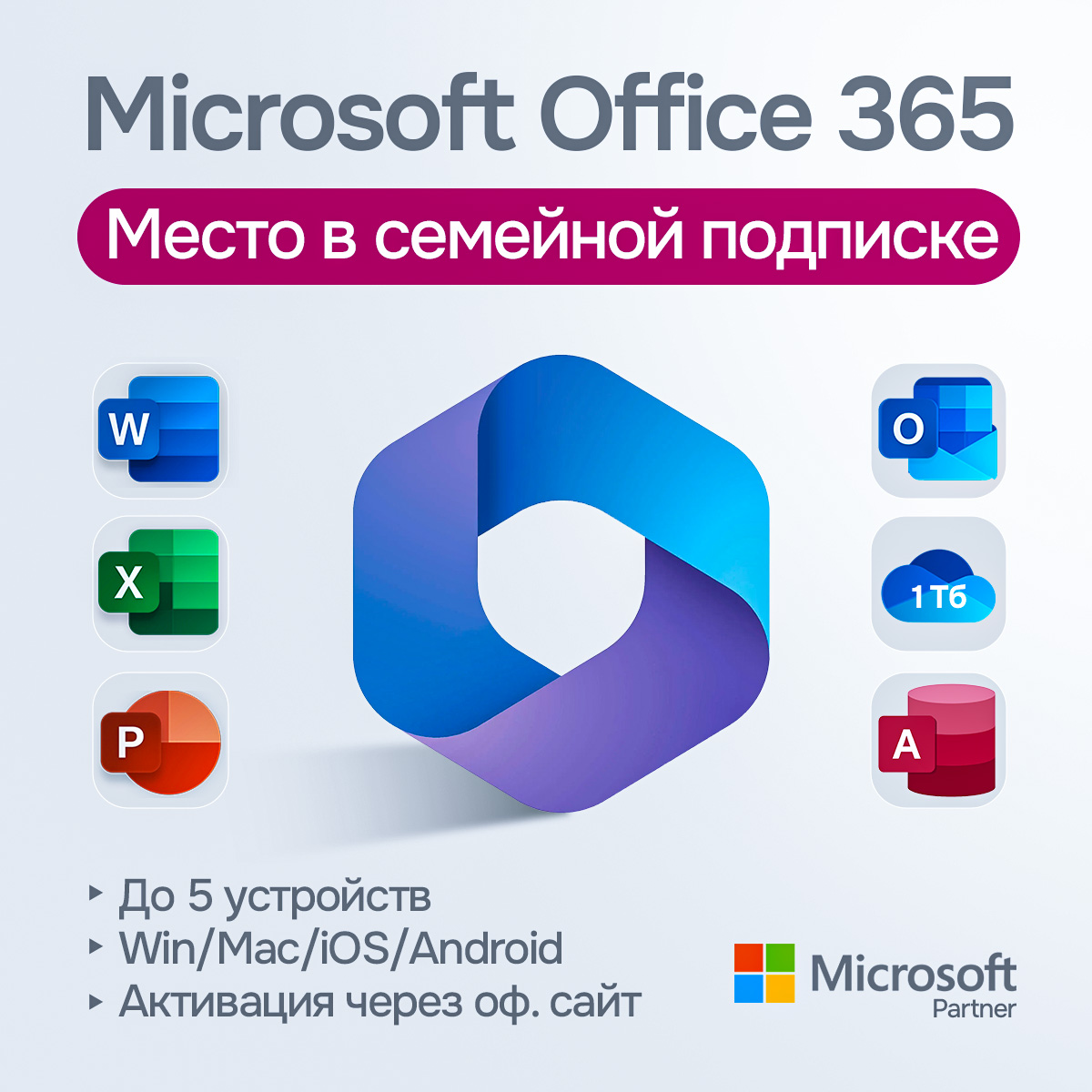
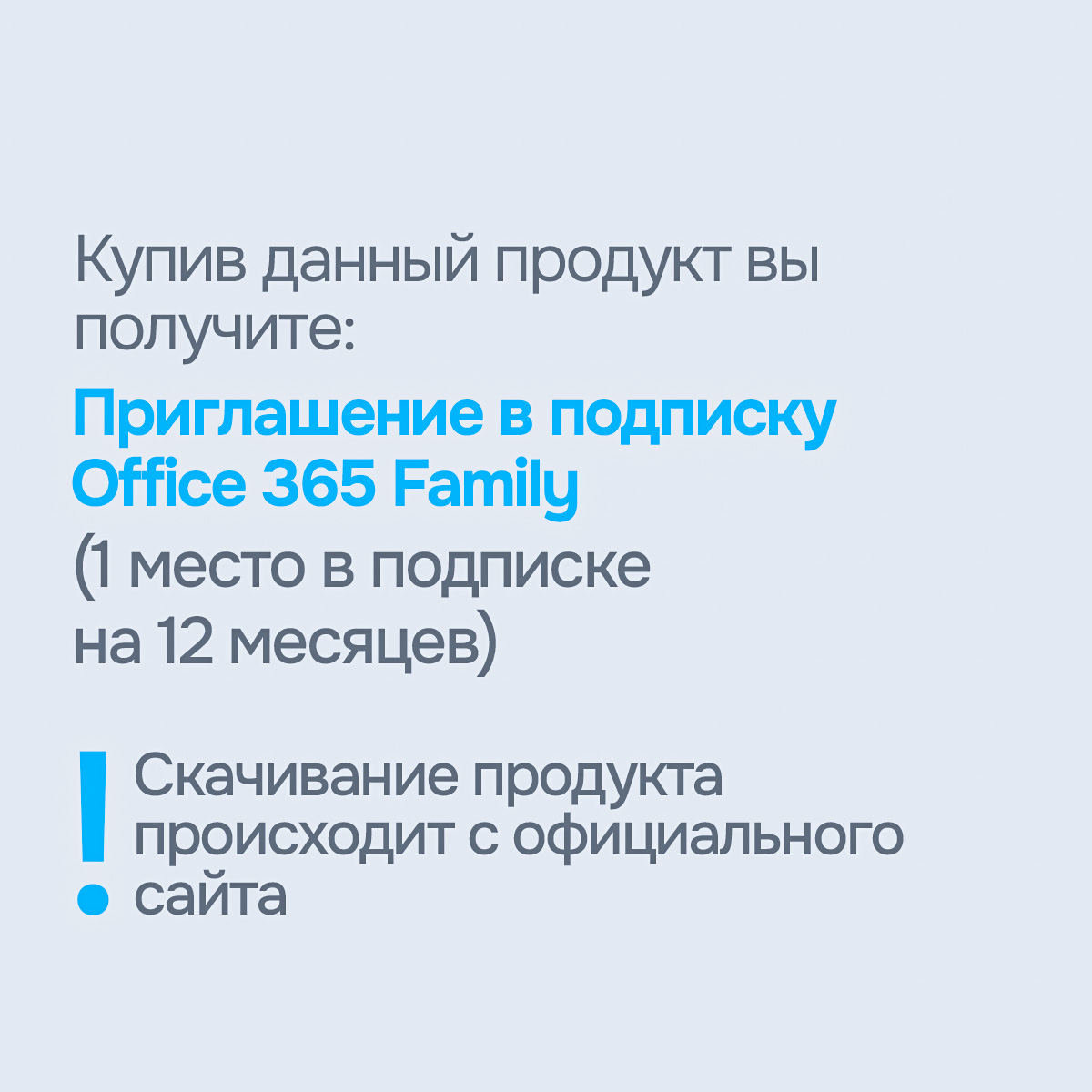
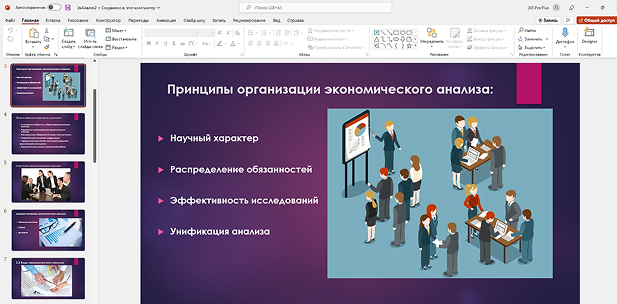
✅ Microsoft 365 Family - Family invite (1 Year)
🤝 Wide range of payment methods with NO commission, including bank cards from all over the world
💬 Have questions? Message us - we’re always available!
• Invitation to join the family group
• Detailed installation and activation instructions
• Official Microsoft download link
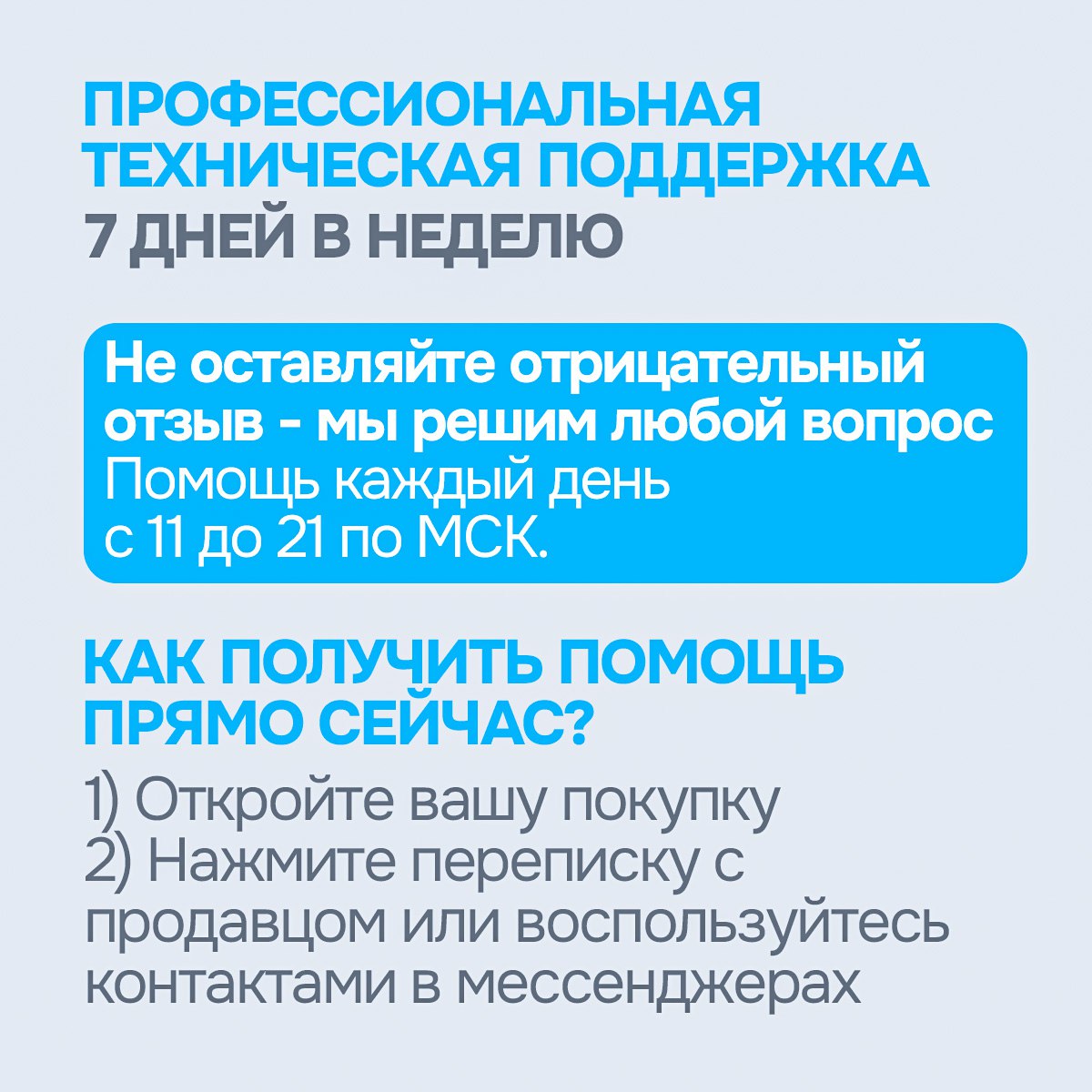
• Store support 7 days a week from 11:00 to 21:00 (Moscow time)
• Official receipt (in accordance with local regulations)
• No restrictions
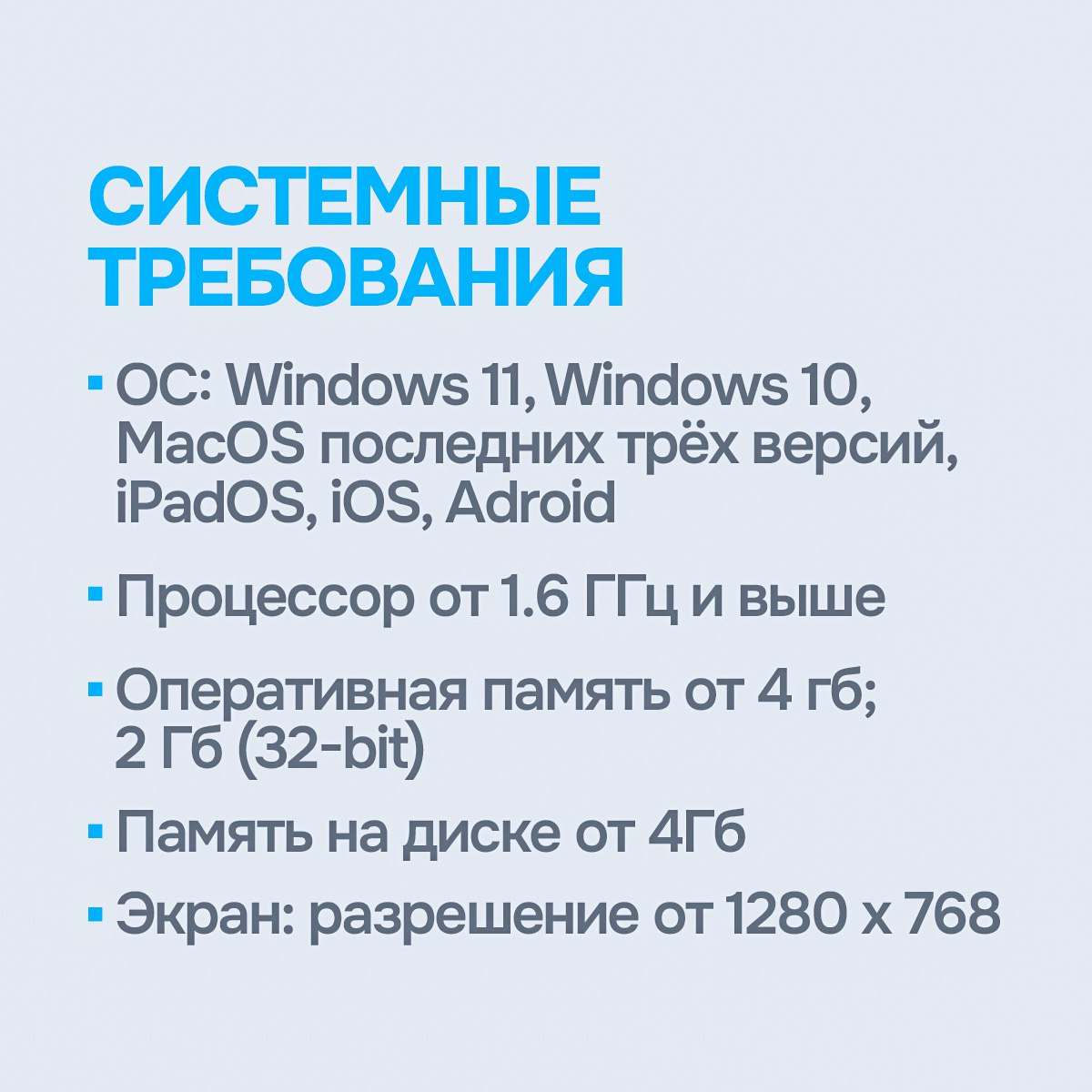
🖥 System requirements (minimum):
• Windows: Windows 10 / 11
• macOS: Latest three versions of macOS
• Mobile devices: iOS / Android supported
• Internet connection required for activation and updates
💎 About us:
🔐 We sell only original Microsoft licences
💡 No MAK or KMS keys - only genuine subscriptions
⚡️ Instant delivery after payment
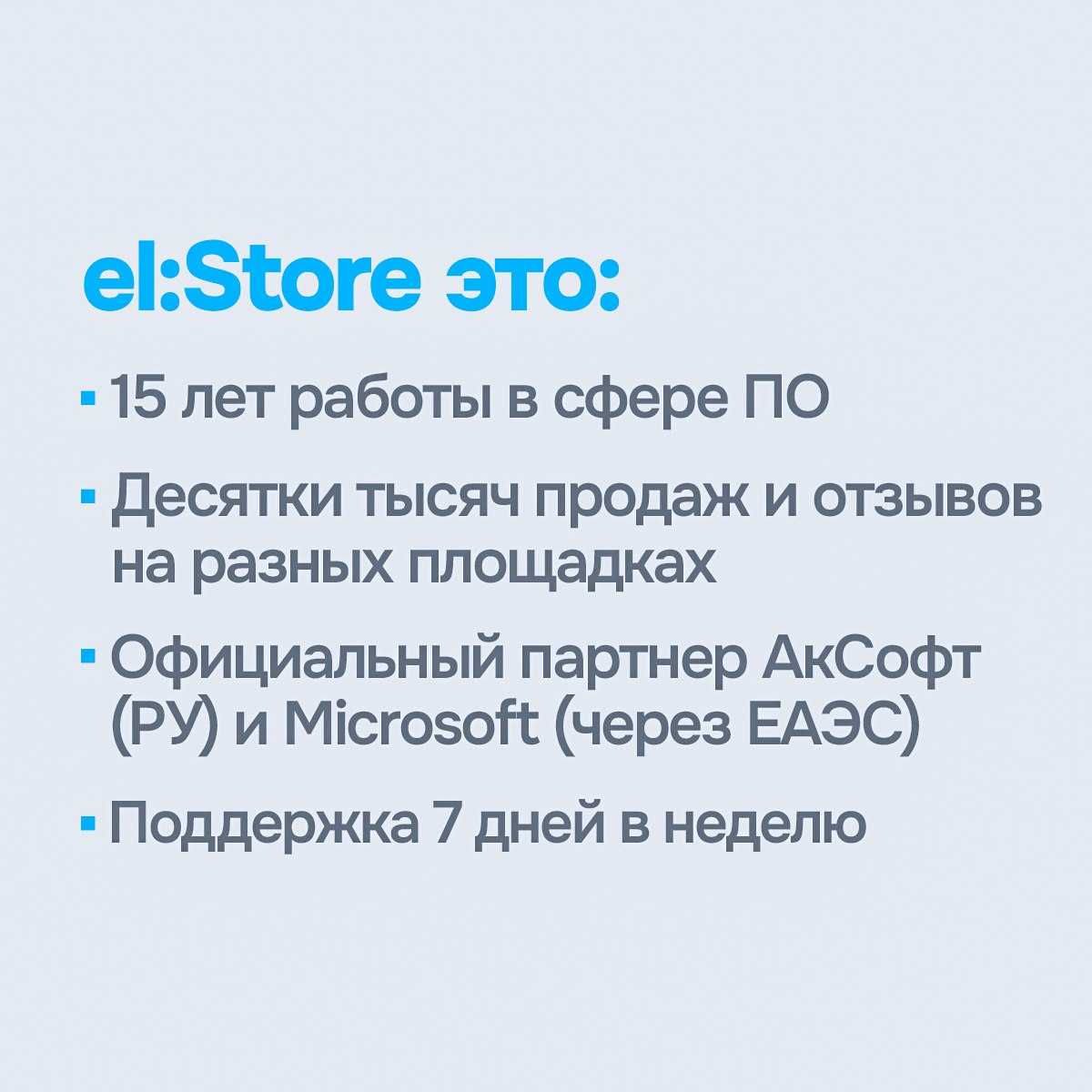
💬 Support available 7 days a week
🔧 Assistance with installation and activation
✨ We work with major distributors and guarantee software authenticity
➡️ 15 years of experience in the digital licensing market - thousands of satisfied customers
🤝 Wide range of payment methods with NO commission, including bank cards from all over the world
💬 Have questions? Message us - we’re always available!
💻 What’s included in the package?
• Slot in Microsoft 365 Family subscription
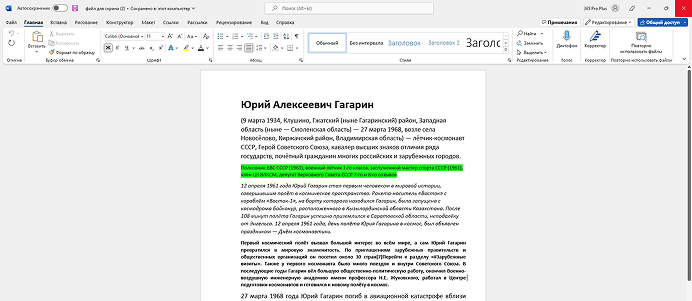
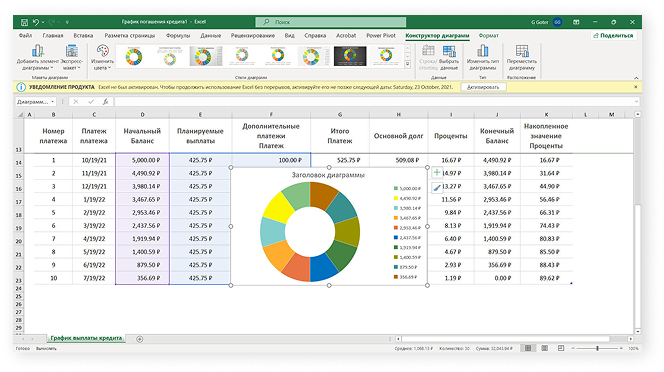
• Access to Word, Excel, PowerPoint, Outlook, and more
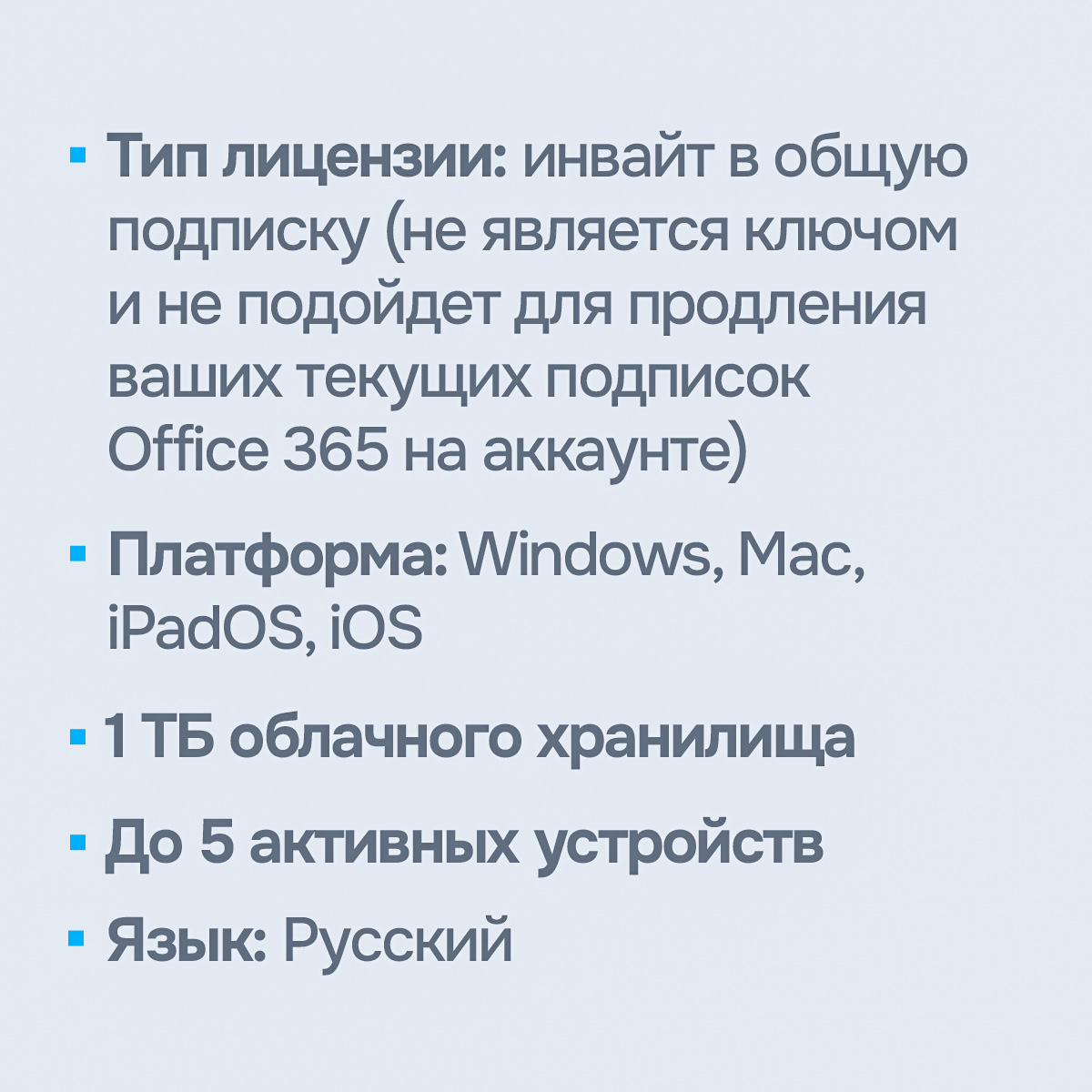
• 1 TB OneDrive storage
• Valid for 1 year
👌 What you get with your purchase:• Slot in Microsoft 365 Family subscription
• Access to Word, Excel, PowerPoint, Outlook, and more
• 1 TB OneDrive storage
• Valid for 1 year
• Invitation to join the family group
• Detailed installation and activation instructions
• Official Microsoft download link
• Store support 7 days a week from 11:00 to 21:00 (Moscow time)
• Official receipt (in accordance with local regulations)
🔑 License features:
• License type: Official Office 365 subscription on your personal Microsoft account
• Activation: Online
• Subscription is linked to your Microsoft account
• Can be used on multiple devices (PC, Mac, smartphones, tablets)
• Automatic updates throughout the subscription period
• Important! This not an activation key, this is an Invitation to join the family group. Nobody will have an access to your personal data.
🌍 Regional restrictions:• License type: Official Office 365 subscription on your personal Microsoft account
• Activation: Online
• Subscription is linked to your Microsoft account
• Can be used on multiple devices (PC, Mac, smartphones, tablets)
• Automatic updates throughout the subscription period
• Important! This not an activation key, this is an Invitation to join the family group. Nobody will have an access to your personal data.
• No restrictions
🖥 System requirements (minimum):
• Windows: Windows 10 / 11
• macOS: Latest three versions of macOS
• Mobile devices: iOS / Android supported
• Internet connection required for activation and updates
💎 About us:
🔐 We sell only original Microsoft licences
💡 No MAK or KMS keys - only genuine subscriptions
⚡️ Instant delivery after payment
💬 Support available 7 days a week
🔧 Assistance with installation and activation
✨ We work with major distributors and guarantee software authenticity
➡️ 15 years of experience in the digital licensing market - thousands of satisfied customers
📥How to download the installer from the official Microsoft website:
- After activating the license, go to https://account.microsoft.com/, open the “Subscriptions” section, find your license and click the download button next to it.
❗ Important:
If you encounter any activation issues, please contact the seller first. We’re always ready to help. Don’t rush to leave a negative review — we’ll find a solution!
- After activating the license, go to https://account.microsoft.com/, open the “Subscriptions” section, find your license and click the download button next to it.
❗ Important:
If you encounter any activation issues, please contact the seller first. We’re always ready to help. Don’t rush to leave a negative review — we’ll find a solution!
💡 We also recommend checking out our other products:
• Windows 10 / 11 Pro / Home - https://top.steamkeygift.ru/item/5527230
• Microsoft Office 365 Family / Personal - https://top.steamkeygift.ru/item/5760976
• Microsoft Office 365 Ready-to-use Account - https://top.steamkeygift.ru/item/5800818
• Microsoft Office 2024/2021/2019/2016 - https://top.steamkeygift.ru/item/5715427
• Microsoft Project/Visio Pro 2021/2019 - https://top.steamkeygift.ru/item/5808616
• Windows 10 / 11 Pro / Home - https://top.steamkeygift.ru/item/5527230
• Microsoft Office 365 Family / Personal - https://top.steamkeygift.ru/item/5760976
• Microsoft Office 365 Ready-to-use Account - https://top.steamkeygift.ru/item/5800818
• Microsoft Office 2024/2021/2019/2016 - https://top.steamkeygift.ru/item/5715427
• Microsoft Project/Visio Pro 2021/2019 - https://top.steamkeygift.ru/item/5808616
19.05.2026 18:34:08
Не быстро. Но заработало
27.04.2026 6:25:56
Отлично!