Russian translation for Vampire: The Masquerade - Reckoning of New York
Content: Русификатор текста для Vampire The Masquerade - Reckoning of New York.zip (4.14 MB)
Uploaded: 21.03.2026
Positive responses: 0
Negative responses: 0
Sold: 10
Refunds: 0
$2.79
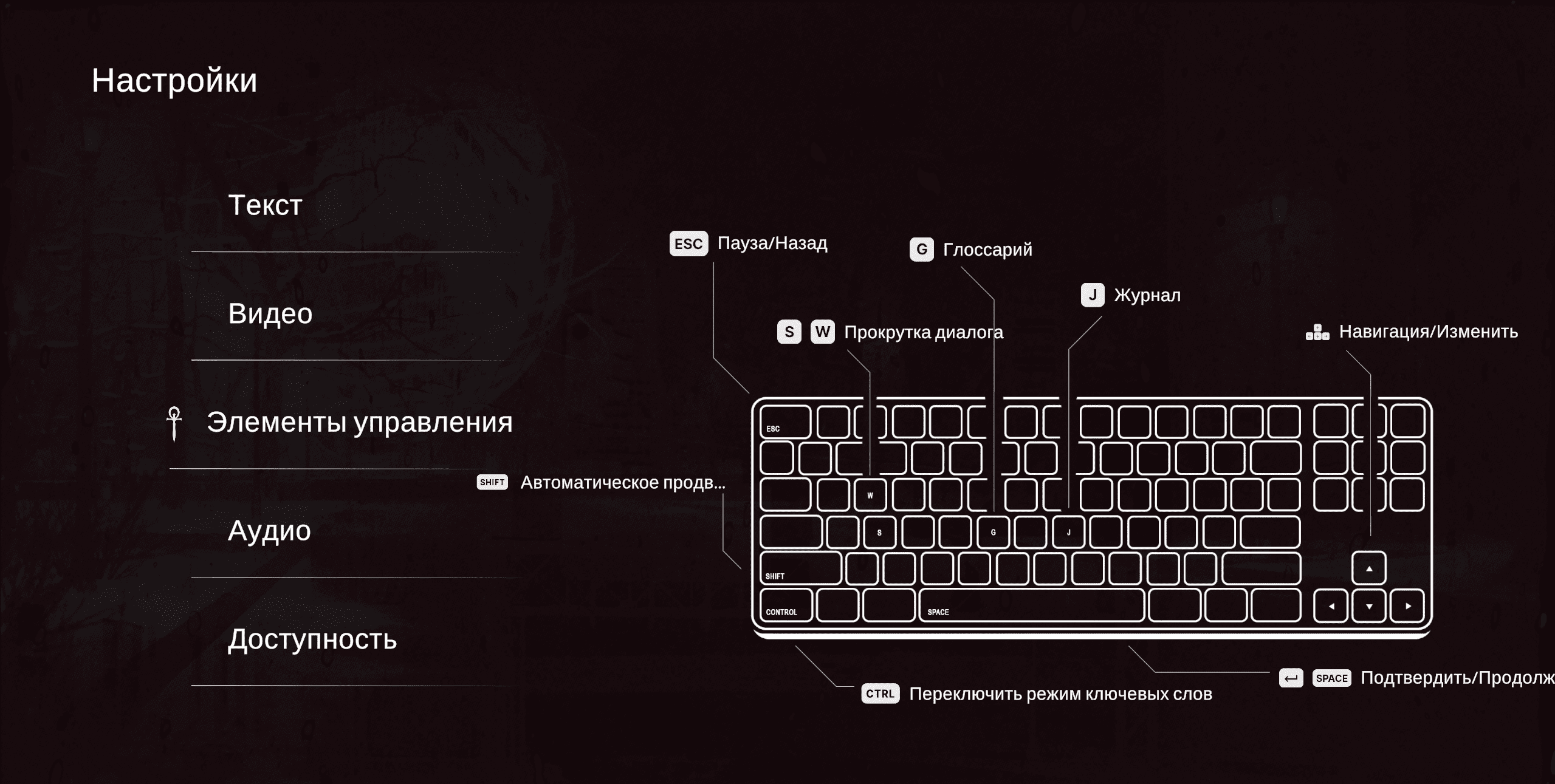
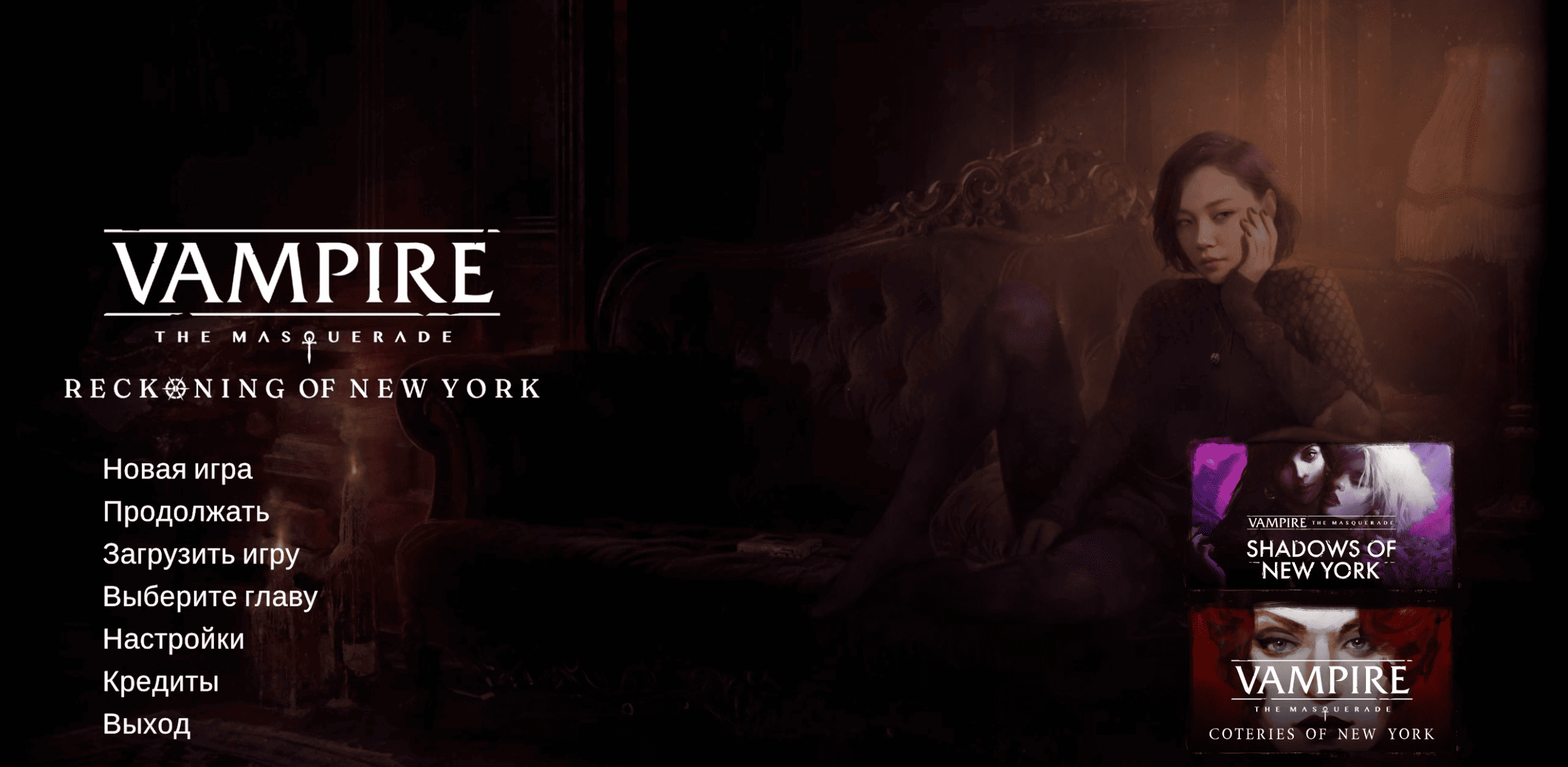
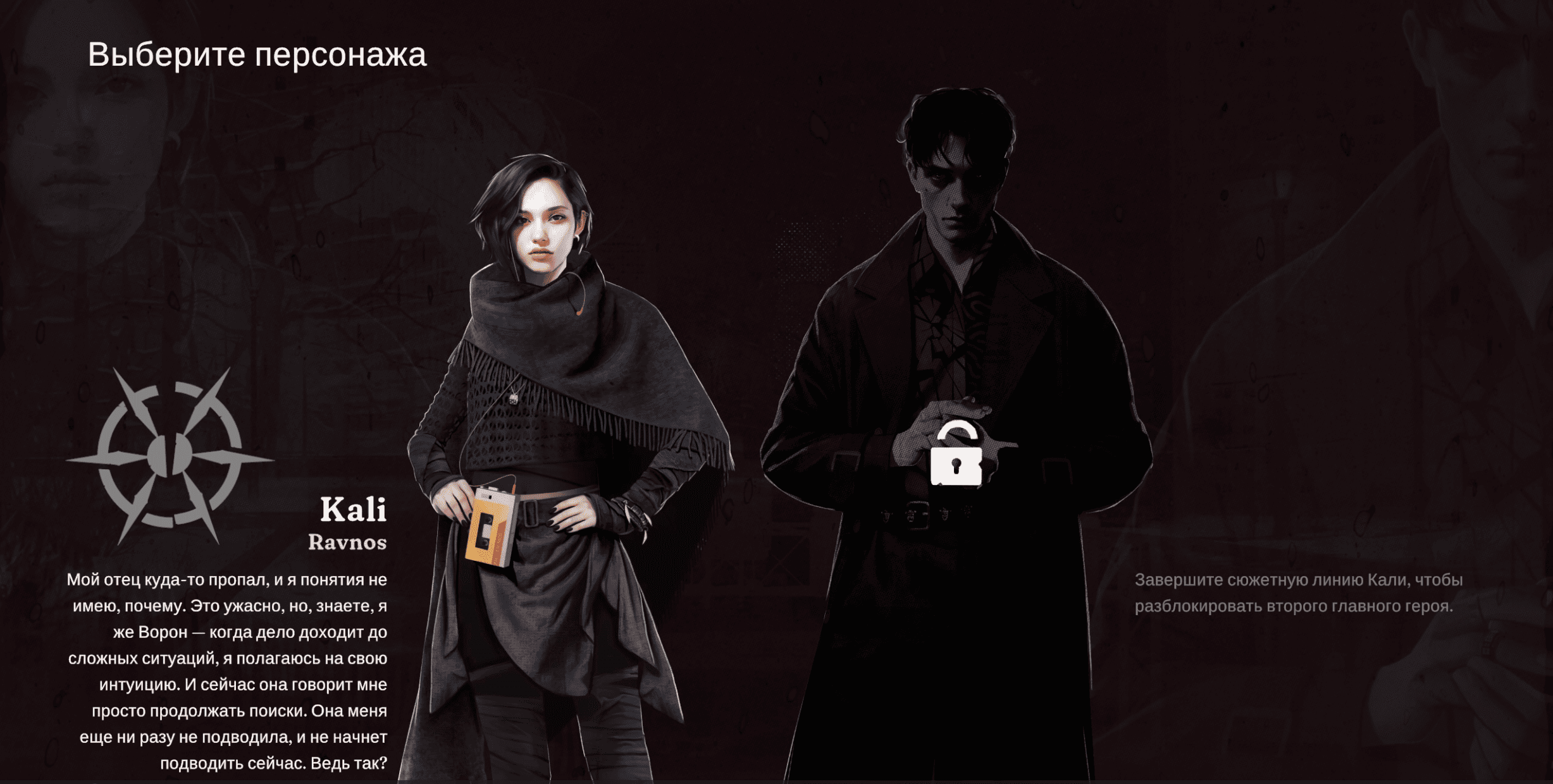
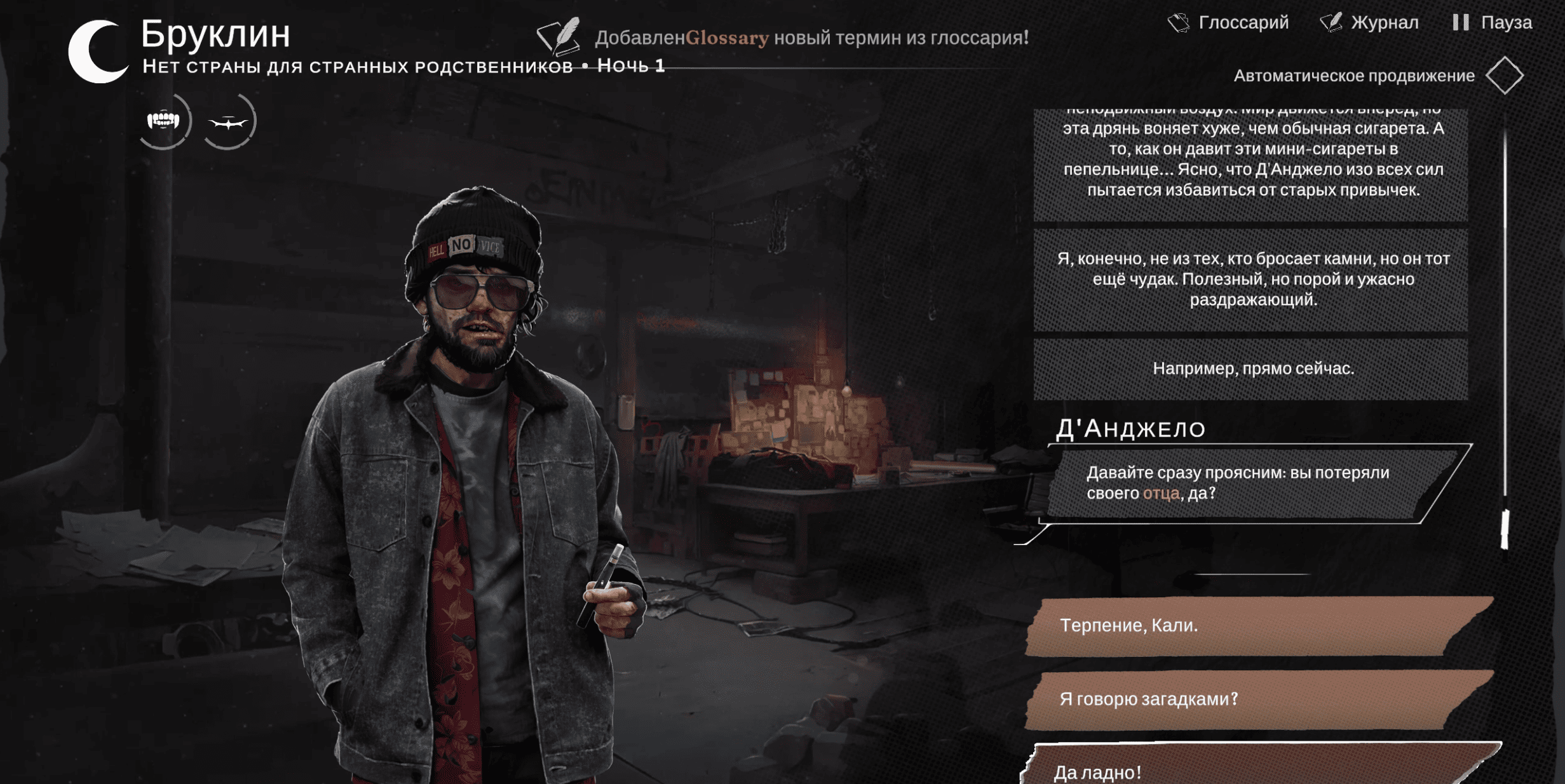
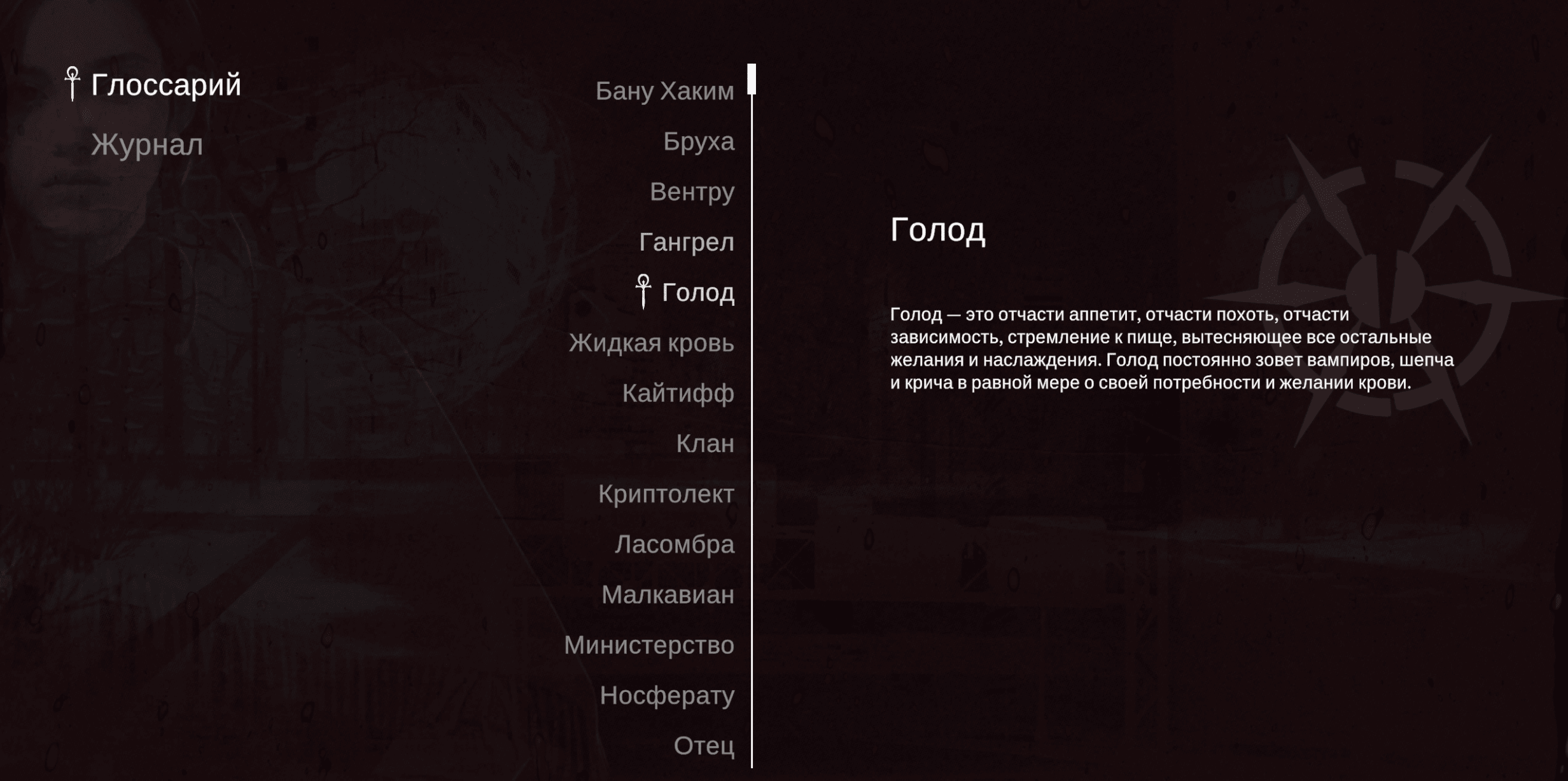
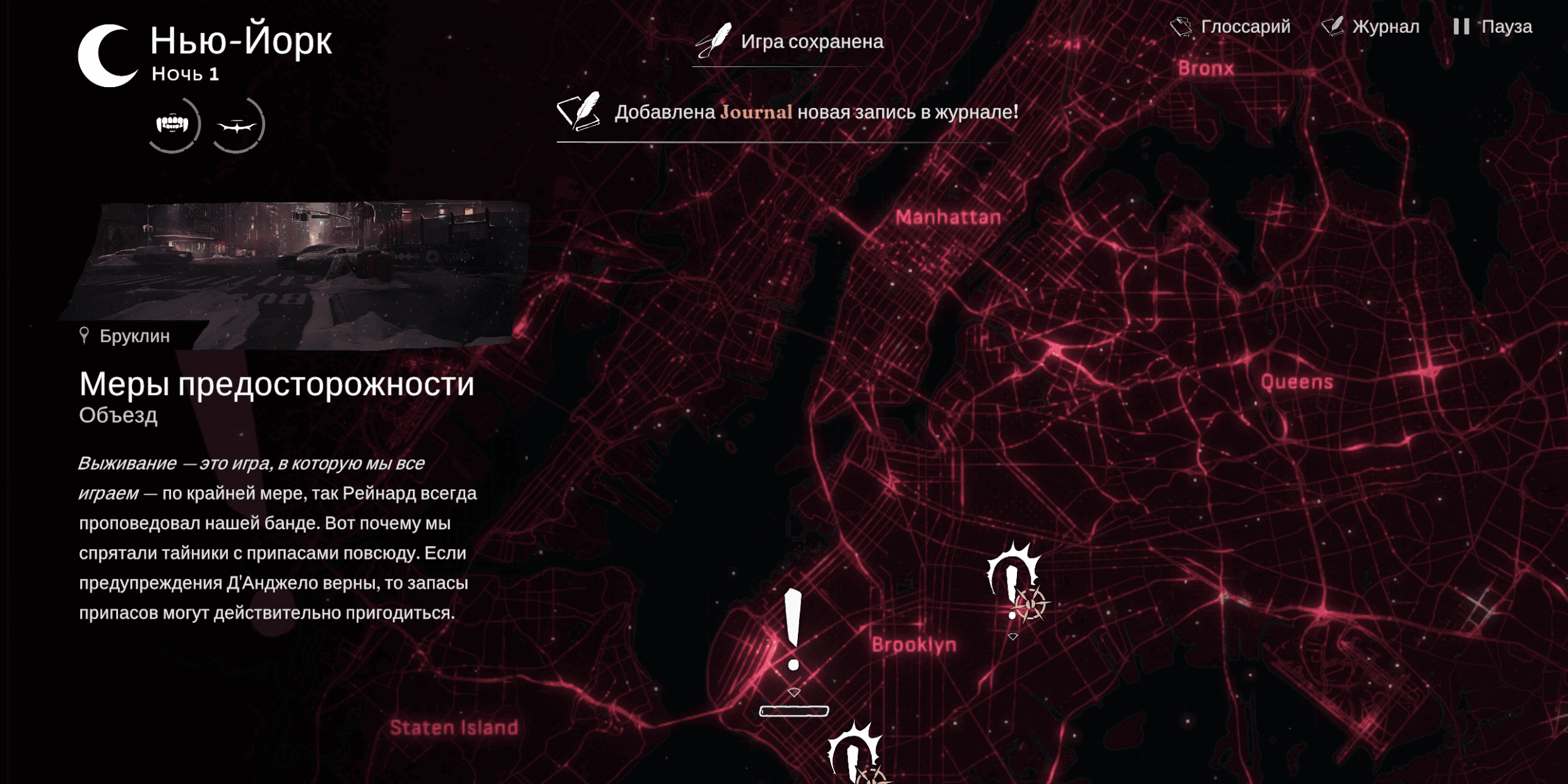
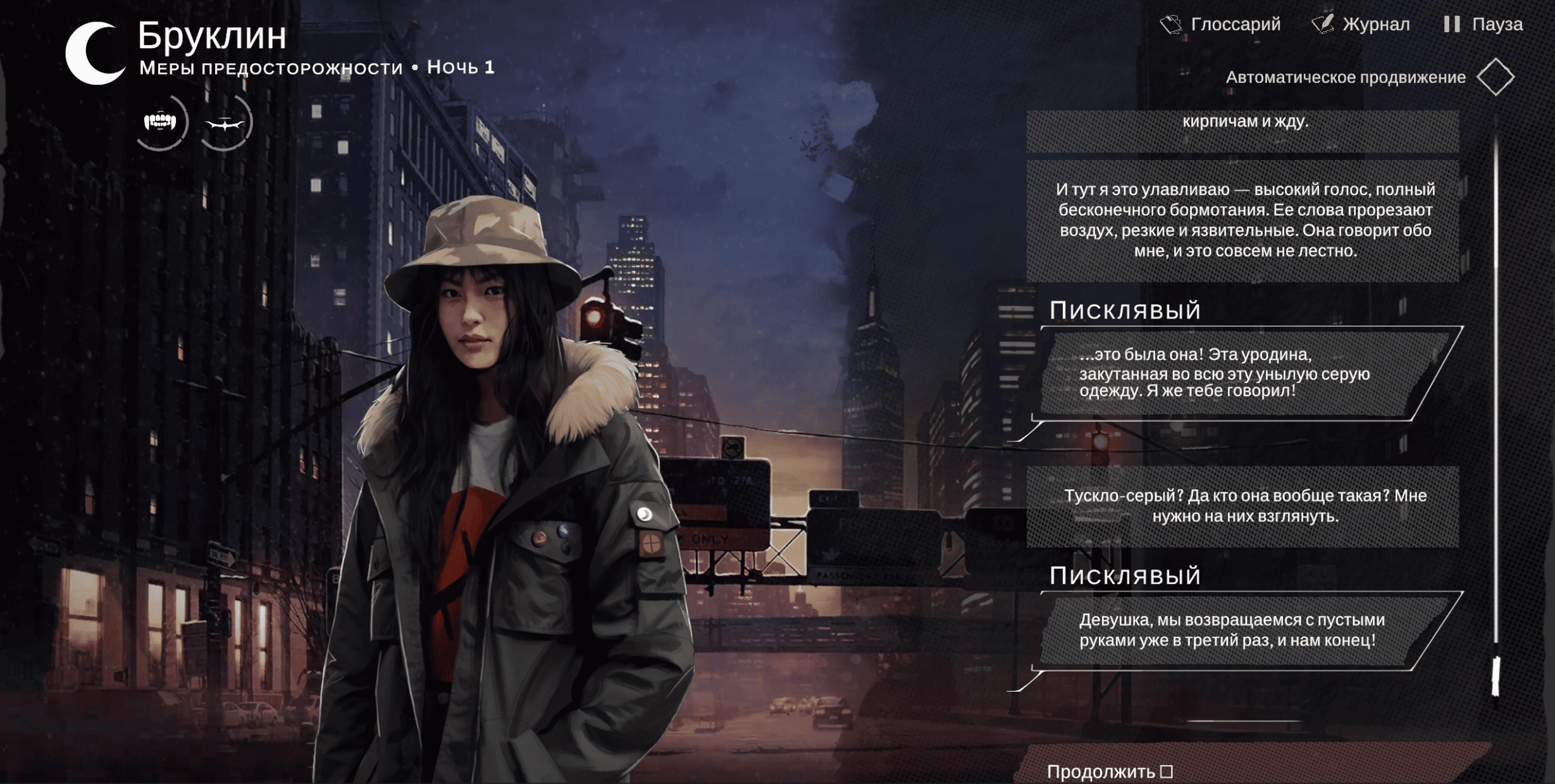
When choosing a payment method, choose RoboKassa, which accepts payments via the SBP and MIR cards.
I really like the Vampire: The Masquerade series, and as you know, the Reckoning of New York section doesn´t have a Russian language version at the time of writing (March 21, 2026). I decided to make my own Russian localizer. I worked on it for a month, working on evenings and weekends, and I´d like to recoup the time spent. The funds raised this way will help me make Russian localizers for other games, too. There are still a ton of great novels for which Russian localization is unlikely. There´s always motivation when you do something for a reason.
If you want to try making a Russian localizer yourself, great! Below I´ll describe how to do it using this game as an example. Maybe you´ll get hooked, and we´ll all have more Russian localizers for visual novels.
The game is made on Uniti; you´ll need AssetRipper to unzip the assets. All the text is stored in the data.unity3d file in the 2Language asset. It contains the entire game´s text. Extract it into JSON format, and you´ll get a file containing the dialogue code—text and a bunch of lines of code. I ran it all through a translator and then put it back through the UABEA program. This was the simplest step. After that, all the text in the game will be replaced with Russian, but it will be squares and circles, generally incomprehensible symbols, because the game build itself doesn´t support Russian; the game simply can´t read it. In the same data.unity3d file, there are three files responsible for the material, texture, and text code. This is where the hard part begins. These files can´t be simply replaced. What the game does is take an image with a bunch of letters, the program cuts this image up, and for each letter, its own coordinates for this cut image are created. Essentially, the game simply inserts a piece of the image in place of the letter itself. To add Russian encoding, we need to download Unity, start making a game using the 3D template, add a Russian font in TTF format, and output the build (like a game). Then, using UABEA, extract four files from this build (material, texture, texture code, text code) and not just insert them into our game, but compare each line of code and try to combine them—that was the hardest part. Finally, we save the changes to data.unity3d, replace the original file, and we´re done. The game doesn´t check the hash (file size) for this file, so everything works without any hassle.
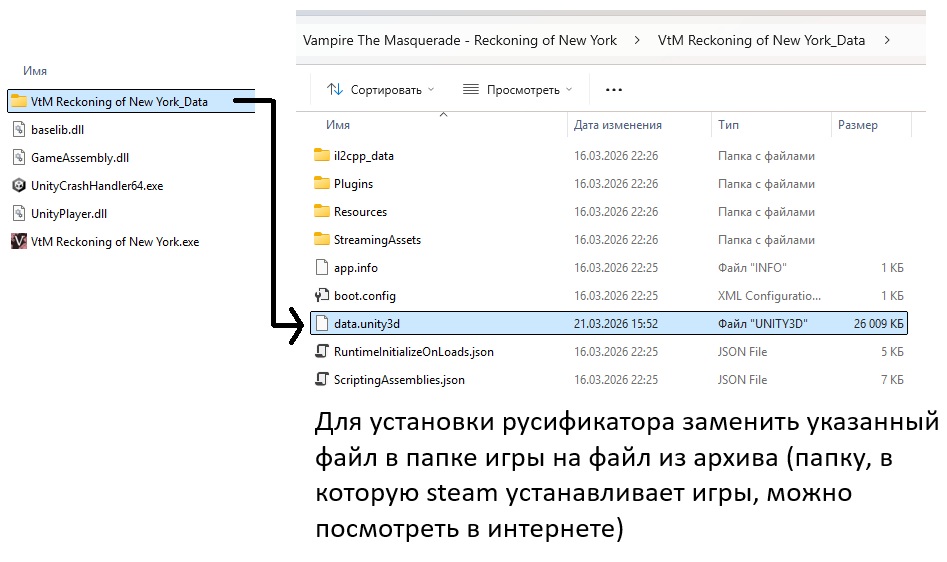
That´s all. After payment, the site will send you an archive containing the file and instructions on which file to replace with which in the Steam folder.
If you have any problems, please contact us at @0jeep0
I really like the Vampire: The Masquerade series, and as you know, the Reckoning of New York section doesn´t have a Russian language version at the time of writing (March 21, 2026). I decided to make my own Russian localizer. I worked on it for a month, working on evenings and weekends, and I´d like to recoup the time spent. The funds raised this way will help me make Russian localizers for other games, too. There are still a ton of great novels for which Russian localization is unlikely. There´s always motivation when you do something for a reason.
If you want to try making a Russian localizer yourself, great! Below I´ll describe how to do it using this game as an example. Maybe you´ll get hooked, and we´ll all have more Russian localizers for visual novels.
The game is made on Uniti; you´ll need AssetRipper to unzip the assets. All the text is stored in the data.unity3d file in the 2Language asset. It contains the entire game´s text. Extract it into JSON format, and you´ll get a file containing the dialogue code—text and a bunch of lines of code. I ran it all through a translator and then put it back through the UABEA program. This was the simplest step. After that, all the text in the game will be replaced with Russian, but it will be squares and circles, generally incomprehensible symbols, because the game build itself doesn´t support Russian; the game simply can´t read it. In the same data.unity3d file, there are three files responsible for the material, texture, and text code. This is where the hard part begins. These files can´t be simply replaced. What the game does is take an image with a bunch of letters, the program cuts this image up, and for each letter, its own coordinates for this cut image are created. Essentially, the game simply inserts a piece of the image in place of the letter itself. To add Russian encoding, we need to download Unity, start making a game using the 3D template, add a Russian font in TTF format, and output the build (like a game). Then, using UABEA, extract four files from this build (material, texture, texture code, text code) and not just insert them into our game, but compare each line of code and try to combine them—that was the hardest part. Finally, we save the changes to data.unity3d, replace the original file, and we´re done. The game doesn´t check the hash (file size) for this file, so everything works without any hassle.
That´s all. After payment, the site will send you an archive containing the file and instructions on which file to replace with which in the Steam folder.
If you have any problems, please contact us at @0jeep0
When choosing a payment method, choose RoboKassa, which accepts payments via the SBP and MIR cards.
No feedback yet