Resident Evil Requiem (Standard Edition) NVIDIA Key (STEAM)
Content: text (0 symbol)
Uploaded: 27.02.2026
Positive responses: 0
Negative responses: 0
Sold: 0
Refunds: 0
$39.5
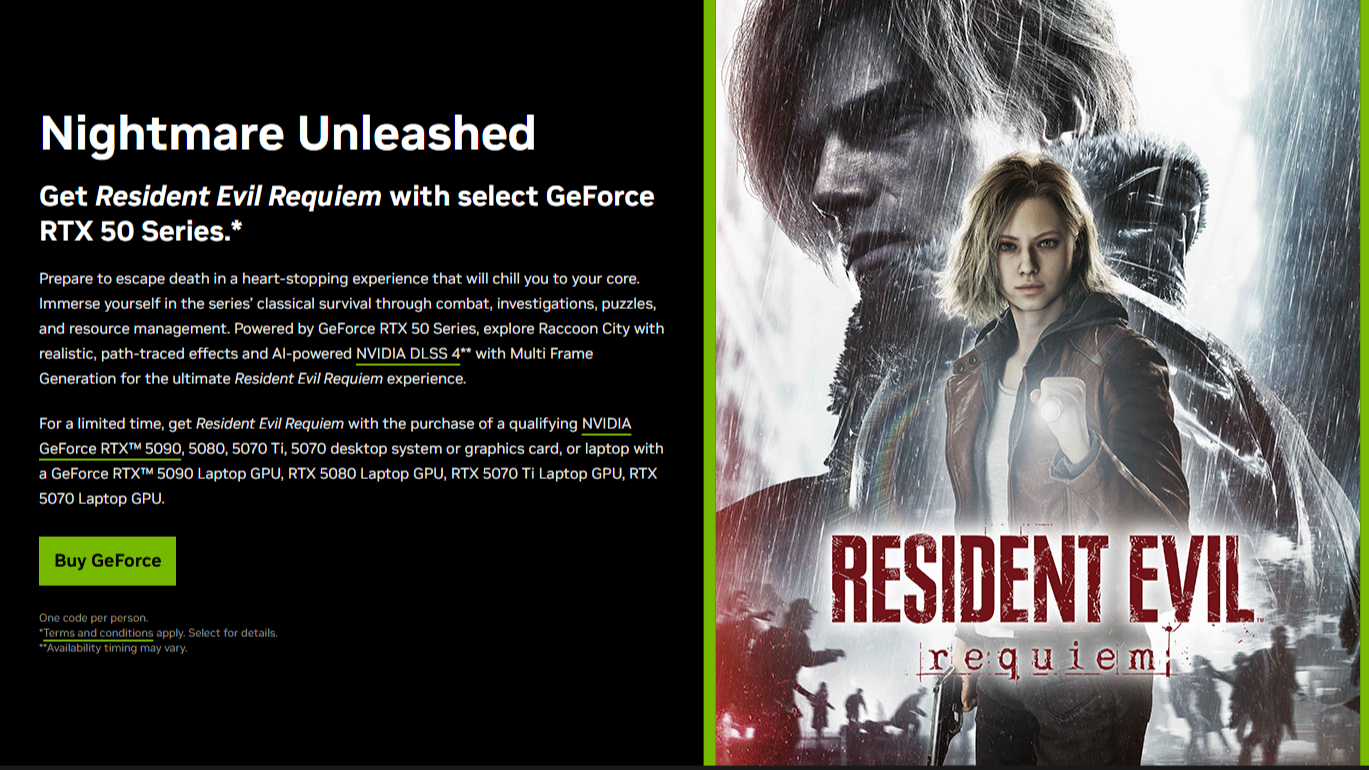
🚀 NVIDIA Global Bundle: RTX 50-Series Exclusive
Unlock your next gaming experience with an official NVIDIA promotional code. This offer is valid globally (excluding Russia/Belarus) and grants immediate access upon successful activation.
💻 Hardware Requirements
This code is hardware-locked. To activate it, your system must be equipped with one of the following NVIDIA GeForce RTX™ GPUs:
Desktop: RTX 5090, 5080, 5070 Ti, or 5070.
Laptop: RTX 5090, 5080, 5070 Ti, or 5070 Laptop GPU.
Note: Any manufacturer (ASUS, MSI, Gigabyte, etc.) and any purchase date is eligible.
⚠️ Important Terms & Conditions
One Code Per GPU: If you have already redeemed a game bundle on your specific graphics card (e.g., DOOM: The Dark Ages), you cannot activate this code.
Single Use: Each code can only be bound to one NVIDIA account and one GPU.
Expiration: You must redeem the code by April 16, 2026.
Regional Restrictions: Activation is available worldwide, excluding Russia and Belarus.
🌏 Activation Requirements (Regional Bypass)
To successfully redeem this code, you must briefly appear as if you are connecting from an Asian-Pacific region.
Supported Activation Countries:
Taiwan, India, Australia, New Zealand, Singapore, Malaysia, Philippines, Thailand, Indonesia, Vietnam, Japan, Korea, or Hong Kong.
Pro Tip: Once the game is successfully added to your Steam library, you no longer need to use a foreign IP. The game is yours to play globally.
🛠 Step-by-Step Activation Guide
Update: Ensure you have the latest version of the NVIDIA App installed.
Connect: Use a VPN or proxy to connect to one of the supported Asian-Pacific countries listed above.
Restart: Completely close the NVIDIA App and relaunch it to ensure it recognizes your new location.
Redeem: Navigate to the "Redeem" (or Activate) tab on the left-hand menu.
Authenticate: Enter your code and follow the prompts to link your Steam account.
Play: The game will be added directly to your Steam Library.
Facing an error? If you see "You do not meet the requirements for this code," try switching your connection to a different country from the list above and restart the NVIDIA App again.
⭐ Enjoyed the service? Please leave a positive review!
Unlock your next gaming experience with an official NVIDIA promotional code. This offer is valid globally (excluding Russia/Belarus) and grants immediate access upon successful activation.
💻 Hardware Requirements
This code is hardware-locked. To activate it, your system must be equipped with one of the following NVIDIA GeForce RTX™ GPUs:
Desktop: RTX 5090, 5080, 5070 Ti, or 5070.
Laptop: RTX 5090, 5080, 5070 Ti, or 5070 Laptop GPU.
Note: Any manufacturer (ASUS, MSI, Gigabyte, etc.) and any purchase date is eligible.
⚠️ Important Terms & Conditions
One Code Per GPU: If you have already redeemed a game bundle on your specific graphics card (e.g., DOOM: The Dark Ages), you cannot activate this code.
Single Use: Each code can only be bound to one NVIDIA account and one GPU.
Expiration: You must redeem the code by April 16, 2026.
Regional Restrictions: Activation is available worldwide, excluding Russia and Belarus.
🌏 Activation Requirements (Regional Bypass)
To successfully redeem this code, you must briefly appear as if you are connecting from an Asian-Pacific region.
Supported Activation Countries:
Taiwan, India, Australia, New Zealand, Singapore, Malaysia, Philippines, Thailand, Indonesia, Vietnam, Japan, Korea, or Hong Kong.
Pro Tip: Once the game is successfully added to your Steam library, you no longer need to use a foreign IP. The game is yours to play globally.
🛠 Step-by-Step Activation Guide
Update: Ensure you have the latest version of the NVIDIA App installed.
Connect: Use a VPN or proxy to connect to one of the supported Asian-Pacific countries listed above.
Restart: Completely close the NVIDIA App and relaunch it to ensure it recognizes your new location.
Redeem: Navigate to the "Redeem" (or Activate) tab on the left-hand menu.
Authenticate: Enter your code and follow the prompts to link your Steam account.
Play: The game will be added directly to your Steam Library.
Facing an error? If you see "You do not meet the requirements for this code," try switching your connection to a different country from the list above and restart the NVIDIA App again.
⭐ Enjoyed the service? Please leave a positive review!
No feedback yet