Unlocking Mi Account (Russia)
Content: text (0 symbol)
Available: 1
Uploaded:
Positive responses: 1
Negative responses: 0
Sold: 2
Refunds: 0
$21.78
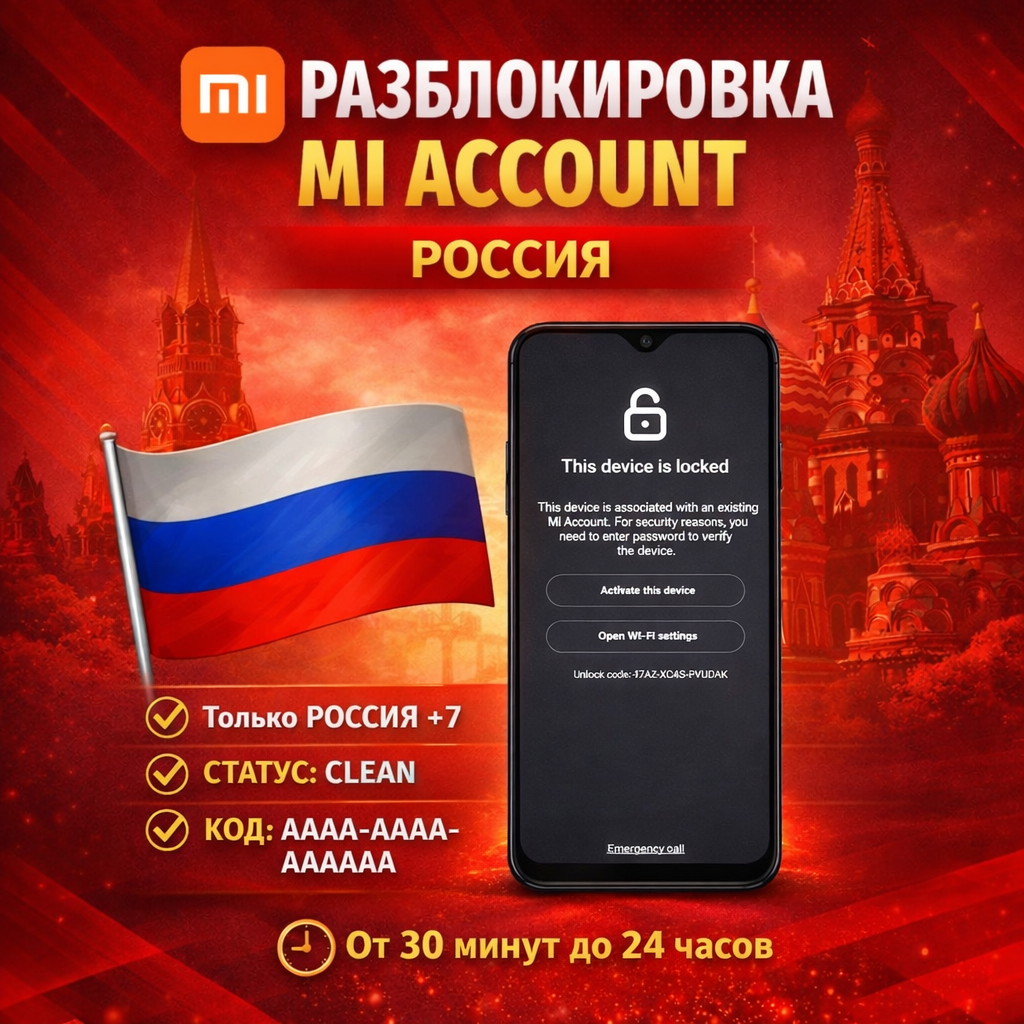
The service removes the Mi Account link (Activation Lock) on the Xiaomi servers.
Supported:
Mi Account Region: Russia
Models: All Xiaomi / Redmi / POCO
Mi Account Status: Clean
Not supported: Lost (lost / stolen) — such devices will not be accepted for service.
Before placing an order, you can check the device status at this link: https://i.mi.com/find/device/activationlock#/status
To place an order, you need an unlock code in the AAAA-AAAA-AAAAAA format (enter only in uppercase characters, as shown on the screen). If the code format is different, make sure your Mi Account region is set to Russia (otherwise, the order will not be placed).
How to get the code: Connect your device to Wi-Fi or a mobile network, let it sit for a while, and then reboot. Alternatively, connect it to the internet and quickly tap the lock icon 10 times. After this, a code like AAAA-AAAA-AAAAAA will appear below the "Wi-Fi Settings" button. This is the code you need to enter during the purchase.
The process takes from 30 minutes to 24 hours (depending on server load).
After unlocking: When Find Device is OFF, connect your phone to the internet (Wi-Fi/mobile network), leave the device for a while, then reboot and activate. If you don´t want to wait, perform a Wipe Data operation again via Recovery after unlocking.
!!! Additional information:
RUSSIA region and Clean status only! You can indirectly check the region by the first digit of the phone number linked to your Mi Account (it must start with 7). You can check the Clean status as follows: connect your phone to the internet, let it sit for 15 minutes, and reboot. If the message "You found my device" appears and a contact number is provided, this is LOST; this service DOES NOT PROVIDE THIS SERVICE. By placing an order, you confirm that the code is correct, in the required format, and that the device status is CLEAN. Refunds are not provided after a successful order.
Supported:
Mi Account Region: Russia
Models: All Xiaomi / Redmi / POCO
Mi Account Status: Clean
Not supported: Lost (lost / stolen) — such devices will not be accepted for service.
Before placing an order, you can check the device status at this link: https://i.mi.com/find/device/activationlock#/status
To place an order, you need an unlock code in the AAAA-AAAA-AAAAAA format (enter only in uppercase characters, as shown on the screen). If the code format is different, make sure your Mi Account region is set to Russia (otherwise, the order will not be placed).
How to get the code: Connect your device to Wi-Fi or a mobile network, let it sit for a while, and then reboot. Alternatively, connect it to the internet and quickly tap the lock icon 10 times. After this, a code like AAAA-AAAA-AAAAAA will appear below the "Wi-Fi Settings" button. This is the code you need to enter during the purchase.
The process takes from 30 minutes to 24 hours (depending on server load).
After unlocking: When Find Device is OFF, connect your phone to the internet (Wi-Fi/mobile network), leave the device for a while, then reboot and activate. If you don´t want to wait, perform a Wipe Data operation again via Recovery after unlocking.
!!! Additional information:
RUSSIA region and Clean status only! You can indirectly check the region by the first digit of the phone number linked to your Mi Account (it must start with 7). You can check the Clean status as follows: connect your phone to the internet, let it sit for 15 minutes, and reboot. If the message "You found my device" appears and a contact number is provided, this is LOST; this service DOES NOT PROVIDE THIS SERVICE. By placing an order, you confirm that the code is correct, in the required format, and that the device status is CLEAN. Refunds are not provided after a successful order.
Russia region and Clean status only! You can indirectly check the region by entering the first digit of the phone number linked to your Mi Account (it must start with 7). You can check the Clean status by connecting your phone to the internet, letting it sit for 15 minutes, and then rebooting. If you see the message "You found my device" and a contact number is provided, this is a LOST message. This service does not offer this service. By placing an order, you confirm that the code is correct, in the required format, and that the device status is CLEAN. Refunds are not provided after a successful order.
01.04.2026 14:56:50
Все быстро , оперативно!!! Разблокировал телефон который лет 5 лежал мертвым грузом!