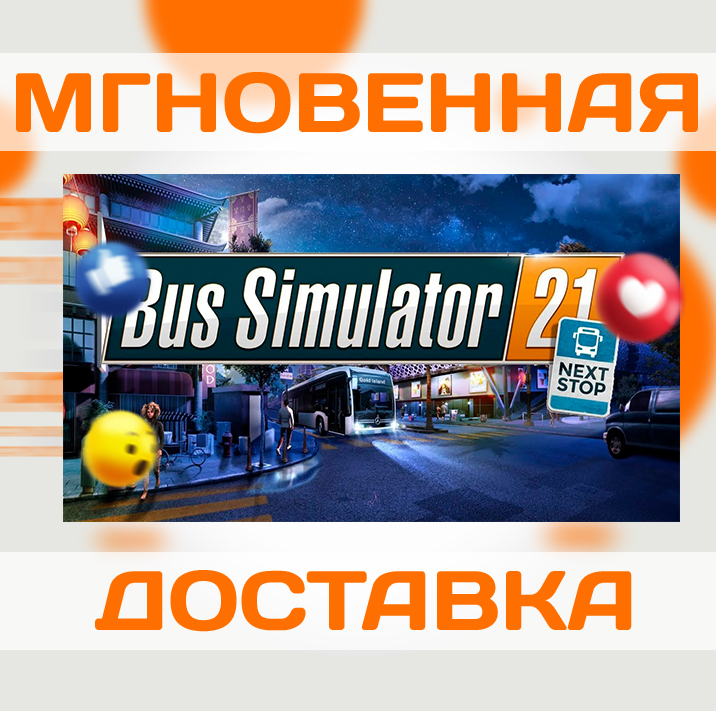
BUS SIMULATOR 21 NEXT STOP \ STEAM \ KEY
Content: text (0 symbol)
Available: 22
Uploaded: 13.02.2026
Positive responses: 0
Negative responses: 0
Sold: 3
Refunds: 0
$5.2
📌 Activation: Steam
1 ️⃣ Region: Russia + World
2 ️⃣ After activation, will forever remain on your Steam account!
3 ️⃣ Supported Languages: As listed on Steam
4 ️⃣ Instant e-mail delivery immediately after payment!
Release Date: 07/09/2021
This is your stop! Bus Simulator 21 Next stop here! Enjoy many game improvements and a brand new game mode with this comprehensive update.
Career mode combines sandbox mode with a campaign economic system. You have access to all bus stops and bus models from the beginning of the game, and you don´t have to gradually open everything up while completing missions.
In addition to the Next Stop update, a free official extension for DLC cards is coming to Steam. We look forward to a new area in the north of the North American "Angel Shores" map. Get free DLC now and expand your gameplay!
This major update adds a whole new career mode to the game.
Includes bug fixes and game enhancements for smoother gameplay.
Do you prefer to get up from your desk and take your buses into your own hands? No problem! Bus Simulator 21 "s automatic features can take over your driving duties and allow clean bus drivers to simply enjoy their time on the road.
In addition, revised car and pedestrian AI, improved graphics, and a dynamic day-night cycle closely related to the rush hour system, as well as varying weather conditions, provide even more exciting bus driving.
Play in single-player or synchronized multiplayer, get passengers to their destination safely and quickly, and get rewarded for driving on time and safely at the end of payday.
Free-to-use convenient features such as fast transition to desired stops on the map (fast journey), fast forwarding time and direct route management of your NPC buses all complement the virtual bus driver package and guarantee even more fun while driving!
1 ️⃣ Region: Russia + World
2 ️⃣ After activation, will forever remain on your Steam account!
3 ️⃣ Supported Languages: As listed on Steam
4 ️⃣ Instant e-mail delivery immediately after payment!
Release Date: 07/09/2021
This is your stop! Bus Simulator 21 Next stop here! Enjoy many game improvements and a brand new game mode with this comprehensive update.
Career mode combines sandbox mode with a campaign economic system. You have access to all bus stops and bus models from the beginning of the game, and you don´t have to gradually open everything up while completing missions.
In addition to the Next Stop update, a free official extension for DLC cards is coming to Steam. We look forward to a new area in the north of the North American "Angel Shores" map. Get free DLC now and expand your gameplay!
This major update adds a whole new career mode to the game.
Includes bug fixes and game enhancements for smoother gameplay.
Do you prefer to get up from your desk and take your buses into your own hands? No problem! Bus Simulator 21 "s automatic features can take over your driving duties and allow clean bus drivers to simply enjoy their time on the road.
In addition, revised car and pedestrian AI, improved graphics, and a dynamic day-night cycle closely related to the rush hour system, as well as varying weather conditions, provide even more exciting bus driving.
Play in single-player or synchronized multiplayer, get passengers to their destination safely and quickly, and get rewarded for driving on time and safely at the end of payday.
Free-to-use convenient features such as fast transition to desired stops on the map (fast journey), fast forwarding time and direct route management of your NPC buses all complement the virtual bus driver package and guarantee even more fun while driving!
📌 Activation:
1️⃣ Register on Steam: https://store.steampowered.com;
2️⃣ Install the Steam client: https://store.steampowered. com/about;
3️⃣ Launch the Steam client;
4️⃣ In the Steam client on the bottom left click "ADD A GAME" -> "Activate via Steam...";
5️⃣ Enter your digital 🔑product key to activate it.
1️⃣ Register on Steam: https://store.steampowered.com;
2️⃣ Install the Steam client: https://store.steampowered. com/about;
3️⃣ Launch the Steam client;
4️⃣ In the Steam client on the bottom left click "ADD A GAME" -> "Activate via Steam...";
5️⃣ Enter your digital 🔑product key to activate it.
No feedback yet