Steam Awards for XP | Level Up Your Profile | 0% Fees
Content: text (0 symbol)
Available: 1
Uploaded:
Positive responses: 19
Negative responses: 0
Sold: 68
Refunds: 1
Seller: gokhannguneey
information about the seller and its items
Loyalty discount! If the total amount of your purchases from the seller more than:
| $10 | the discount is | 5% |
$0.14
Dear Customers!
⚠️ Important Update: Please note that Steam Awards no longer generate Steam Points. Instead, they now provide Experience (XP), which helps you increase your Steam Account Level!
🏆 Why Buy Steam Community Awards?
✨ Prestige & Visibility: The most effective way to highlight your profile, reviews, or guides using unique, animated badges.
🛡️ Mark of Quality: Since the "Second Edition" update, these awards act as a recognized symbol of high-quality content.
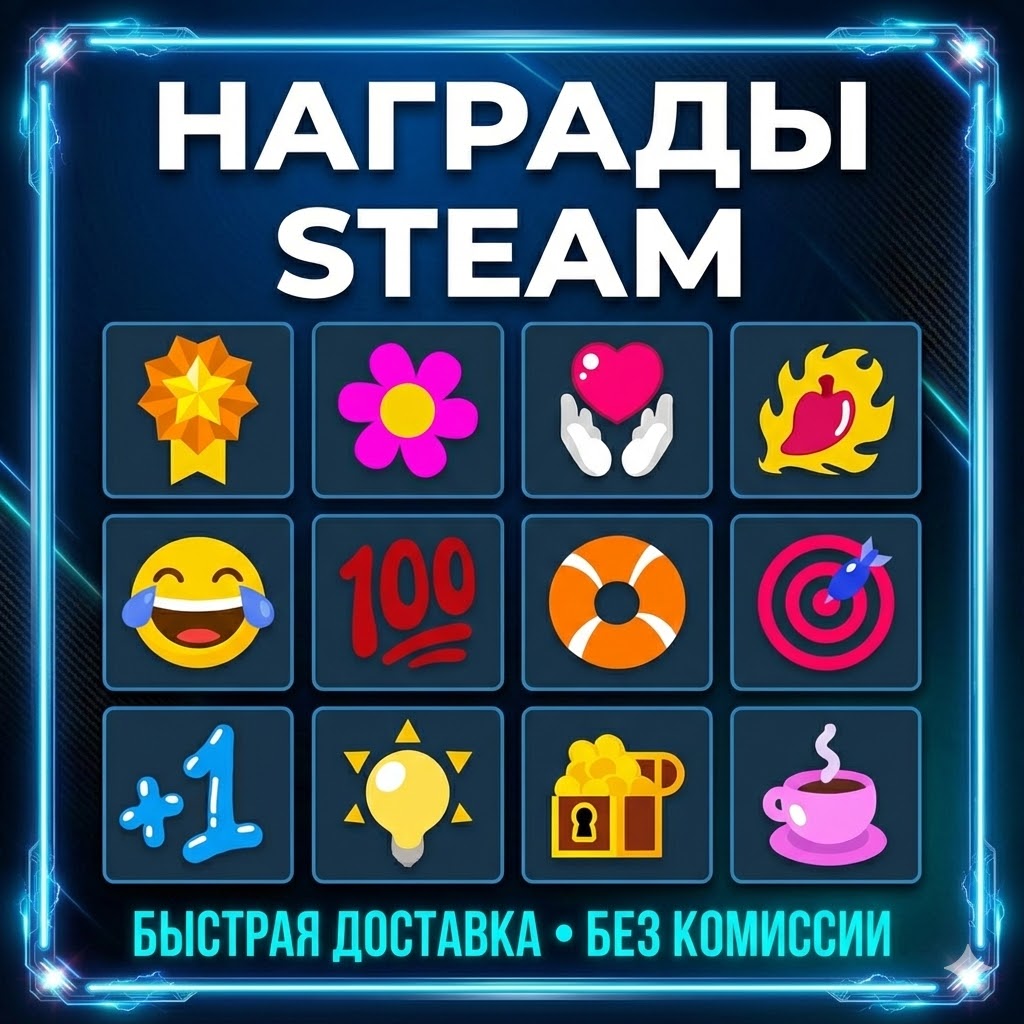
🎨 Visual Flair: Unlock access to 12 exclusive icons that make your activity stand out in the community activity feed.
❗ Frequently Asked Questions (F.A.Q.) ❓
❗ How do I calculate the quantity? ⏩ Input your amount in the box on the left; the calculator will show the total awards on the right. ⏩ Note on Rounding: The system rounds down to the nearest whole number. ⏩ Example: If you enter 11.87, you will receive 11 awards.
❗ How do I place an order? ⏩ Ensure your Steam Profile is set to "Public": https://steamcommunity.com/my/edit/settings ⏩ Paste the link to your Steam profile in the required field. ⏩ Complete payment using your preferred method.
❗ What is the delivery time? ⏩ Timing varies based on the quantity purchased. ⏩ All orders are fulfilled manually. If I am online, delivery typically takes 10 to 180 minutes. ⏩ Awards appear on your profile immediately once the process is finished.
❗ What must I do after paying? ⏩ You will receive a UNIQUE CODE (visible at https://oplata.info/info/). ⏩ You MUST copy this code and send it to me via the "Correspondence with the seller" (Chat) tab. ⏩ Once sent, simply wait for the order to be completed.
❗ Where are the awards applied? ⏩ I will apply the awards to random content on your profile (such as your Screenshots, Guides, or Reviews). ⏩ Requirement: If you are purchasing a large batch, please make sure you have enough existing content (screenshots/reviews/etc.) on your profile to receive them.
⚠️ Important Update: Please note that Steam Awards no longer generate Steam Points. Instead, they now provide Experience (XP), which helps you increase your Steam Account Level!
🏆 Why Buy Steam Community Awards?
✨ Prestige & Visibility: The most effective way to highlight your profile, reviews, or guides using unique, animated badges.
🛡️ Mark of Quality: Since the "Second Edition" update, these awards act as a recognized symbol of high-quality content.
🎨 Visual Flair: Unlock access to 12 exclusive icons that make your activity stand out in the community activity feed.
❗ Frequently Asked Questions (F.A.Q.) ❓
❗ How do I calculate the quantity? ⏩ Input your amount in the box on the left; the calculator will show the total awards on the right. ⏩ Note on Rounding: The system rounds down to the nearest whole number. ⏩ Example: If you enter 11.87, you will receive 11 awards.
❗ How do I place an order? ⏩ Ensure your Steam Profile is set to "Public": https://steamcommunity.com/my/edit/settings ⏩ Paste the link to your Steam profile in the required field. ⏩ Complete payment using your preferred method.
❗ What is the delivery time? ⏩ Timing varies based on the quantity purchased. ⏩ All orders are fulfilled manually. If I am online, delivery typically takes 10 to 180 minutes. ⏩ Awards appear on your profile immediately once the process is finished.
❗ What must I do after paying? ⏩ You will receive a UNIQUE CODE (visible at https://oplata.info/info/). ⏩ You MUST copy this code and send it to me via the "Correspondence with the seller" (Chat) tab. ⏩ Once sent, simply wait for the order to be completed.
❗ Where are the awards applied? ⏩ I will apply the awards to random content on your profile (such as your Screenshots, Guides, or Reviews). ⏩ Requirement: If you are purchasing a large batch, please make sure you have enough existing content (screenshots/reviews/etc.) on your profile to receive them.
02.06.2026 17:18:48
все супер-пупер. рекомендую!
02.06.2026 17:18:32
все супер. рекомендую!
15.03.2026 11:19:07
пришло сразу спасибо
28.02.2026 13:04:27
Всё супер, спасибо!
25.02.2026 23:10:10
все быстро и четко рекомендую продавца
24.02.2026 23:25:26
все хорошо и быстро
18.02.2026 4:57:56
Всё отлично
16.02.2026 19:41:50
Топик!!!
16.02.2026 18:02:07
Все было получено
16.02.2026 11:39:15
Топ!!!