PlayStation • Gift Card • INDIA • 1000-12000 INR
Content: text (0 symbol)
Available: 1
Uploaded:
Positive responses: 4
Negative responses: 0
Sold: 11
Refunds: 0
$20.21
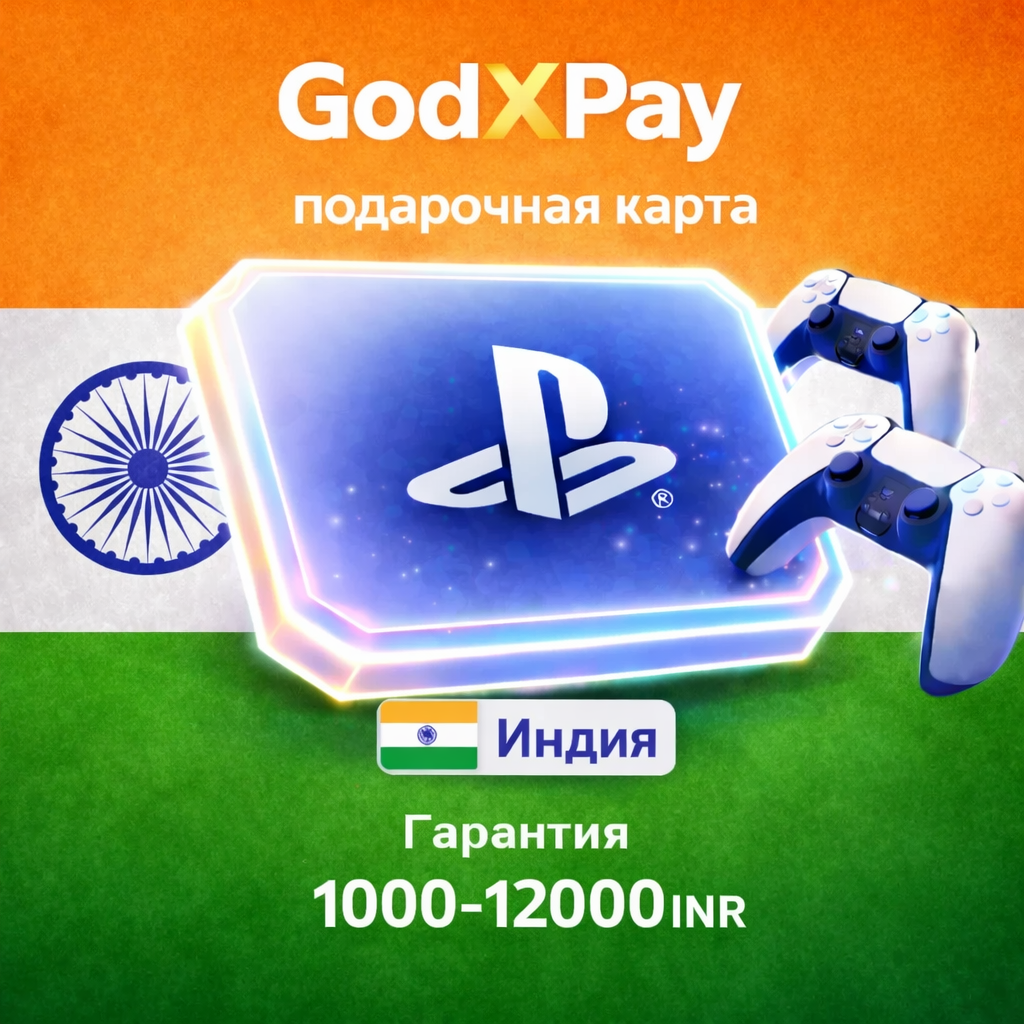
✅ No commission when paying through the Fast Payment System (FPS). The price will not change.
❗The PlayStation Gift Card for PSN top-ups is suitable for accounts registered in the India region. The account currency must be Indian Rupee.
🎁 How do I redeem a PSN gift card?
1. Go to the PlayStation Store on the main screen.
2. Select the three dots in the upper right corner.
3. In the drop-down menu, you will see the Redeem Code section. Enter the purchased key...
⛔ Important information before purchasing:
⚠️ Warranty valid only with video recording!
All claims will be considered only if you provide an uninterrupted video recording of your screen (without interruptions or editing) from purchase to activation. Without a recording, returns or replacements are not possible.
1. Account Region: The card is intended exclusively for PSN accounts in the INDIA region. It will not work with accounts in other regions.
2. PSN Restrictions: We are not responsible for any potential blocking or limitation of your PSN account if the company deems frequent gift card redemption or other activity suspicious. This is entirely at the discretion of PSN.
3. Activation Issues (the "Code Already Used" error):
- In this case, the buyer is required to provide a video recording of the entire process: from the moment of purchase on our website to the unsuccessful attempt to redeem the code (without editing or interruptions).
4. No refunds are provided after the card is activated.
❗The PlayStation Gift Card for PSN top-ups is suitable for accounts registered in the India region. The account currency must be Indian Rupee.
🎁 How do I redeem a PSN gift card?
1. Go to the PlayStation Store on the main screen.
2. Select the three dots in the upper right corner.
3. In the drop-down menu, you will see the Redeem Code section. Enter the purchased key...
⛔ Important information before purchasing:
⚠️ Warranty valid only with video recording!
All claims will be considered only if you provide an uninterrupted video recording of your screen (without interruptions or editing) from purchase to activation. Without a recording, returns or replacements are not possible.
1. Account Region: The card is intended exclusively for PSN accounts in the INDIA region. It will not work with accounts in other regions.
2. PSN Restrictions: We are not responsible for any potential blocking or limitation of your PSN account if the company deems frequent gift card redemption or other activity suspicious. This is entirely at the discretion of PSN.
3. Activation Issues (the "Code Already Used" error):
- In this case, the buyer is required to provide a video recording of the entire process: from the moment of purchase on our website to the unsuccessful attempt to redeem the code (without editing or interruptions).
4. No refunds are provided after the card is activated.
23.02.2026 15:28:04
+
21.02.2026 20:52:35
Выдача кода не моментальная, но все окей, коды активировались
21.02.2026 20:08:18
Спасибо большое за быстроту. Я очень рад. 👍однозначно рекомендую.подписка на год юхуууу!!!
05.02.2026 12:30:59
Пришло всё быстро ,отзывчивый продавец,буду ещё обращаться !