Ashampoo Burning Studio 2026 | Perpetual License Key. Burn CDs, DVDs, Blu-ray Disc
Content: text (0 symbol)
Available: 27
Uploaded: 21.01.2026
Positive responses: -1
Negative responses: 0
Sold: -1
Refunds: -1
$6.37

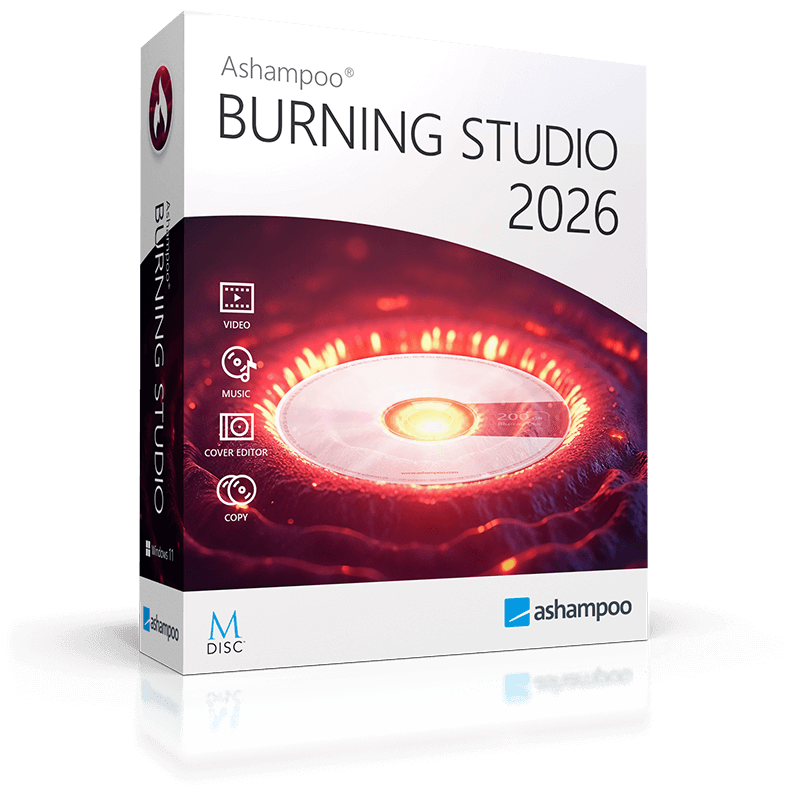
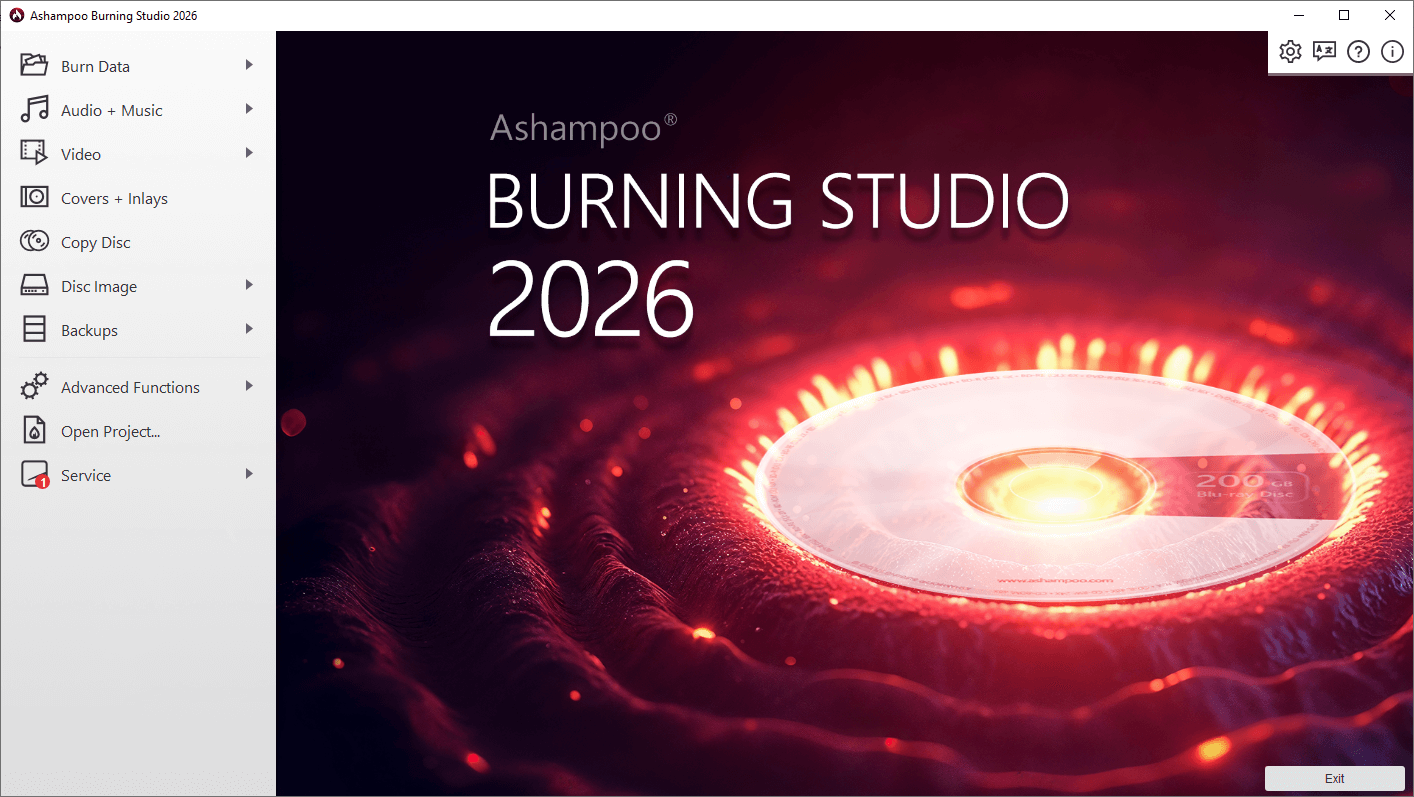
🔥 Buy your Ashampoo Burning Studio 2026 license at a great price, with a discount.
A user-friendly program for burning CDs, DVDs, and Blu-ray discs. It supports backup, audio CD ripping, ISO image management, scratch protection, and cover creation. This versatile program for burning CDs, DVDs, and Blu-ray discs is designed for both everyday tasks and more complex multimedia and data backup scenarios. It combines stability, ease of use, and a wide range of features, covering virtually all types of optical media operations.
Compatible with all modern versions of Windows
Burn files to one or more CDs, DVDs, and Blu-ray discs
Copy CDs, DVDs, and Blu-ray discs
Burn scratch-resistant discs
Back up smartphones, tablets, and other external devices
Create music discs
Create and print covers and inlays for all types of discs
New user interface
⏱️ Instant delivery! ✔️100% Guarantee.
💰 Discount for regular customers! Cashback for a positive review.
💬 Support available for any problems or questions.
📌 Unique KEY, NOT reusable, can only be activated once.
Activate within 14 days of purchase; no claims will be accepted after that.
For enhanced storage reliability, a scratch-resistant recording feature is included. This increases data resilience to physical damage to discs, which is especially important for long-term archiving. Even with partially damaged surfaces, the likelihood of correct data reading remains significantly higher.
The disc imaging tools deserve special mention. Ashampoo Burning Studio 2026 lets you create, burn, and view ISO images, as well as work with CUE/BIN formats. This simplifies data transfer, backup creation, and burning of existing images without the need for third-party software.
For users creating physical media for storing or transferring information, a built-in cover and inlay editor is available. It allows you to design and print custom CD, DVD, and Blu-ray disc covers, including front and back inserts, as well as discs. The interface is intuitive and requires no graphic editing skills.
Version 2026 features a redesigned user interface designed for modern versions of Windows. Navigation is simplified, and key workflows are grouped into logical sections, reducing the likelihood of errors and speeding up the execution of common tasks.
Ashampoo Burning Studio 2026 Key Features
Burn data, music, and videos to CDs, DVDs, and Blu-ray discs, including BDXL
Copy CDs, DVDs, and Blu-ray discs without losing their structure
Create and rip audio CDs with automatic track identification
Burn scratch-resistant discs for increased storage reliability
Back up files, mobile devices, tablets, and external drives
Automatically spread data across multiple discs when space is low
Create, burn, and view disc images (ISO, CUE/BIN)
Create and print covers and inlays for all disc types
Updated user interface optimized for Windows 10 and Windows 11
Easily copy CDs, DVDs, and Blu-ray discs.
Turn memorable photos into slideshows.
Faster video encoding with Intel Media, leveraging multiple integrated cards.
Change history for the last 20 projects with recovery functionality.
A user-friendly program for burning CDs, DVDs, and Blu-ray discs. It supports backup, audio CD ripping, ISO image management, scratch protection, and cover creation. This versatile program for burning CDs, DVDs, and Blu-ray discs is designed for both everyday tasks and more complex multimedia and data backup scenarios. It combines stability, ease of use, and a wide range of features, covering virtually all types of optical media operations.
Ashampoo Burning Studio 2026 perpetual license is available for sale here.
Original. Official. For Windows.
Global key for any country - key global.
My personal keys, NOT for resale, no discounts, no cheaper prices at this time. If you see cheaper prices, consider their origin and the risks.Original. Official. For Windows.
Global key for any country - key global.
Compatible with all modern versions of Windows
Burn files to one or more CDs, DVDs, and Blu-ray discs
Copy CDs, DVDs, and Blu-ray discs
Burn scratch-resistant discs
Back up smartphones, tablets, and other external devices
Create music discs
Create and print covers and inlays for all types of discs
New user interface
⏱️ Instant delivery! ✔️100% Guarantee.
💰 Discount for regular customers! Cashback for a positive review.
💬 Support available for any problems or questions.
📌 Unique KEY, NOT reusable, can only be activated once.
Activate within 14 days of purchase; no claims will be accepted after that.
For enhanced storage reliability, a scratch-resistant recording feature is included. This increases data resilience to physical damage to discs, which is especially important for long-term archiving. Even with partially damaged surfaces, the likelihood of correct data reading remains significantly higher.
The disc imaging tools deserve special mention. Ashampoo Burning Studio 2026 lets you create, burn, and view ISO images, as well as work with CUE/BIN formats. This simplifies data transfer, backup creation, and burning of existing images without the need for third-party software.
For users creating physical media for storing or transferring information, a built-in cover and inlay editor is available. It allows you to design and print custom CD, DVD, and Blu-ray disc covers, including front and back inserts, as well as discs. The interface is intuitive and requires no graphic editing skills.
Version 2026 features a redesigned user interface designed for modern versions of Windows. Navigation is simplified, and key workflows are grouped into logical sections, reducing the likelihood of errors and speeding up the execution of common tasks.
Ashampoo Burning Studio 2026 Key Features
Burn data, music, and videos to CDs, DVDs, and Blu-ray discs, including BDXL
Copy CDs, DVDs, and Blu-ray discs without losing their structure
Create and rip audio CDs with automatic track identification
Burn scratch-resistant discs for increased storage reliability
Back up files, mobile devices, tablets, and external drives
Automatically spread data across multiple discs when space is low
Create, burn, and view disc images (ISO, CUE/BIN)
Create and print covers and inlays for all disc types
Updated user interface optimized for Windows 10 and Windows 11
Easily copy CDs, DVDs, and Blu-ray discs.
Turn memorable photos into slideshows.
Faster video encoding with Intel Media, leveraging multiple integrated cards.
Change history for the last 20 projects with recovery functionality.
Add to bookmarks and visit our store ➡️ https://top.steamkeygift.ru/seller/147467 ✔️
All products are tested, working, guaranteed. We have been working on the site since 2010.
✍🏻Please leave a review, we will be pleased;)
All products are tested, working, guaranteed. We have been working on the site since 2010.
✍🏻Please leave a review, we will be pleased;)
No feedback yet