BMW ISTA+ 4.57.12 FULL (Multilanguage)
Content: text (0 symbol)
Uploaded: 15.01.2026
Positive responses: 0
Negative responses: 0
Sold: 0
Refunds: 0
$321.2
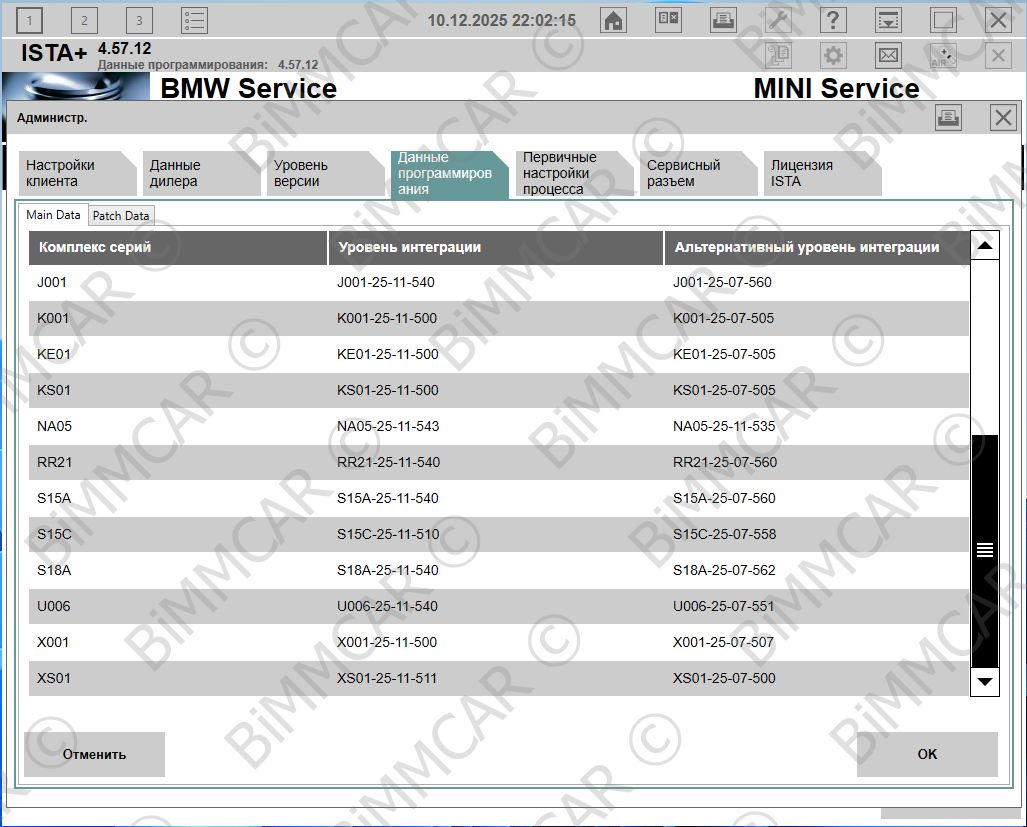

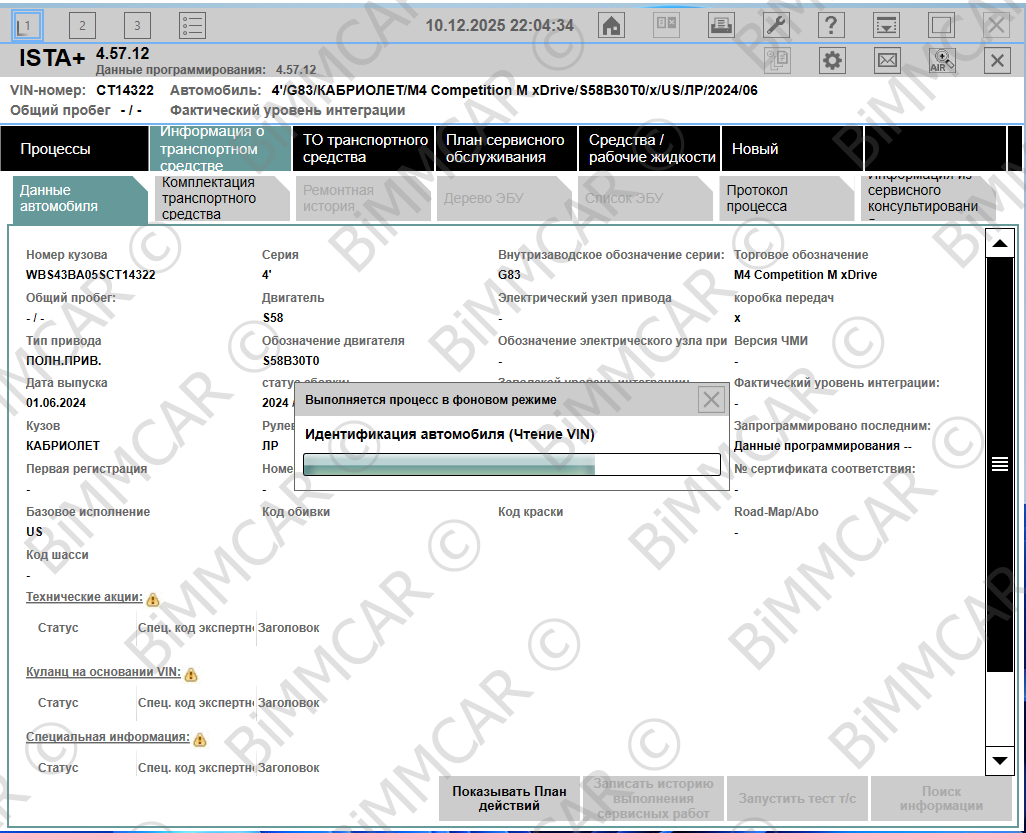
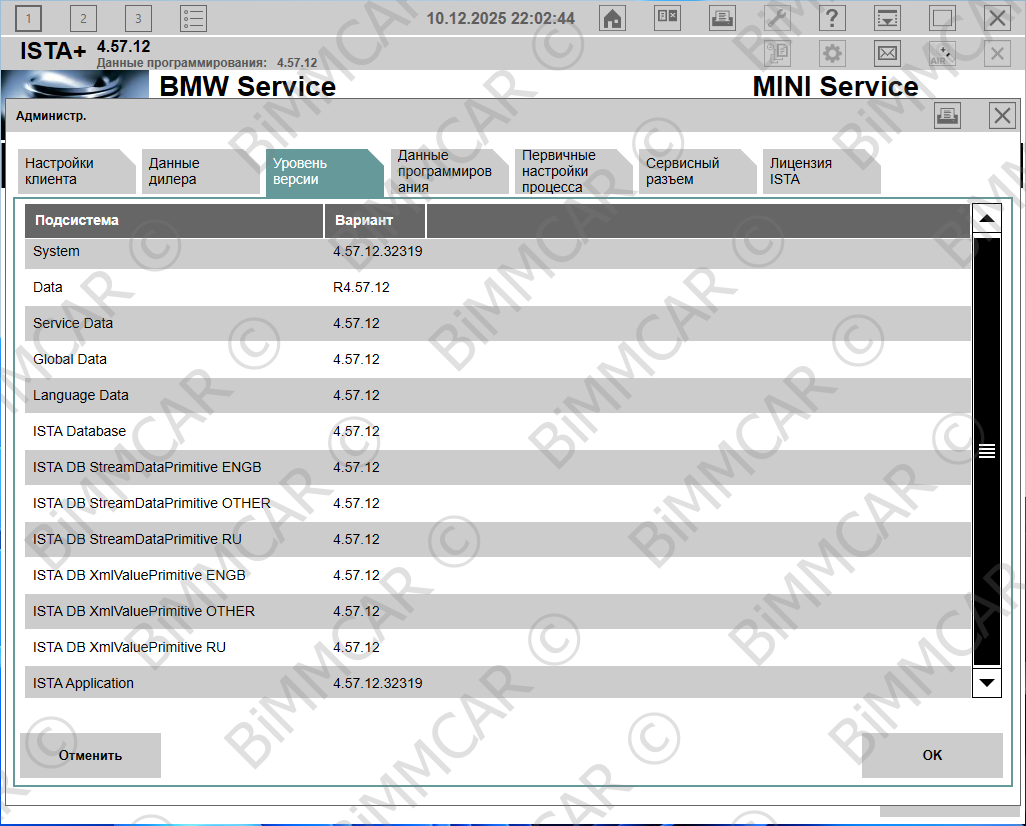
Complete BMW ISTA Next (OFFLINE) software package for diagnostics, coding, and programming of BMW vehicles.
📦 Package Contents:
BMW ISTA Next 4.57.12.32319
BMW ISTA FULL SDP 4.57.12
ICOM Next Firmware 04-25-42
🔌 Supported interfaces:
ICOM — for all BMW series
ENET cable — diagnostics for F, G, I, U series
DCAN cable — diagnostics for E series
VxDiag — universal interface for BMW and other brands
🔑 Licensing and support:
Lifetime license — registered to your name or your organization
Updates and technical support upon request
🌐 Language packs:
Built-in: English (en-GB, en-US), German (de-DE)
Additional: other languages available upon request — please specify before placing the order
🚀 Remote installation:
Professional “turnkey” installation on your PC via remote access
Fast and convenient
Minimal actions required from you — maximum results
Full configuration and functionality check
💻 Minimum and recommended PC requirements:
Minimum:
Processor: Multi-core ≥ 1.6 GHz
RAM: 8 GB (1600 MHz)
Storage: SSD 550 GB (local drive C:)
OS: Windows 10/11 x64
Recommended:
Processor: Multi-core ≥ 2.2 GHz
RAM: 16 GB or more
Storage: NVMe SSD 1 TB (local drive C:)
OS: Windows 10/11 x64
🛠️ A version with the following features is also available:
• Forced detection of ICOM as ICOM Next A
• Programming via ENET cable enabled
• Fake FSC code verification disabled
• DCAN cable usage enabled
• Ability to view and re-run closed operations
• Vehicle identification via DS2 protocol fixed
• Clamp15 errors for motorcycles fixed
… as well as other improvements and additional features
❗️This version is not related to builds from forums or torrent resources. The license is issued personally — in your name or in the name of your organization.
⚙️ Additional services:
Windows installation and setup
OS update and configuration
Consultations on choosing equipment and interfaces
📦 Package Contents:
BMW ISTA Next 4.57.12.32319
BMW ISTA FULL SDP 4.57.12
ICOM Next Firmware 04-25-42
🔌 Supported interfaces:
ICOM — for all BMW series
ENET cable — diagnostics for F, G, I, U series
DCAN cable — diagnostics for E series
VxDiag — universal interface for BMW and other brands
🔑 Licensing and support:
Lifetime license — registered to your name or your organization
Updates and technical support upon request
🌐 Language packs:
Built-in: English (en-GB, en-US), German (de-DE)
Additional: other languages available upon request — please specify before placing the order
🚀 Remote installation:
Professional “turnkey” installation on your PC via remote access
Fast and convenient
Minimal actions required from you — maximum results
Full configuration and functionality check
💻 Minimum and recommended PC requirements:
Minimum:
Processor: Multi-core ≥ 1.6 GHz
RAM: 8 GB (1600 MHz)
Storage: SSD 550 GB (local drive C:)
OS: Windows 10/11 x64
Recommended:
Processor: Multi-core ≥ 2.2 GHz
RAM: 16 GB or more
Storage: NVMe SSD 1 TB (local drive C:)
OS: Windows 10/11 x64
🛠️ A version with the following features is also available:
• Forced detection of ICOM as ICOM Next A
• Programming via ENET cable enabled
• Fake FSC code verification disabled
• DCAN cable usage enabled
• Ability to view and re-run closed operations
• Vehicle identification via DS2 protocol fixed
• Clamp15 errors for motorcycles fixed
… as well as other improvements and additional features
❗️This version is not related to builds from forums or torrent resources. The license is issued personally — in your name or in the name of your organization.
⚙️ Additional services:
Windows installation and setup
OS update and configuration
Consultations on choosing equipment and interfaces
❗️To receive a discount, please contact me.
After downloading the installation files, I will connect to your PC via remote access, perform a full installation of the software, and activate the license.
The process includes complete configuration of the software, verification of correct operation of all components, as well as installation and setup of diagnostic equipment if necessary. Additionally, recommendations are provided for further use and connection of diagnostic interfaces.
The process includes complete configuration of the software, verification of correct operation of all components, as well as installation and setup of diagnostic equipment if necessary. Additionally, recommendations are provided for further use and connection of diagnostic interfaces.
No feedback yet