PhotoPad Image Photo Editor 2026 (Lifetime / 1 PC)
Content: text (0 symbol)
Available: 9
Uploaded: 29.12.2025
Positive responses: 0
Negative responses: 0
Sold: 1
Refunds: 0
$9.97
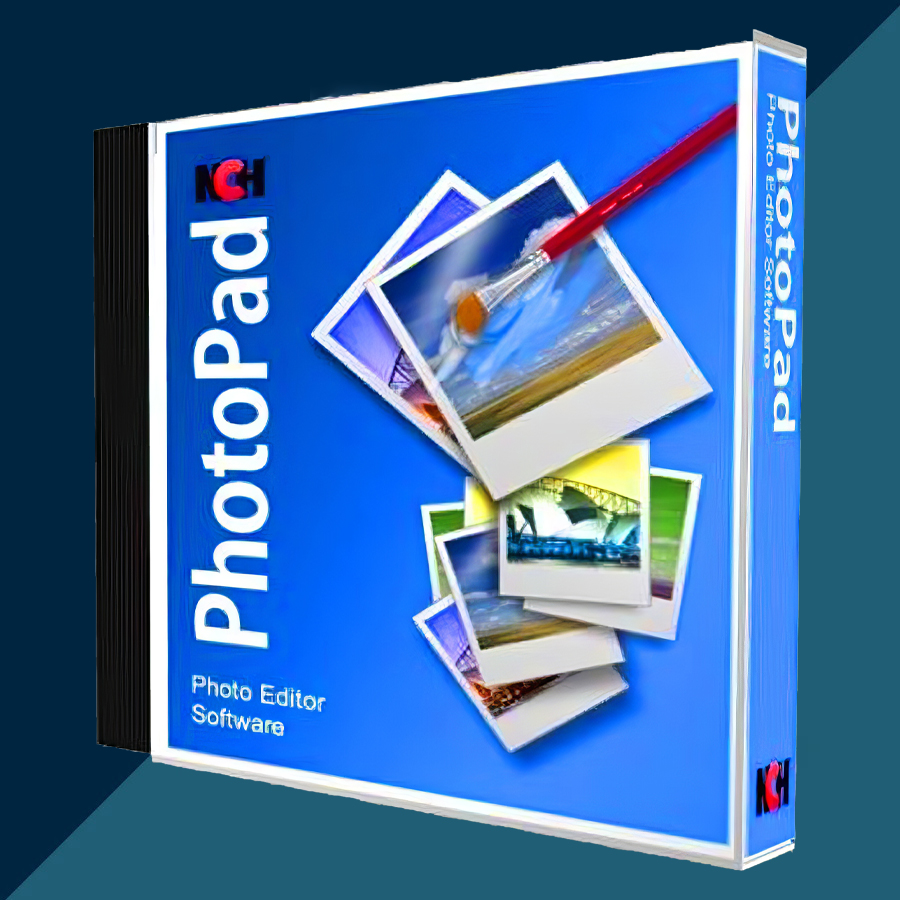
🤝 GUARANTEED INSTANT DELIVERY 🤝
✅ NCH PhotoPad Image Photo Editor 2026 (Lifetime / 1 PC) — Windows — License Key
⚡ INSTANT DELIVERY ⚡ Digital Key
📌 PRODUCT OVERVIEW:
PhotoPad is a powerful photo editor for Windows designed for fast, easy photo enhancement and creative edits.
Crop, resize, retouch, remove unwanted objects, apply effects/filters, create collages, and even merge multiple exposures into HDR — all in a clean, beginner-friendly interface.
⭐ MAIN FEATURES (HIGHLIGHTS):
✅ Essential Photo Editing:
• Crop, rotate, resize, flip, straighten
• Adjust exposure, levels, brightness, contrast, saturation, color balance
• One-click auto fixes (quick lighting and color improvement)
✅ Retouch & Enhance:
• Remove blemishes, fix color and improve overall photo quality
• Sharpen, blur, and noise reduction tools for cleaner results
✅ Remove Unwanted Objects (One Click):
• Remove Object tool to erase unwanted people/objects quickly
✅ Effects, Filters & Regional Editing:
• Apply effects/filters in a few clicks
• Regional Effects: apply an effect only to selected areas (brush/selection-based editing)
✅ HDR & Creative Projects:
• Merge multiple exposures to create HDR photos
• Create photo collages, greeting cards, posters, and simple design projects
• Add text, captions, and overlays (great for social posts and banners)
✅ Wide Format Support (Including Many RAW Types):
• Supports common formats: JPG/JPEG, PNG, GIF, TIFF, BMP, PDF, PSD, WEBP and more
• Supports modern formats like HEIC/HEIF, SVG, AVIF (plus many RAW camera formats)
🖥 SYSTEM REQUIREMENTS (WINDOWS):
• Works on Windows 7 / 8 / 10 / 11
• Internet not required for normal editing (only for updates/online features if you use them)
🔑 LICENSE DETAILS:
• License type: Lifetime (one-time purchase / perpetual use)
• Device limit (this listing): 1 PC
• Region: Global 🌍
📦 WHAT YOU WILL RECEIVE:
✅ 1× Registration Code / License Key (Digital)
(Delivered instantly after payment)
🛠 HOW TO ACTIVATE (REGISTER):
1) Install and open PhotoPad.
2) Go to: File → Register Software
3) Paste the registration code exactly as provided, then click Register.
4) Restart the program if prompted.
⚠️ IMPORTANT NOTES:
• Digital delivery only.
• This listing is for 1 PC only.
• If activation fails: re-check copy/paste (no extra spaces) and confirm you installed PhotoPad (not a different NCH app), then contact me via the order page.
✅ NCH PhotoPad Image Photo Editor 2026 (Lifetime / 1 PC) — Windows — License Key
⚡ INSTANT DELIVERY ⚡ Digital Key
📌 PRODUCT OVERVIEW:
PhotoPad is a powerful photo editor for Windows designed for fast, easy photo enhancement and creative edits.
Crop, resize, retouch, remove unwanted objects, apply effects/filters, create collages, and even merge multiple exposures into HDR — all in a clean, beginner-friendly interface.
⭐ MAIN FEATURES (HIGHLIGHTS):
✅ Essential Photo Editing:
• Crop, rotate, resize, flip, straighten
• Adjust exposure, levels, brightness, contrast, saturation, color balance
• One-click auto fixes (quick lighting and color improvement)
✅ Retouch & Enhance:
• Remove blemishes, fix color and improve overall photo quality
• Sharpen, blur, and noise reduction tools for cleaner results
✅ Remove Unwanted Objects (One Click):
• Remove Object tool to erase unwanted people/objects quickly
✅ Effects, Filters & Regional Editing:
• Apply effects/filters in a few clicks
• Regional Effects: apply an effect only to selected areas (brush/selection-based editing)
✅ HDR & Creative Projects:
• Merge multiple exposures to create HDR photos
• Create photo collages, greeting cards, posters, and simple design projects
• Add text, captions, and overlays (great for social posts and banners)
✅ Wide Format Support (Including Many RAW Types):
• Supports common formats: JPG/JPEG, PNG, GIF, TIFF, BMP, PDF, PSD, WEBP and more
• Supports modern formats like HEIC/HEIF, SVG, AVIF (plus many RAW camera formats)
🖥 SYSTEM REQUIREMENTS (WINDOWS):
• Works on Windows 7 / 8 / 10 / 11
• Internet not required for normal editing (only for updates/online features if you use them)
🔑 LICENSE DETAILS:
• License type: Lifetime (one-time purchase / perpetual use)
• Device limit (this listing): 1 PC
• Region: Global 🌍
📦 WHAT YOU WILL RECEIVE:
✅ 1× Registration Code / License Key (Digital)
(Delivered instantly after payment)
🛠 HOW TO ACTIVATE (REGISTER):
1) Install and open PhotoPad.
2) Go to: File → Register Software
3) Paste the registration code exactly as provided, then click Register.
4) Restart the program if prompted.
⚠️ IMPORTANT NOTES:
• Digital delivery only.
• This listing is for 1 PC only.
• If activation fails: re-check copy/paste (no extra spaces) and confirm you installed PhotoPad (not a different NCH app), then contact me via the order page.
No feedback yet