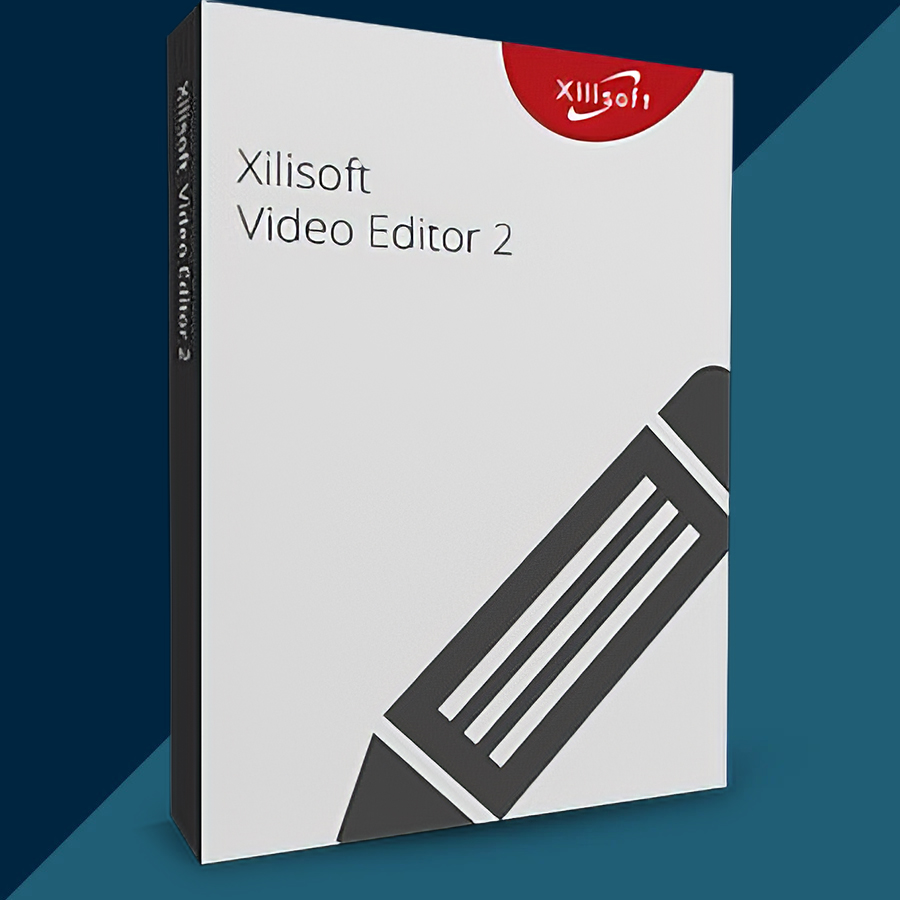
Xilisoft Video Editor 2 2026 (Lifetime / 1 PC) Key
Content: text (0 symbol)
Available: 10
Uploaded: 29.12.2025
Positive responses: 0
Negative responses: 0
Sold: 0
Refunds: 0
$7.97
🤝 GUARANTEED INSTANT DELIVERY 🤝
✅ Xilisoft Video Editor 2 2026 (Lifetime / 1 PC) — Windows — License Key
⚡ INSTANT DELIVERY ⚡ Digital Key
📌 PRODUCT OVERVIEW:
Xilisoft Video Editor 2 is a simple and practical video editing tool that combines 3 essential features in one program:
✅ Video Cutter + ✅ Video Splitter + ✅ Video Joiner
Perfect for trimming unwanted parts, splitting long videos into parts, or merging multiple clips into one clean video.
⭐ MAIN FEATURES (HIGHLIGHTS):
✅ Video Cutter (Trim & Cut):
• Cut out unwanted segments from a video in just a few clicks
• Keep only your favorite parts and remove mistakes, intros, silence, etc.
• Supports many popular formats (AVI, MPEG, MP4, WMV, H.264/AVC and more)
✅ Video Splitter (Split into Parts):
• Split one video file into several segments quickly
• Multiple split modes (by time/size/number of segments depending on settings)
• Built-in preview helps split accurately and verify the result
✅ Video Joiner (Merge Multiple Videos):
• Join/merge multiple videos into one new file
• Join clips even if they are in different formats (output format depends on your selection/settings)
• Great for combining series clips, events, tutorials, camera recordings, etc.
🖥 SYSTEM REQUIREMENTS (WINDOWS):
• OS: Windows 11 / 10 / 8 / 7 / Vista / XP (SP2 or later)
• CPU: 1GHz Intel/AMD or above
• RAM: 256MB (512MB+ recommended)
• Free Disk: ~30MB+ for installation
• Display: 800×600, 16-bit or higher
🔑 LICENSE DETAILS:
• License type: Lifetime (one-time purchase)
• Devices: 1 PC (this listing)
• Region: Global 🌍
• Delivery: Digital license key
📦 WHAT YOU WILL RECEIVE:
✅ 1× License Code / Registration Key (Digital)
🛠 HOW TO ACTIVATE (REGISTER):
1) Download & install Xilisoft Video Editor 2 (Windows).
2) Open the program.
3) Click: Help → “Enter License Code…”
4) Paste your User Name (if required) + License Code.
5) Click Register/OK and restart the program if prompted.
⚠️ IMPORTANT NOTES:
• Digital delivery only.
• 1 PC license only.
• If activation fails: re-check copy/paste (no extra spaces) and confirm you installed the correct “Xilisoft Video Editor 2”, then contact me via the order page.
✅ Xilisoft Video Editor 2 2026 (Lifetime / 1 PC) — Windows — License Key
⚡ INSTANT DELIVERY ⚡ Digital Key
📌 PRODUCT OVERVIEW:
Xilisoft Video Editor 2 is a simple and practical video editing tool that combines 3 essential features in one program:
✅ Video Cutter + ✅ Video Splitter + ✅ Video Joiner
Perfect for trimming unwanted parts, splitting long videos into parts, or merging multiple clips into one clean video.
⭐ MAIN FEATURES (HIGHLIGHTS):
✅ Video Cutter (Trim & Cut):
• Cut out unwanted segments from a video in just a few clicks
• Keep only your favorite parts and remove mistakes, intros, silence, etc.
• Supports many popular formats (AVI, MPEG, MP4, WMV, H.264/AVC and more)
✅ Video Splitter (Split into Parts):
• Split one video file into several segments quickly
• Multiple split modes (by time/size/number of segments depending on settings)
• Built-in preview helps split accurately and verify the result
✅ Video Joiner (Merge Multiple Videos):
• Join/merge multiple videos into one new file
• Join clips even if they are in different formats (output format depends on your selection/settings)
• Great for combining series clips, events, tutorials, camera recordings, etc.
🖥 SYSTEM REQUIREMENTS (WINDOWS):
• OS: Windows 11 / 10 / 8 / 7 / Vista / XP (SP2 or later)
• CPU: 1GHz Intel/AMD or above
• RAM: 256MB (512MB+ recommended)
• Free Disk: ~30MB+ for installation
• Display: 800×600, 16-bit or higher
🔑 LICENSE DETAILS:
• License type: Lifetime (one-time purchase)
• Devices: 1 PC (this listing)
• Region: Global 🌍
• Delivery: Digital license key
📦 WHAT YOU WILL RECEIVE:
✅ 1× License Code / Registration Key (Digital)
🛠 HOW TO ACTIVATE (REGISTER):
1) Download & install Xilisoft Video Editor 2 (Windows).
2) Open the program.
3) Click: Help → “Enter License Code…”
4) Paste your User Name (if required) + License Code.
5) Click Register/OK and restart the program if prompted.
⚠️ IMPORTANT NOTES:
• Digital delivery only.
• 1 PC license only.
• If activation fails: re-check copy/paste (no extra spaces) and confirm you installed the correct “Xilisoft Video Editor 2”, then contact me via the order page.
No feedback yet