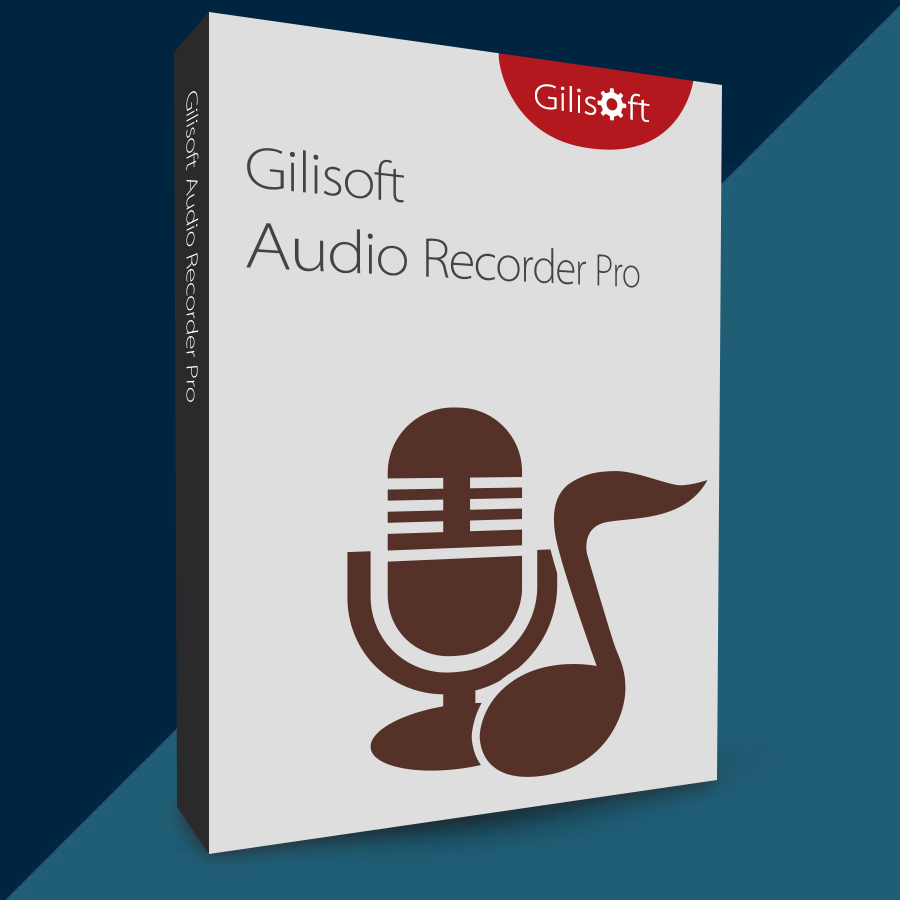
Gilisoft Audio Recorder Pro 2026 (Lifetime / 1 PC) Key
Content: text (0 symbol)
Available: 10
Uploaded: 27.12.2025
Positive responses: 0
Negative responses: 0
Sold: 0
Refunds: 0
$4.97
🤝 GUARANTEED INSTANT DELIVERY 🤝
✅ GiliSoft Audio Recorder Pro 2026 (Lifetime / 1 PC) — Windows — License Key
⚡ INSTANT DELIVERY ⚡ Digital Keycode
📌 PRODUCT OVERVIEW:
GiliSoft Audio Recorder Pro is an easy, high-quality audio recorder for Windows.
You can record:
• Computer sound (system audio)
• Microphone (voice)
• BOTH computer sound + microphone at the same time (two channels)
Great for tutorials, meetings, online streams, voiceovers, and VoIP calls.
⭐ MAIN FEATURES (HIGHLIGHTS):
✅ Record Computer Sound / Mic / Both:
• Select “Computer sounds”, “Microphone”, or “Computer sounds and microphone”
• Record computer + mic in two separate channels (multi-channel recording)
✅ Many Output Formats:
• Record to popular formats like:
MP3, AAC, AC3, AIFF, AMR, AU, FLAC, M4A, M4B, M4R, MKA, MP2, OGG, RA, VOC, WAV, WMA
✅ HD Audio Recording:
• Supports high-quality recording up to 48kHz / 16-bit
✅ Auto Recording (Schedule + Auto Stop):
• Schedule recordings daily/weekly at specific times
• Advanced auto-stop options (by length, size, specific time, etc.)
• Optional actions after recording (exit program / shutdown PC)
✅ Silence Detection / Voice Activation:
• Auto-pause when there is no sound and resume when sound/voice returns (perfect for meetings)
✅ Noise Reduction + Volume Gain:
• Noise suppression to reduce background noise (keyboard/mouse, etc.)
• Volume gain helps adjust weak/strong signals
✅ Hotkey Control:
• Default hotkey: F5 (can be changed in settings)
✅ Device Preview + Multiple Sound Cards:
• Preview your selected recording device/source before recording
• Supports multiple sound cards (including USB sound cards)
✅ Streaming + VoIP Recording Use Cases:
• Record online streaming audio (examples shown: YouTube, Vimeo, etc.)
• Can record voice conversations / VoIP apps
✅ Auto-Naming + Auto-Split (Better Organization):
• Auto-naming avoids overwriting files
• Auto-split can save recordings into multiple files instead of one long file
🖥 SYSTEM COMPATIBILITY:
• Windows XP / 7 / 8 / 10 / 11 (32-bit & 64-bit)
🔑 LICENSE DETAILS:
• License type: Lifetime (one-time purchase)
• Device limit: 1 PC (this listing)
📦 WHAT YOU WILL RECEIVE:
✅ 1× Registration Code / Keycode (Digital)
🔐 HOW TO ACTIVATE (REGISTER):
1) Download & install the program.
2) Run the software.
3) Click “Register”.
4) Enter your email + the registration code (keycode) you received after purchase.
5) Click “Register” to finish (restart if prompted).
⚠️ IMPORTANT NOTES:
• Digital product only.
• If activation fails: re-check copy/paste (no extra spaces), restart the program, then contact me via the order page.
✅ GiliSoft Audio Recorder Pro 2026 (Lifetime / 1 PC) — Windows — License Key
⚡ INSTANT DELIVERY ⚡ Digital Keycode
📌 PRODUCT OVERVIEW:
GiliSoft Audio Recorder Pro is an easy, high-quality audio recorder for Windows.
You can record:
• Computer sound (system audio)
• Microphone (voice)
• BOTH computer sound + microphone at the same time (two channels)
Great for tutorials, meetings, online streams, voiceovers, and VoIP calls.
⭐ MAIN FEATURES (HIGHLIGHTS):
✅ Record Computer Sound / Mic / Both:
• Select “Computer sounds”, “Microphone”, or “Computer sounds and microphone”
• Record computer + mic in two separate channels (multi-channel recording)
✅ Many Output Formats:
• Record to popular formats like:
MP3, AAC, AC3, AIFF, AMR, AU, FLAC, M4A, M4B, M4R, MKA, MP2, OGG, RA, VOC, WAV, WMA
✅ HD Audio Recording:
• Supports high-quality recording up to 48kHz / 16-bit
✅ Auto Recording (Schedule + Auto Stop):
• Schedule recordings daily/weekly at specific times
• Advanced auto-stop options (by length, size, specific time, etc.)
• Optional actions after recording (exit program / shutdown PC)
✅ Silence Detection / Voice Activation:
• Auto-pause when there is no sound and resume when sound/voice returns (perfect for meetings)
✅ Noise Reduction + Volume Gain:
• Noise suppression to reduce background noise (keyboard/mouse, etc.)
• Volume gain helps adjust weak/strong signals
✅ Hotkey Control:
• Default hotkey: F5 (can be changed in settings)
✅ Device Preview + Multiple Sound Cards:
• Preview your selected recording device/source before recording
• Supports multiple sound cards (including USB sound cards)
✅ Streaming + VoIP Recording Use Cases:
• Record online streaming audio (examples shown: YouTube, Vimeo, etc.)
• Can record voice conversations / VoIP apps
✅ Auto-Naming + Auto-Split (Better Organization):
• Auto-naming avoids overwriting files
• Auto-split can save recordings into multiple files instead of one long file
🖥 SYSTEM COMPATIBILITY:
• Windows XP / 7 / 8 / 10 / 11 (32-bit & 64-bit)
🔑 LICENSE DETAILS:
• License type: Lifetime (one-time purchase)
• Device limit: 1 PC (this listing)
📦 WHAT YOU WILL RECEIVE:
✅ 1× Registration Code / Keycode (Digital)
🔐 HOW TO ACTIVATE (REGISTER):
1) Download & install the program.
2) Run the software.
3) Click “Register”.
4) Enter your email + the registration code (keycode) you received after purchase.
5) Click “Register” to finish (restart if prompted).
⚠️ IMPORTANT NOTES:
• Digital product only.
• If activation fails: re-check copy/paste (no extra spaces), restart the program, then contact me via the order page.
No feedback yet