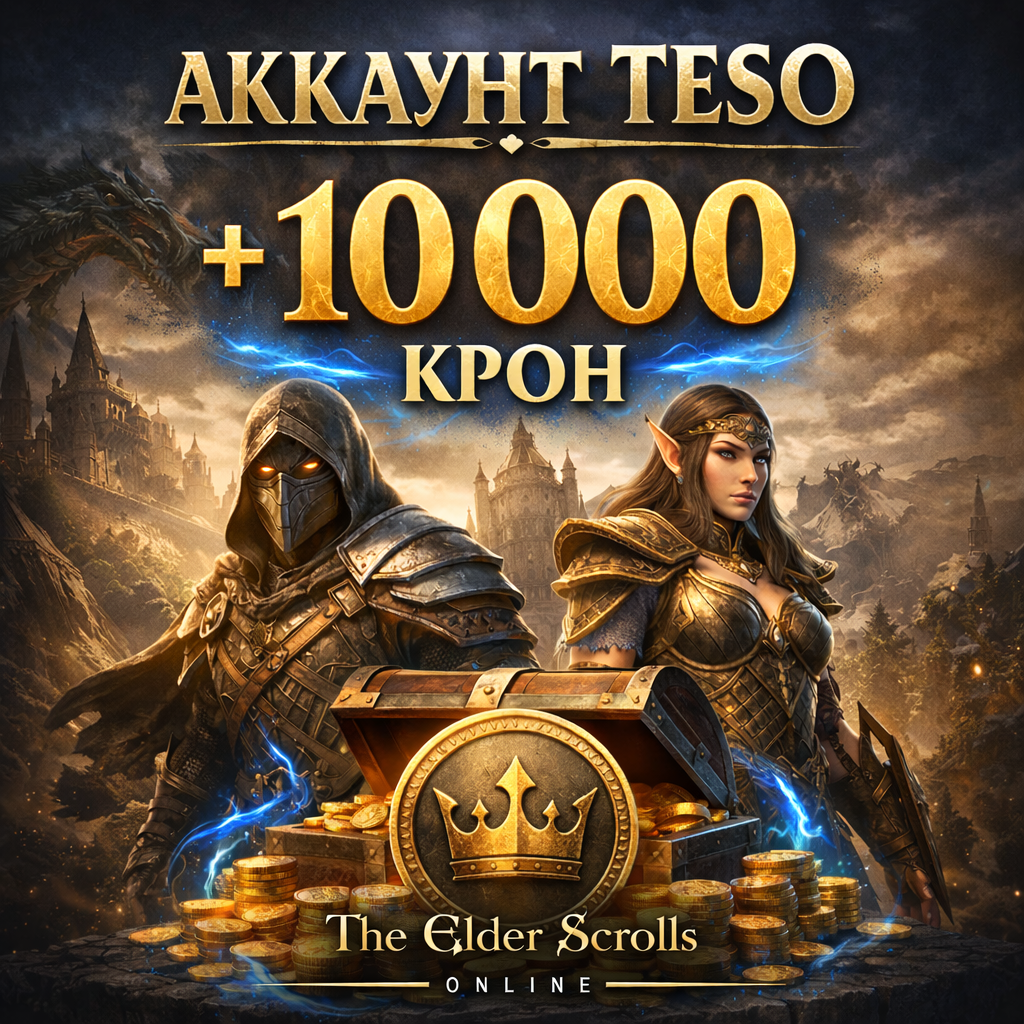
🔥 The Elder Scrolls Online (TESO) account 10,400 Crown
Content: text (0 symbol)
Available: 1
Uploaded: 04.01.2026
Positive responses: 0
Negative responses: 0
Sold: 0
Refunds: 0
Seller: LightBoss
information about the seller and its items
Loyalty discount! If the total amount of your purchases from the seller more than:
| $65 | the discount is | 10% |
$74.91
📌 Key Features:
💎 10,400 Crowns in your account
Use your Crowns in the Crown Store to purchase mounts, houses, costumes, pets, and other exclusive items.
🧙 Character Level: 1
A clean start with no content completed—you start the game from scratch and create your own story.
🌍 Steam Region: Argentina
One of the most advantageous regions: low prices on DLC, ESO Plus subscriptions, and other games on Steam.
🔐 Complete Data Override
Account Not Activated—After purchase, you set your own password and passphrase, gaining full control.
🎮 Format:
Version: Steam
Ready to launch - log in and play
A great option for both beginners and those looking to start in a favorable region
✅ Account created manually (NOT auto-registered)
🕒 No bans, restrictions, or violation history
💼 Suitable for purchasing DLC and ESO Plus
🎁 Crowns already in your balance - no need to purchase anything else
🚀 Instant data transfer after purchase
💎 10,400 Crowns in your account
Use your Crowns in the Crown Store to purchase mounts, houses, costumes, pets, and other exclusive items.
🧙 Character Level: 1
A clean start with no content completed—you start the game from scratch and create your own story.
🌍 Steam Region: Argentina
One of the most advantageous regions: low prices on DLC, ESO Plus subscriptions, and other games on Steam.
🔐 Complete Data Override
Account Not Activated—After purchase, you set your own password and passphrase, gaining full control.
🎮 Format:
Version: Steam
Ready to launch - log in and play
A great option for both beginners and those looking to start in a favorable region
✅ Account created manually (NOT auto-registered)
🕒 No bans, restrictions, or violation history
💼 Suitable for purchasing DLC and ESO Plus
🎁 Crowns already in your balance - no need to purchase anything else
🚀 Instant data transfer after purchase
⚠️ IMPORTANT BEFORE YOU BEGIN
MUST first log in to your account email,
and only then log in to Steam.
📌 This is a feature of the Rambler email service —
without first logging in, you may not receive the email with the Steam code.
📘 Instructions for Activation and Changing Account Information
Please complete the following steps immediately after receiving your account.
🔐 1. Changing Steam Information
1️⃣ Go to your Steam account settings:
👉 https://store.steampowered.com/account
2️⃣ Change your email address to your own
3️⃣ Change your Steam password:
👉 https://store.steampowered.com/account/authorizeddevices
🎮 2. Activating and Setting Up Your TESO Account
1️⃣ Go to the website:
👉 https://account.elderscrollsonline.com/en-us/login
2️⃣ Click "Sign in with Steam"
3️⃣ A notification will appear asking you to activate your account.
4️⃣ An email from The Elder Scrolls Online will be sent to the email address you provided.
Follow the link and:
Set your password
Set a code Word
5️⃣ After activation, change your TESO account email to your own.
✅ Done!
The account is now completely yours.
You can log in to the game and use Crowns in the Crown Store.
ℹ️ We recommend saving your new information in a safe place.
MUST first log in to your account email,
and only then log in to Steam.
📌 This is a feature of the Rambler email service —
without first logging in, you may not receive the email with the Steam code.
📘 Instructions for Activation and Changing Account Information
Please complete the following steps immediately after receiving your account.
🔐 1. Changing Steam Information
1️⃣ Go to your Steam account settings:
👉 https://store.steampowered.com/account
2️⃣ Change your email address to your own
3️⃣ Change your Steam password:
👉 https://store.steampowered.com/account/authorizeddevices
🎮 2. Activating and Setting Up Your TESO Account
1️⃣ Go to the website:
👉 https://account.elderscrollsonline.com/en-us/login
2️⃣ Click "Sign in with Steam"
3️⃣ A notification will appear asking you to activate your account.
4️⃣ An email from The Elder Scrolls Online will be sent to the email address you provided.
Follow the link and:
Set your password
Set a code Word
5️⃣ After activation, change your TESO account email to your own.
✅ Done!
The account is now completely yours.
You can log in to the game and use Crowns in the Crown Store.
ℹ️ We recommend saving your new information in a safe place.
No feedback yet