Chinese Parents PC Steam Account
Positive responses: 0
Negative responses: 0
Sold: 0
Refunds: 0
$5.69
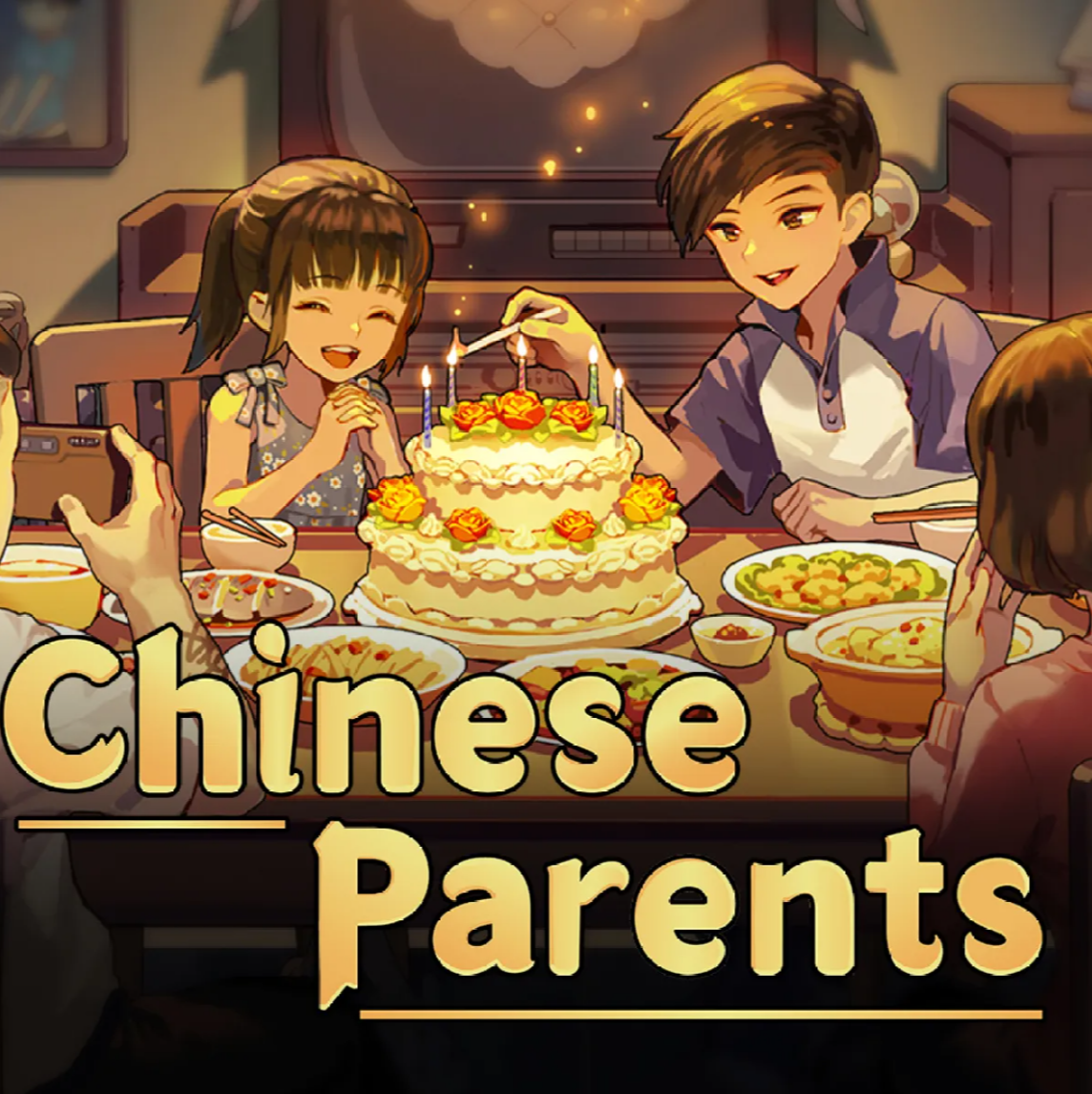
You are buying a new Steam Account with the game : Chinese Parents
After payment, you will receive:
- STEAM login.
- STEAM password.
- STEAM mail.
- The email password.
THIS IS NOT AN ACTIVATION KEY.
You can change your temporary email address to your own — this is done through your Steam account settings. It is also recommended to change the password immediately after receiving the data.
This is a personal and permanent account that only you will have access to. No one else will get access to it.
Important: it is strictly forbidden to use temporary mail received with the account to register other services or accounts.
Languages: Russian, English, German, French, Spanish, Italian.
Chinese Parents — simulator of family life and child rearing
Immerse yourself in the atmosphere of Chinese culture and family values!
"Chinese Parents" is a visual novel and simulator in which you control your character´s life and make choices that affect his future.
Why should you try Chinese Parents?
A unique cultural experience:
The game shows traditional Chinese family values, customs, upbringing and social norms.
Role—playing and decision-making:
Your task is to make decisions related to your child´s studies, friendships, relationships, and career in order to ensure their happy future.
A variety of development options:
Every decision affects the character, success and fate of the hero — from studies and work to personal relationships.
The educational aspect:
The game highlights the importance of education and family expectations, and also shows the complexities and joys of parenting.
Interactive story:
Different scenarios, dialogues and events create a unique experience for each player.
An emotional and touching story:
The themes of love, responsibility, traditions and personal dreams are touched upon.
Graphic style and atmosphere:
The colorful and expressive visual style helps to fully immerse yourself in the atmosphere of a Chinese family.
"Chinese Parents" is not just a game, but an opportunity to understand the richness of Chinese culture, family values and the importance of choice in life.
After payment, you will receive:
- STEAM login.
- STEAM password.
- STEAM mail.
- The email password.
THIS IS NOT AN ACTIVATION KEY.
You can change your temporary email address to your own — this is done through your Steam account settings. It is also recommended to change the password immediately after receiving the data.
This is a personal and permanent account that only you will have access to. No one else will get access to it.
Important: it is strictly forbidden to use temporary mail received with the account to register other services or accounts.
Languages: Russian, English, German, French, Spanish, Italian.
Chinese Parents — simulator of family life and child rearing
Immerse yourself in the atmosphere of Chinese culture and family values!
"Chinese Parents" is a visual novel and simulator in which you control your character´s life and make choices that affect his future.
Why should you try Chinese Parents?
A unique cultural experience:
The game shows traditional Chinese family values, customs, upbringing and social norms.
Role—playing and decision-making:
Your task is to make decisions related to your child´s studies, friendships, relationships, and career in order to ensure their happy future.
A variety of development options:
Every decision affects the character, success and fate of the hero — from studies and work to personal relationships.
The educational aspect:
The game highlights the importance of education and family expectations, and also shows the complexities and joys of parenting.
Interactive story:
Different scenarios, dialogues and events create a unique experience for each player.
An emotional and touching story:
The themes of love, responsibility, traditions and personal dreams are touched upon.
Graphic style and atmosphere:
The colorful and expressive visual style helps to fully immerse yourself in the atmosphere of a Chinese family.
"Chinese Parents" is not just a game, but an opportunity to understand the richness of Chinese culture, family values and the importance of choice in life.
After payment, you will receive :
1) Login and password to log in to the Steam account where the game has already been added.
2)The address of the mail server, the e-mail and the password from the e-mail.
The Steam account is not shared, the account is yours only.
- Log in to the Steam website via the app or to the steampowered com store website.
- Enter the login and password from the Steam account received in the order letter.
- Log out to the mail server in the browser. Enter the email address and the email password you received in the order. You will receive an email notification from Steam about logging into your account, possibly with a confirmation code.
- Change the email address in your Steam account to your email address. On Steam, in the "Account" section, click the "Change contact email address" button. Follow the on-screen instructions. A confirmation code will be sent to the old email address. Log out to the mail server, open the email, and click on the link from the email to confirm the email change.
1) Login and password to log in to the Steam account where the game has already been added.
2)The address of the mail server, the e-mail and the password from the e-mail.
The Steam account is not shared, the account is yours only.
- Log in to the Steam website via the app or to the steampowered com store website.
- Enter the login and password from the Steam account received in the order letter.
- Log out to the mail server in the browser. Enter the email address and the email password you received in the order. You will receive an email notification from Steam about logging into your account, possibly with a confirmation code.
- Change the email address in your Steam account to your email address. On Steam, in the "Account" section, click the "Change contact email address" button. Follow the on-screen instructions. A confirmation code will be sent to the old email address. Log out to the mail server, open the email, and click on the link from the email to confirm the email change.
No feedback yet