CorelDRAW Graphics Suite 2025 Windows Key Lifetime
Content: text (0 symbol)
Available: 1
Uploaded: 28.04.2026
Positive responses: 0
Negative responses: 0
Sold: 79
Refunds: 0
$5.97
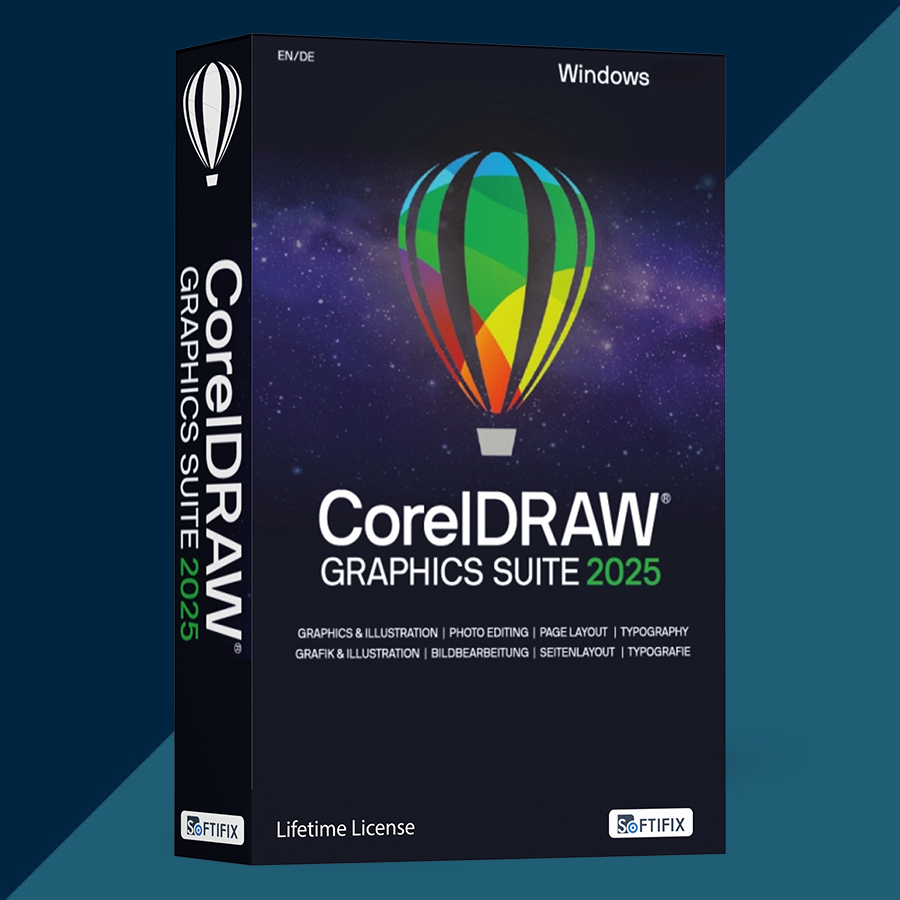
Product: CorelDRAW Graphics Suite 2025 (Windows) — One-time purchase (Perpetual use) — Digital Serial Number
Platform: Windows (64-bit)
License type:
• One-time purchase for perpetual use (not a subscription).
• Individual User License: installation is allowed on up to two devices that belong to the licensed user, but the software cannot be used on both devices at the same time.
What you receive after payment:
• 1× CorelDRAW Graphics Suite 2025 serial number / license key (digital).
Included applications (Suite components):
• CorelDRAW — vector illustration and page layout
• Corel PHOTO-PAINT — image editing / pixel-based design
• Corel Font Manager
• CAPTURE (screen capture tool)
• CorelDRAW Web is subscriber-exclusive (not included with one-time purchase).
System requirements (Windows):
• Windows 11 (22H2 or later) or Windows 10 (22H2), 64-bit, with latest updates
• Intel Core i3/i5/i7/i9 (7th gen or newer) or AMD Ryzen 3/5/7/9 etc.
• 8 GB RAM (16 GB recommended)
• 5.5 GB disk space for installation files
• OpenCL 1.2 GPU with 3 GB+ VRAM
• 1280×720 display minimum (1920×1080 recommended)
Install & activate (Step-by-step):
1) Download the installer from the official CorelDRAW website.
2) Install the software on your PC.
3) When prompted, sign in with your Corel.com account (or create one).
4) Enter the provided serial number to authenticate the product.
5) Internet is required to sign in and authenticate; after authentication, main features remain available offline.
Important notes:
• One-time purchase (perpetual use) excludes many features, apps, and workflows available to subscribers/maintenance customers, and it does not guarantee ongoing support for future operating systems/technologies.
• This is a license key (serial number), NOT an account transfer.
• If activation fails: double-check copy/paste, confirm internet access for sign-in, restart the app, then contact support via the order page.
Platform: Windows (64-bit)
License type:
• One-time purchase for perpetual use (not a subscription).
• Individual User License: installation is allowed on up to two devices that belong to the licensed user, but the software cannot be used on both devices at the same time.
What you receive after payment:
• 1× CorelDRAW Graphics Suite 2025 serial number / license key (digital).
Included applications (Suite components):
• CorelDRAW — vector illustration and page layout
• Corel PHOTO-PAINT — image editing / pixel-based design
• Corel Font Manager
• CAPTURE (screen capture tool)
• CorelDRAW Web is subscriber-exclusive (not included with one-time purchase).
System requirements (Windows):
• Windows 11 (22H2 or later) or Windows 10 (22H2), 64-bit, with latest updates
• Intel Core i3/i5/i7/i9 (7th gen or newer) or AMD Ryzen 3/5/7/9 etc.
• 8 GB RAM (16 GB recommended)
• 5.5 GB disk space for installation files
• OpenCL 1.2 GPU with 3 GB+ VRAM
• 1280×720 display minimum (1920×1080 recommended)
Install & activate (Step-by-step):
1) Download the installer from the official CorelDRAW website.
2) Install the software on your PC.
3) When prompted, sign in with your Corel.com account (or create one).
4) Enter the provided serial number to authenticate the product.
5) Internet is required to sign in and authenticate; after authentication, main features remain available offline.
Important notes:
• One-time purchase (perpetual use) excludes many features, apps, and workflows available to subscribers/maintenance customers, and it does not guarantee ongoing support for future operating systems/technologies.
• This is a license key (serial number), NOT an account transfer.
• If activation fails: double-check copy/paste, confirm internet access for sign-in, restart the app, then contact support via the order page.
No feedback yet