SPOTIFY PREMIUM 1/3/6/12 м | Personal
Content: text (0 symbol)
Available: 1
Uploaded:
Positive responses: 0
Negative responses: 0
Sold: 0
Refunds: 0
$2.6
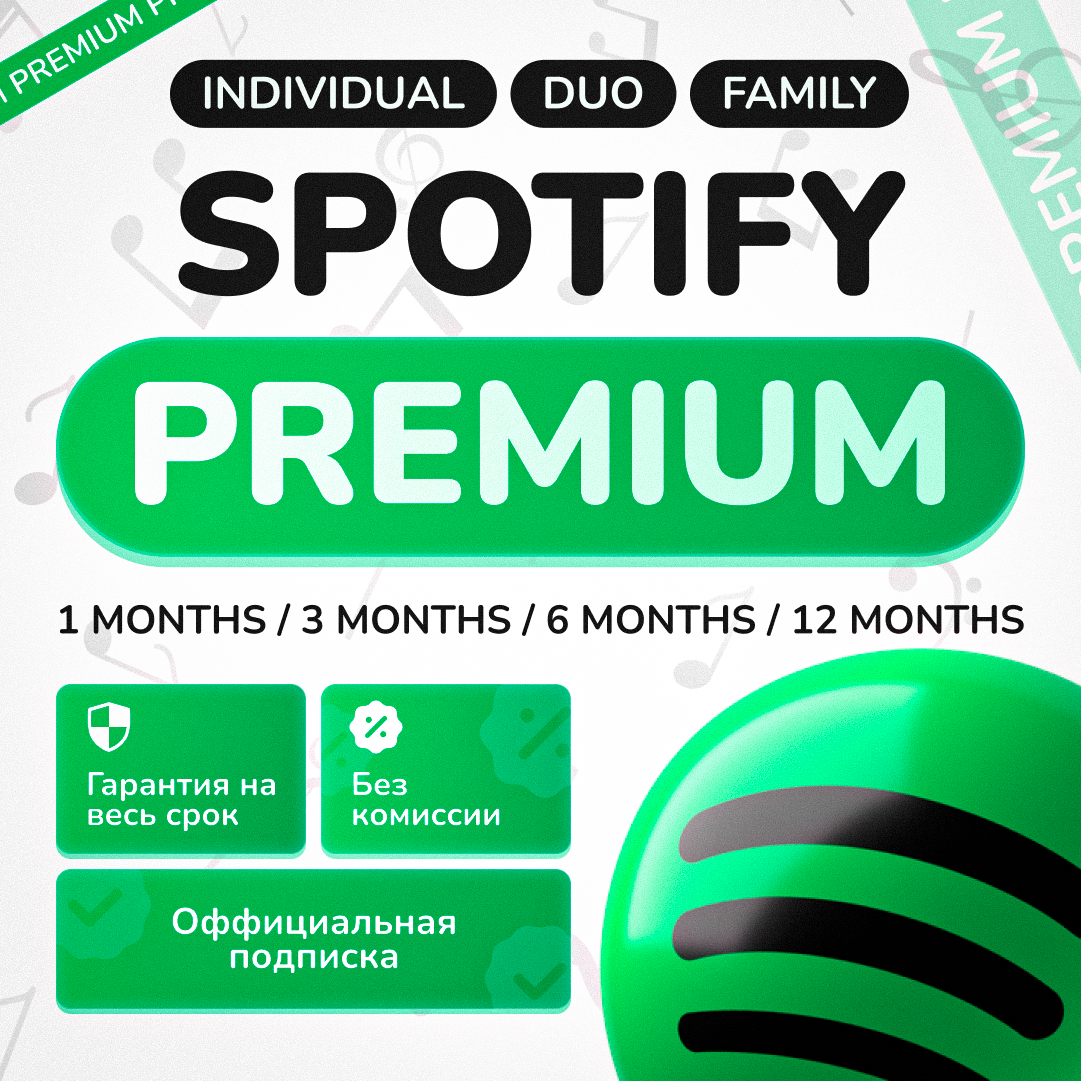
🎧 Spotify Premium — available in Russia & CIS | No VPN | 1–12 months
💡 Listen to music without ads or limits — on your own account, even from Russia!
✅ Why people choose us:
🌍 Works in any region — Russia, CIS, Asia, Europe
🔊 Sound quality up to 320 kbps
🎵 Offline access: download tracks and podcasts
🖼 Animated Canvas covers, podcasts, audiobooks
👥 Individual, Duo, and Family plans
📆 Duration: 1 / 3 / 6 / 12 months
💰 Price below official — from ₽99
💡 VPN not required until 26.09.2025 (may be needed afterward depending on region)
🎯 Available subscription types:
🔹 Individual — 1 account
🔸 Duo — 2 accounts (must share one address)
🔸 Family — up to 6 accounts (also one address)
📍 Region of purchase: India, Nigeria, Egypt.
This does not affect music or functionality.
⏳ Possible duration deviations for Duo/Family: ±7–14 days
📌 Instructions:
Make sure you don’t have an active Premium subscription
Choose your plan duration and type
Pay and send the unique code from your receipt
We’ll activate Premium on your account (or help create a new one)
If needed, we’ll change your account’s region
⏱ Activation time: from 5 minutes to a few hours
📬 You’ll need access to your email or Spotify login
We’ll handle everything — simple and safe
🔒 Guarantee:
– Subscription active for the entire paid period
– Full refund in case of technical issues
– Partial refund (20% hold) if canceled by the buyer
– 24/7 support: assistance with setup, region, and login
❓ FAQ:
– You can use an account signed in via Google, Facebook, or Apple
– No restrictions on artists or releases
– You can renew Premium after it expires
– Assistance adding a second account to Duo or Family plan
– Help changing region if needed
📝 How to send your unique code on Digiseller:
After successfully paying for the product on Digiseller, you’ll receive a unique 16-digit code.
This code confirms your purchase. To complete the transaction and receive the item, you need to send this code to the seller.
🔥 How to do it:
Find the code: After payment, you’ll be redirected to a page showing your receipt and code. It will also be sent to your email
Go back to the product page: Return to the Digiseller item page where you made the purchase
Find the contact section: Usually under “Chat with seller” or “My purchases”
Send the code: Paste the unique 16-digit code into the message box and send it to the seller
After the seller verifies it, you’ll receive access to your product
💡 Listen to music without ads or limits — on your own account, even from Russia!
✅ Why people choose us:
🌍 Works in any region — Russia, CIS, Asia, Europe
🔊 Sound quality up to 320 kbps
🎵 Offline access: download tracks and podcasts
🖼 Animated Canvas covers, podcasts, audiobooks
👥 Individual, Duo, and Family plans
📆 Duration: 1 / 3 / 6 / 12 months
💰 Price below official — from ₽99
💡 VPN not required until 26.09.2025 (may be needed afterward depending on region)
🎯 Available subscription types:
🔹 Individual — 1 account
🔸 Duo — 2 accounts (must share one address)
🔸 Family — up to 6 accounts (also one address)
📍 Region of purchase: India, Nigeria, Egypt.
This does not affect music or functionality.
⏳ Possible duration deviations for Duo/Family: ±7–14 days
📌 Instructions:
Make sure you don’t have an active Premium subscription
Choose your plan duration and type
Pay and send the unique code from your receipt
We’ll activate Premium on your account (or help create a new one)
If needed, we’ll change your account’s region
⏱ Activation time: from 5 minutes to a few hours
📬 You’ll need access to your email or Spotify login
We’ll handle everything — simple and safe
🔒 Guarantee:
– Subscription active for the entire paid period
– Full refund in case of technical issues
– Partial refund (20% hold) if canceled by the buyer
– 24/7 support: assistance with setup, region, and login
❓ FAQ:
– You can use an account signed in via Google, Facebook, or Apple
– No restrictions on artists or releases
– You can renew Premium after it expires
– Assistance adding a second account to Duo or Family plan
– Help changing region if needed
📝 How to send your unique code on Digiseller:
After successfully paying for the product on Digiseller, you’ll receive a unique 16-digit code.
This code confirms your purchase. To complete the transaction and receive the item, you need to send this code to the seller.
🔥 How to do it:
Find the code: After payment, you’ll be redirected to a page showing your receipt and code. It will also be sent to your email
Go back to the product page: Return to the Digiseller item page where you made the purchase
Find the contact section: Usually under “Chat with seller” or “My purchases”
Send the code: Paste the unique 16-digit code into the message box and send it to the seller
After the seller verifies it, you’ll receive access to your product
No feedback yet