Grand Theft Auto V (GTA 5) | PS4 / PS5 | PlayStation | Turkey 🇹🇷 | Account Activati
Content: text (16 symbols)
Available: 1
Uploaded: 24.07.2025
Positive responses: -1
Negative responses: 0
Sold: -1
Refunds: -1
$30.13
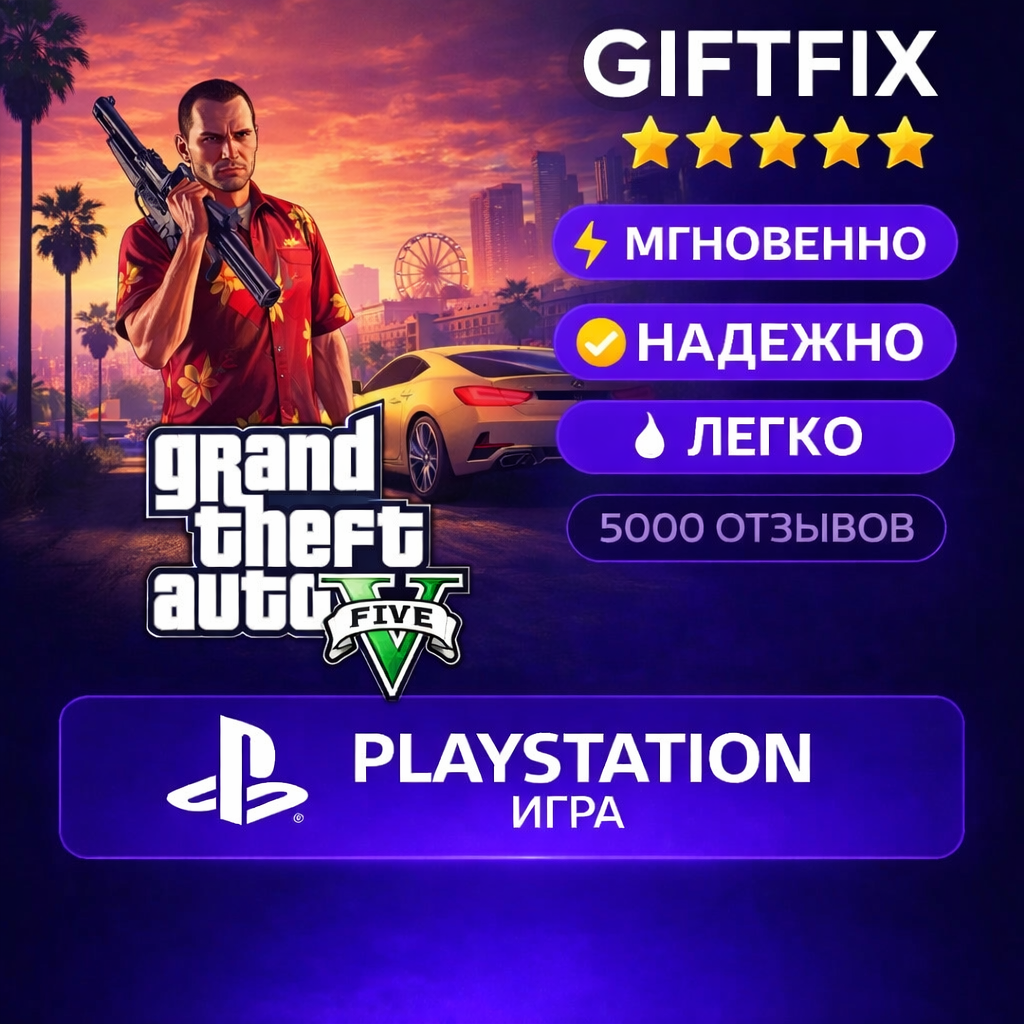
🎮 PRODUCT DESCRIPTION
You buy the official version of the game for PlayStation (PS4 / PS5) Activation is made through the Turkish region of PSN 🇹🇷 directly to your account.
✅ The game stays with you forever ✅ You can play in Russian (if supported by the game) ✅ Suitable for PS4 and PS5 ✅ No subscriptions or restrictions ✅ 100% working and proven method
⚡ HOW THE PURCHASE IS MADE
1️⃣ After payment, you contact the seller 2️⃣ You provide your login details or follow the instructions 3️⃣ We activate the game 4️⃣ You download and play 🎉
⏱ Average execution time: 5 to 30 minutes (in rare cases, up to several hours)
🔐 SECURITY
🔒 All data is only used for activation 🔒 No locks or risks 🔒 After activation, you can change your password
❗ IMPORTANT
⚠️ Account region: Turkey (🇹🇷) ⚠️ Not suitable for accounts from other regions ⚠️ Before purchase, you can ask a question to the seller
💬 WHY CHOOSE US
⭐ Extensive experience ⭐ Instant support ⭐ Hundreds of satisfied customers
You buy the official version of the game for PlayStation (PS4 / PS5) Activation is made through the Turkish region of PSN 🇹🇷 directly to your account.
✅ The game stays with you forever ✅ You can play in Russian (if supported by the game) ✅ Suitable for PS4 and PS5 ✅ No subscriptions or restrictions ✅ 100% working and proven method
⚡ HOW THE PURCHASE IS MADE
1️⃣ After payment, you contact the seller 2️⃣ You provide your login details or follow the instructions 3️⃣ We activate the game 4️⃣ You download and play 🎉
⏱ Average execution time: 5 to 30 minutes (in rare cases, up to several hours)
🔐 SECURITY
🔒 All data is only used for activation 🔒 No locks or risks 🔒 After activation, you can change your password
❗ IMPORTANT
⚠️ Account region: Turkey (🇹🇷) ⚠️ Not suitable for accounts from other regions ⚠️ Before purchase, you can ask a question to the seller
💬 WHY CHOOSE US
⭐ Extensive experience ⭐ Instant support ⭐ Hundreds of satisfied customers
▪️How do I enable two-step verification?
1. Go to Settings > Account Management > Account Information > Security > Two-Step Verification.
2. Select Activate to enable two-step verification (2SV).
3. Select the SMS code receipt method.
❕When enabling 2FA via SMS, you can use a phone number from any country.
▪️Where can I find backup codes?
There´s a section with backup codes in the console menu and in the web version of your personal account: "Settings" > "Users and Accounts" > "Security" > "Backup Codes."
1. Go to Settings > Account Management > Account Information > Security > Two-Step Verification.
2. Select Activate to enable two-step verification (2SV).
3. Select the SMS code receipt method.
❕When enabling 2FA via SMS, you can use a phone number from any country.
▪️Where can I find backup codes?
There´s a section with backup codes in the console menu and in the web version of your personal account: "Settings" > "Users and Accounts" > "Security" > "Backup Codes."
⏰ We work from 9:00 AM to 9:00 PM GMT 3 (Moscow time). Force majeure is possible.
If you purchased outside of these hours, please wait for us.
If you purchased outside of these hours, please wait for us.
No feedback yet