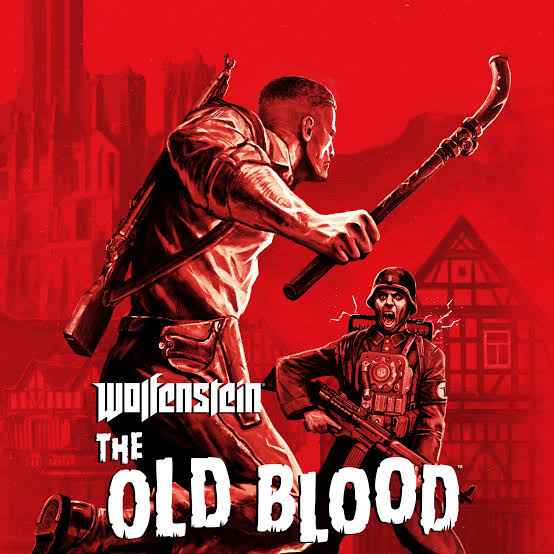
⚡Wolfenstein: The Old Blood (PC)⚡ Microsoft sotre⚡
Content: text (0 symbol)
Available: 585
Uploaded: 09.02.2026
Positive responses: 5
Negative responses: 0
Sold: 365
Refunds: 0
$0.7
From the Microsoft Store:
To claim the game, open a Windows 10 or 11 device and search for "Microsoft Store".
Ensure that you are signed into the Microsoft Store under the account you wish to play Minecraft Legends, then select the Account button in the upper-right corner, next to the search bar.
A menu will open with the option to "Redeem code or gift cards".
Select that option, input the 25-character code, and click "Next" to link the content to the account.
From a Microsoft account:
Follow the link here. https://setup.office.com/redeem/enter-key
Select "Redeem Code".
Enter the 25-character code, select "Next", and then follow the prompts.
To claim the game, open a Windows 10 or 11 device and search for "Microsoft Store".
Ensure that you are signed into the Microsoft Store under the account you wish to play Minecraft Legends, then select the Account button in the upper-right corner, next to the search bar.
A menu will open with the option to "Redeem code or gift cards".
Select that option, input the 25-character code, and click "Next" to link the content to the account.
From a Microsoft account:
Follow the link here. https://setup.office.com/redeem/enter-key
Select "Redeem Code".
Enter the 25-character code, select "Next", and then follow the prompts.
20.02.2026 19:22:45
Топ
02.06.2025 22:33:32
+
28.05.2025 17:30:36
Всё хорошо, ключ рабочий, для РС.
08.05.2025 22:48:34
Спасибо за ключ
08.05.2025 22:16:53
Спасибо