✅ Minecraft Legends (PC)🔑✅ for PC on Microsoft Store.✅
Content: code_16.txt (29 B)
Available: 54
Uploaded: 26.03.2026
Positive responses: 39
Negative responses: 1
Sold: 1000
Refunds: 7
Seller: Gaming Shop
information about the seller and its items
Loyalty discount! If the total amount of your purchases from the seller more than:
| $50 | the discount is | 1% |
| $100 | the discount is | 2% |
| $150 | the discount is | 3% |
$0.81
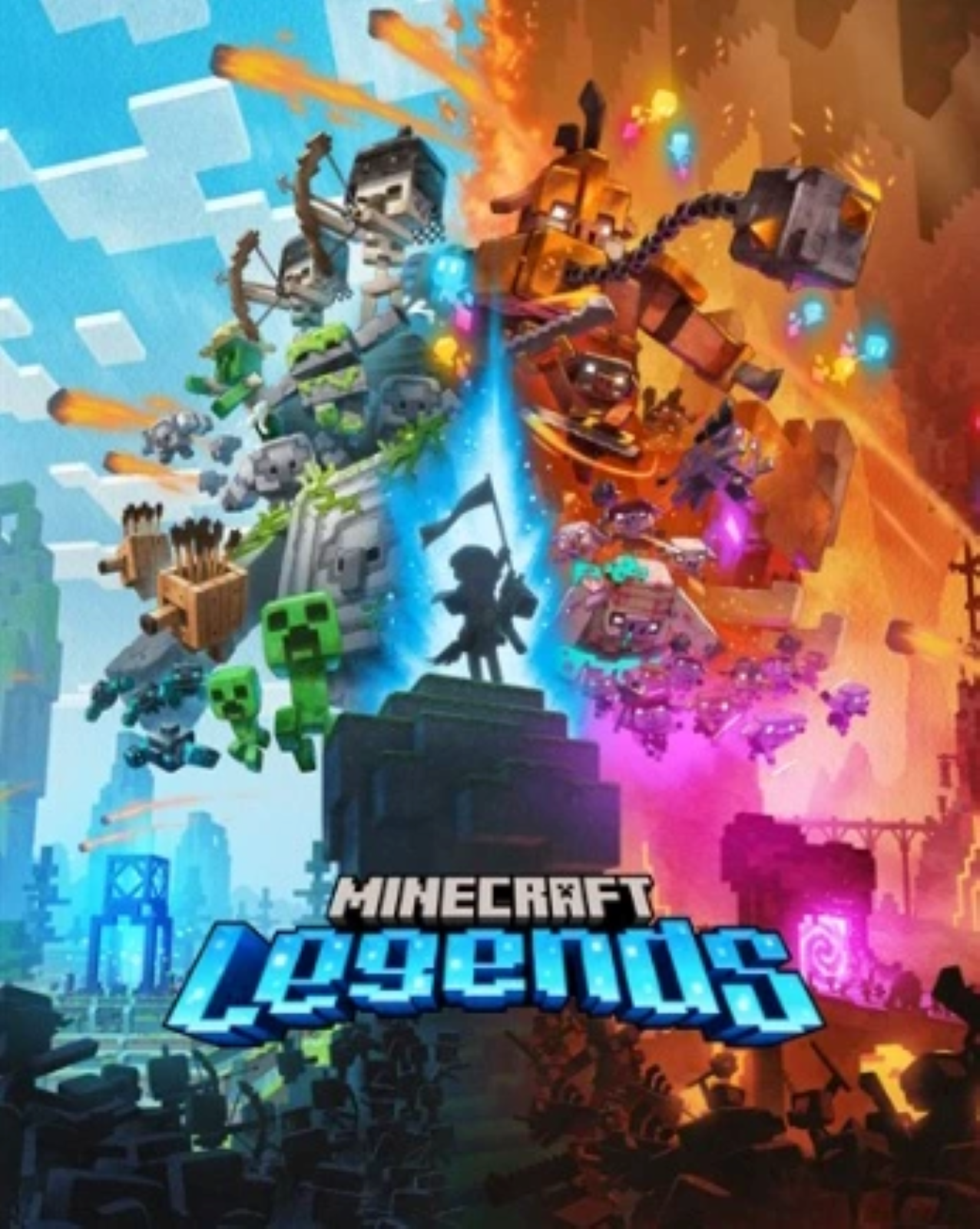
🎮Special delivery conditions for Minecraft Legends (PC)⚫🔑 for PC on Microsoft Store.
To access the game, open your Windows 10 or 11 device and search for "Microsoft Store"
Make sure you are signed into the Microsoft Store with the account you want to play Minecraft Legends (PC)⚫🔑 for PC on Microsoft Store with, then click the "Account" button in the upper right corner, next to the search bar.
A menu will open with the option to "redeem a code or gift card".
Select this option, enter the 25-character code, and click Next to link the content to your account.
From a Microsoft account:
Redeem the code in your Microsoft account here.
To access the game, open your Windows 10 or 11 device and search for "Microsoft Store"
Make sure you are signed into the Microsoft Store with the account you want to play Minecraft Legends (PC)⚫🔑 for PC on Microsoft Store with, then click the "Account" button in the upper right corner, next to the search bar.
A menu will open with the option to "redeem a code or gift card".
Select this option, enter the 25-character code, and click Next to link the content to your account.
From a Microsoft account:
Redeem the code in your Microsoft account here.
⚠️ All our products are checked before sale. The chance that you will get an invalid or used product is extremely small, but recently there have been more cases of fraud on the part of buyers, so we ask all our buyers to record a video from the moment of purchase until the moment of activation of our product. The video should not contain any splices, cuts, or interruptions. Videos are your GUARANTEES!
03.04.2026 16:17:36
При активации пишет Этот код уже активирован.
31.03.2026 16:37:53
Все прошло успешно
26.03.2026 16:51:34
Всё работает
22.03.2026 20:07:47
Перед покупкой почитал комментарии, и с включенным VPN США ключ активировался, так что все отлично!
07.03.2026 21:25:11
регион виндовс нужно сменить на сша и тогда ключ активируется
18.02.2026 15:31:42
Все гуд, не сразу понял как активировать, прочитал что надо ставить регион сша в виндовс и впн сша, все делал писало ошибку, потом попробывал выключить обход и о чудо все получилось
24.01.2026 9:24:40
Все хорошо
15.01.2026 11:02:09
У кого не работает надо просто поменять страну и регион на США
03.01.2026 18:27:21
спасибо все пришло быстро и без проблем
18.12.2025 13:10:00
Все пришло и активировалось, рекомендую!