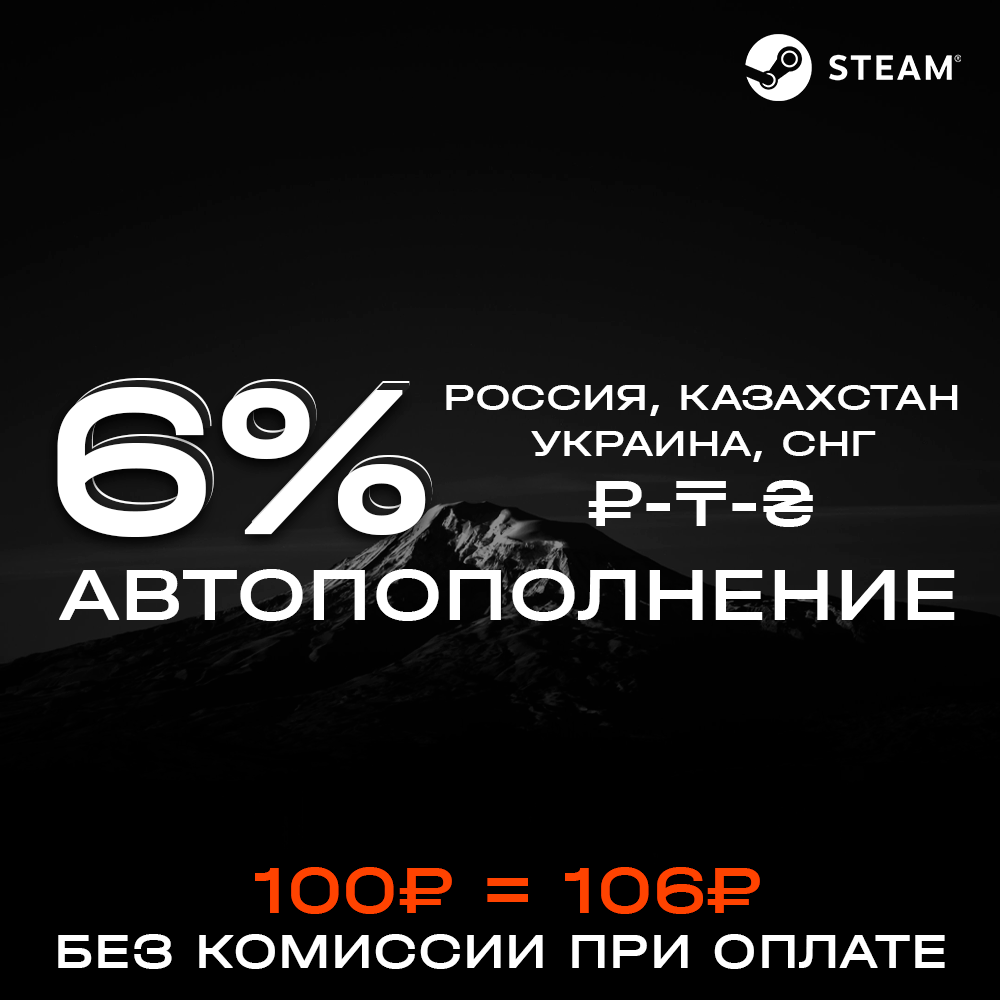
6% Fast Auto Top Up Steam (₽-₸-₴) (RU-KZ-UA-CIS)
Content: text (16 symbols)
Available: 1
Uploaded: 26.05.2025
Positive responses: 6
Negative responses: 0
Sold: 100
Refunds: 0
Seller: ATLANT STORE
information about the seller and its items
Loyalty discount! If the total amount of your purchases from the seller more than:
| $500 | the discount is | 1% |
| $2500 | the discount is | 2% |
| $5000 | the discount is | 3% |
$0.02

Refunds are not possible if you provided an incorrect account login or if your account region differs from the regions specified in the description. We are not responsible for your inattention or failure to follow the description. Please wait until the pages fully load after purchasing the item to receive an instant top-up.
🔒Top-ups are only available for accounts in the following regions: Russia (RU), Belarus (BY), Kazakhstan (KZ), Ukraine (UA), Armenia (AM), Azerbaijan (AZ), Georgia (GE), Kyrgyzstan (KG), Moldova (MD), Tajikistan (TJ), Turkmenistan (TM), Uzbekistan (UZ).
📦Instant automatic top-ups for Steam accounts. No commission when paying with the Fast Payment System.
🔑After payment, you will be automatically redirected to a third-party top-up page.
⛔Accounts from the European Union, the United States, and all other non-CIS regions cannot be topped up.
🔑After payment, you will be automatically redirected to a third-party top-up page.
⛔Accounts from the European Union, the United States, and all other non-CIS regions cannot be topped up.
Refunds for erroneous top-ups, top-ups to accounts from other regions, and other cases caused by your fault are made minus the payment system fee.
🔸To find your account login, go to https://store.steampowered.com/account/ (User account here_your_login).
🔸The recommended one-time top-up amount is 15,000₽, and the daily top-up limit is 30,000₽ (GMT time). You can top up a single account (login) no more than 3 times.
🔸The amount credited to your account may be subject to currency conversion error (+/- 1%), so please top up your balance by 1-2 rubles. We do not refund losses or issue returns.
🔸If you have a new Steam account that has never been topped up, you will receive a region change when attempting to top up through our product. To maintain your account region, add some games to your account and top up with the minimum amount. Steam may still change your account region, so we recommend taking care of this in advance and changing your region yourself or through specialized sellers (for example, to Kazakhstan or Ukraine).
🔸The recommended one-time top-up amount is 15,000₽, and the daily top-up limit is 30,000₽ (GMT time). You can top up a single account (login) no more than 3 times.
🔸The amount credited to your account may be subject to currency conversion error (+/- 1%), so please top up your balance by 1-2 rubles. We do not refund losses or issue returns.
🔸If you have a new Steam account that has never been topped up, you will receive a region change when attempting to top up through our product. To maintain your account region, add some games to your account and top up with the minimum amount. Steam may still change your account region, so we recommend taking care of this in advance and changing your region yourself or through specialized sellers (for example, to Kazakhstan or Ukraine).
🔸Instructions for topping up users outside the CIS:
1. Completely close the Steam application (exit Steam) on your PC 15 minutes before topping up;
2. Put your smartphone in airplane mode (if Steam is installed);
3. After 15 minutes, top up your account and track the funds via the email linked to your account (you will receive an email from steampowered confirming the successful top-up);
4. After the funds have been successfully deposited, you can launch Steam on your PC.
delivery🔸Instructions for top-ups for users located in Crimea, the Donetsk People´s Republic (DPR), Luhansk People´s Republic (LPR), and the Zaporizhzhia or Kherson Oblasts:1. Completely close the Steam application (exit Steam) on your PC 15 minutes before topping up;
2. Put your smartphone in airplane mode (if Steam is installed);
3. After 15 minutes, top up your account and track the funds via the email linked to your account (you will receive an email from steampowered confirming the successful top-up);
4. After the funds have been successfully deposited, you can launch Steam on your PC.
1. Completely close the Steam application (log out of Steam) on your PC 1 hour before the top-up;
2. Put your smartphone (or other device) into airplane mode (if Steam is installed);
3. After 1 hour, top up your account and track the funds via the email linked to your account (you will receive an email from steampowered confirming the successful top-up);
4. After the funds have been successfully deposited, you can launch Steam on your PC.
Failure to comply with these terms will result in Steam blocking your deposit, preventing the funds from being received. Refunds are not possible in this case. Please remember that your account must not be active in these regions when making a deposit.
07.02.2025 20:26:34
Рекомендую
07.02.2025 17:17:24
очень круто
19.01.2025 11:34:41
+
03.12.2024 23:32:28
Моментально пришло, спасибо большое!!
03.12.2024 22:31:23
Пополнение дошло в целости и сохранности! Всё отлично, можно брать >~<
30.11.2024 19:31:41
Моментально пополнилось