Don´t Starve Together + 70 GAMES STEAM ONLINE ACCOUNT
Content: text (0 symbol)
Available: 3
Uploaded: 26.04.2026
Positive responses: 46
Negative responses: 0
Sold: 533
Refunds: 0
$1.83
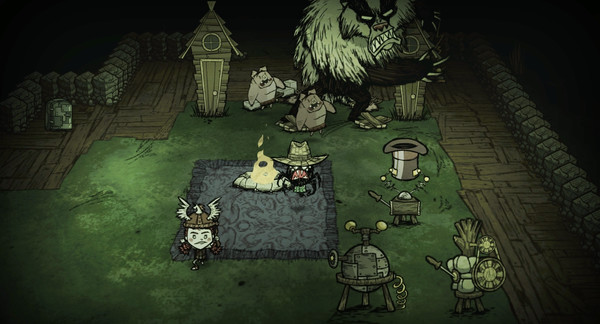
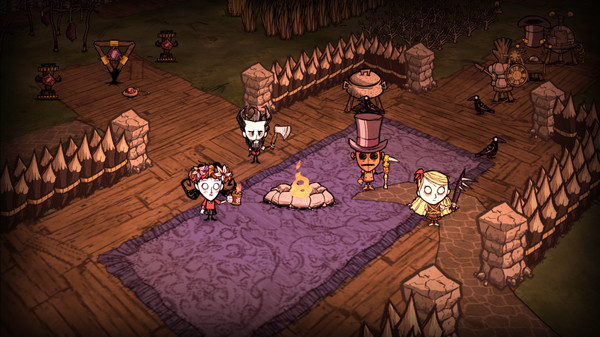
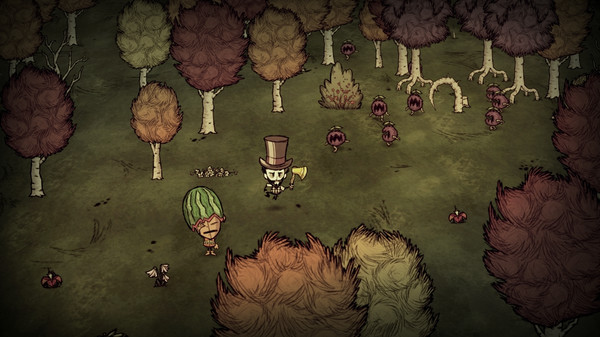
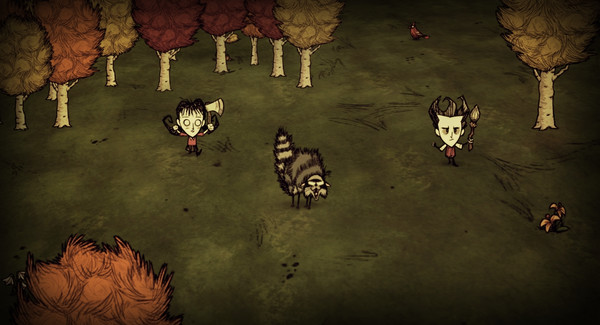
IMMEDIATELY AFTER PAYMENT, YOU WILL RECEIVE A LOGIN, PASSWORD, AND A LINK TO THE STEAM GUARD ACCESS CODE APPLICATION FOR LOGIN TO YOUR ACCOUNT.
ONLY YOU WILL GET PERSONAL ACCESS TO YOUR ACCOUNT´S ENTIRE GAME LIBRARY FOR 1 YEAR. 365-DAY GUARANTEE. YOU CAN PLAY ONLINE, EDIT YOUR ACCOUNT PROFILE, AND MANAGE YOUR FRIENDS LIST. YOUR LOGIN, PASSWORD, PHONE, AND EMAIL WILL NOT CHANGE. RECEIVING ANY KIND OF BAN ON AN ACCOUNT OR IN ANY GAME IS NOT A WARRANTY CASE.
In addition to Don´t Starve Together, there are at least 70 games on the account.ONLY YOU WILL GET PERSONAL ACCESS TO YOUR ACCOUNT´S ENTIRE GAME LIBRARY FOR 1 YEAR. 365-DAY GUARANTEE. YOU CAN PLAY ONLINE, EDIT YOUR ACCOUNT PROFILE, AND MANAGE YOUR FRIENDS LIST. YOUR LOGIN, PASSWORD, PHONE, AND EMAIL WILL NOT CHANGE. RECEIVING ANY KIND OF BAN ON AN ACCOUNT OR IN ANY GAME IS NOT A WARRANTY CASE.
Account login instructions:
1. Download and install the Steam client (if not already installed).
2. Log in to the Steam client and enter your username and password.
To obtain a STEAM GUARD access code, you must:
1. Use the link provided to download the folder containing the access code application as an archive to your PC.
2. Extract the files from the folder.
3. Open the folder and click Steam Desktop Authenticator.exe.
4. Click your account login (it should be highlighted in blue).
5. Copy the five-digit code and paste it into the confirmation window in the Steam client.
6. Download the desired game from your library.
Account login instructions:
1. Download and install the Steam client (if not already installed).
2. Log in to the Steam client and enter your username and password.
To obtain a STEAM GUARD access code, you must:
1. Use the link provided to download the folder containing the access code application as an archive to your PC.
2. Extract the files from the folder.
3. Open the folder and click Steam Desktop Authenticator.exe.
4. Click your account login (it should be highlighted in blue).
5. Copy the five-digit code and paste it into the confirmation window in the Steam client.
6. Download the desired game from your library.
1. Download and install the Steam client (if not already installed).
2. Log in to the Steam client and enter your username and password.
To obtain a STEAM GUARD access code, you must:
1. Use the link provided to download the folder containing the access code application as an archive to your PC.
2. Extract the files from the folder.
3. Open the folder and click Steam Desktop Authenticator.exe.
4. Click your account login (it should be highlighted in blue).
5. Copy the five-digit code and paste it into the confirmation window in the Steam client.
6. Download the desired game from your library.
03.05.2024 21:25:33
все пришло!
30.04.2024 16:23:19
Все норм , гифт ссылка пришла . Жду бонусную игру)
29.04.2024 12:06:13
Прекрасно)
27.04.2024 19:22:48
все быстро, оперативно, спасибо продавцу
03.04.2024 12:37:19
Дорого
09.10.2023 14:11:14
Все отлично.
20.04.2023 17:55:53
Благодарю. Все прошло успешно. Хочу получить в подарок игру.
17.04.2023 0:55:14
спасибо дешева и быстро
16.04.2023 17:04:03
Все отлично
16.04.2023 10:01:14
Отлично, покупка пришла мгновенно! Хорошая покупка, хороший продавец!