❤️XBOX GAME PASS ULTIMATE / account / XBOX + PC
Content: text (0 symbol)
Available: 116
Uploaded: 29.05.2026
Positive responses: 100
Negative responses: 2
Sold: 100
Refunds: 23
Seller: Digital Pro
information about the seller and its items
Loyalty discount! If the total amount of your purchases from the seller more than:
| $300 | the discount is | 2% |
$8.76
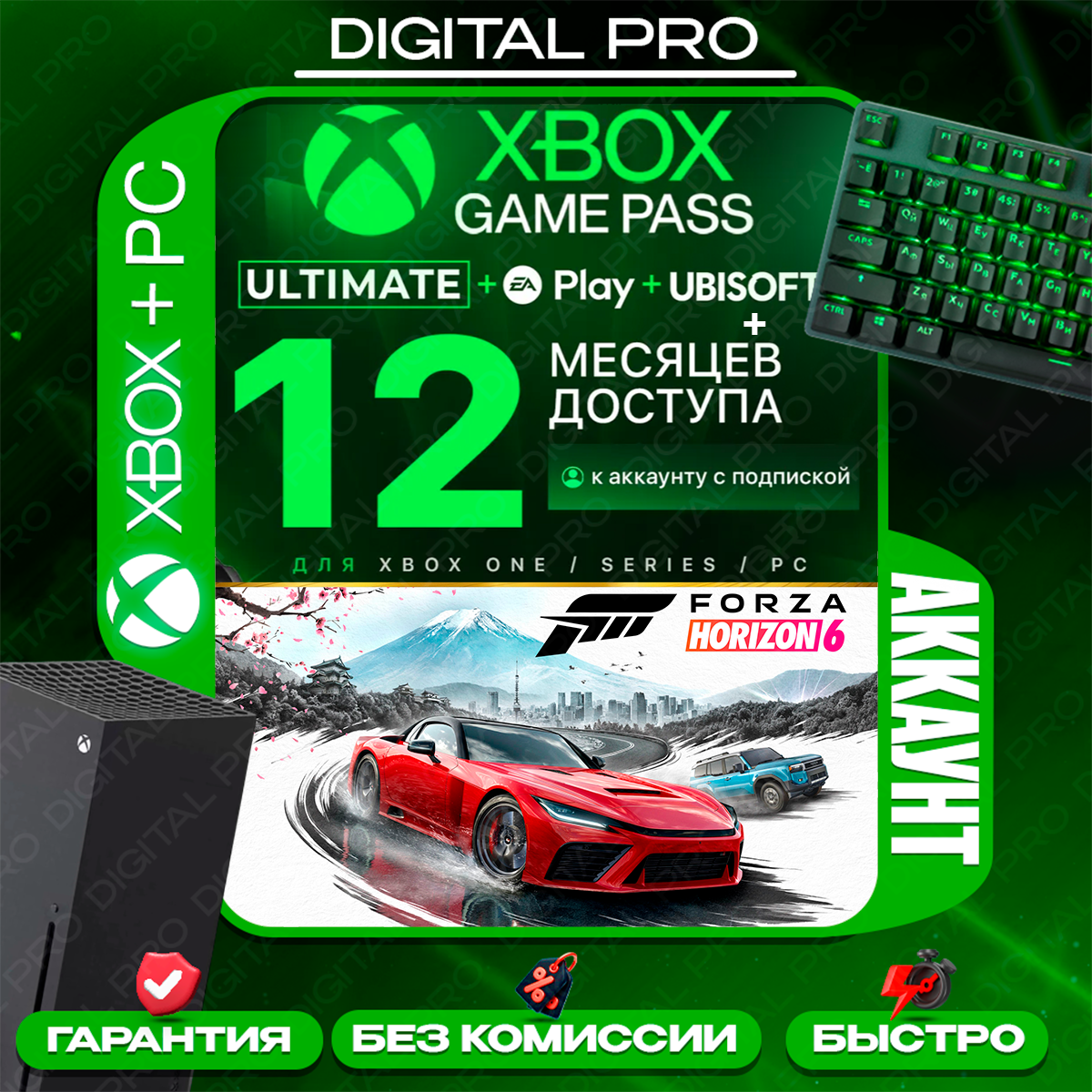
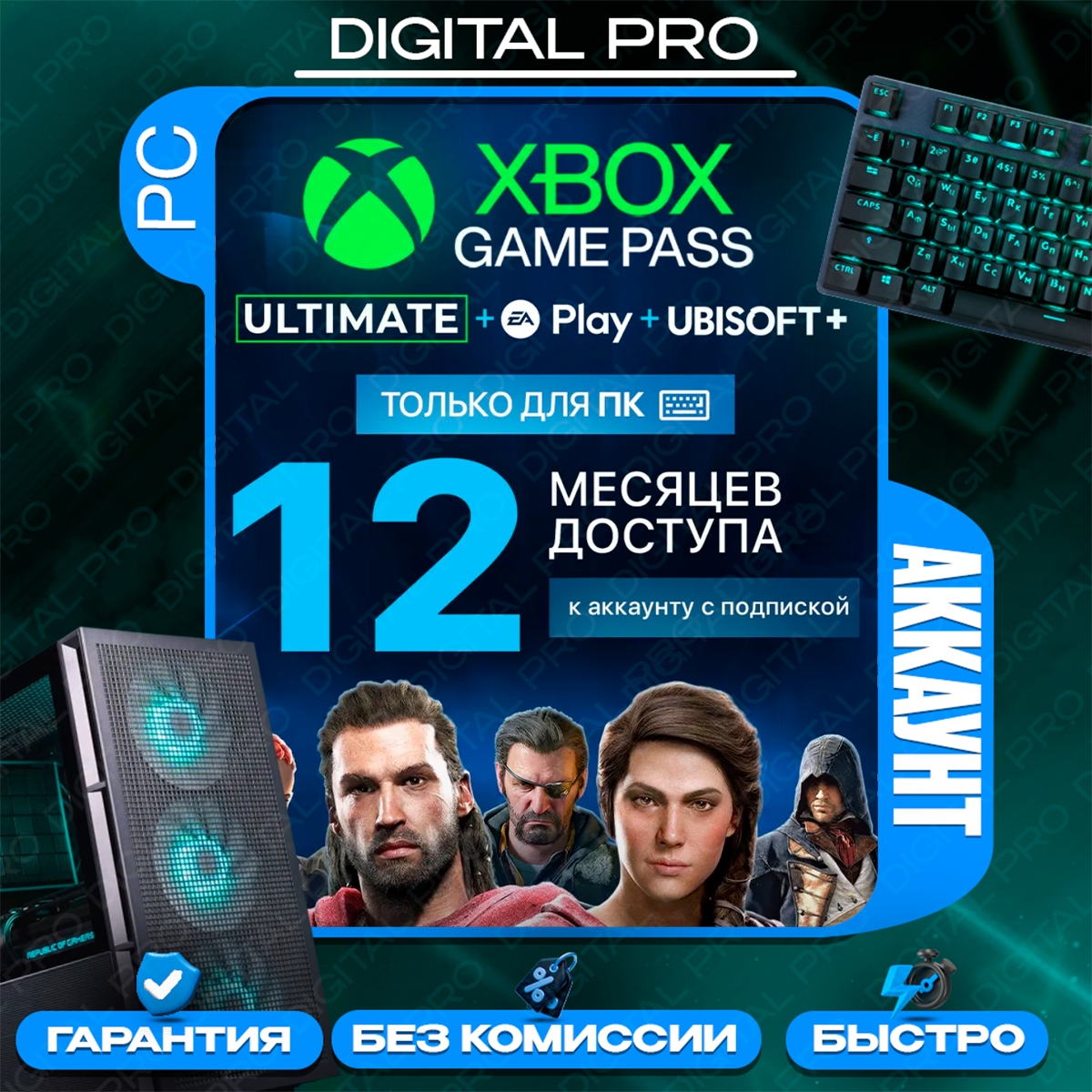
After payment, you will receive a SHARED ACCOUNT WITH AN Xbox Game Pass Ultimate SUBSCRIPTION (ACCOUNT LOGIN).
To log in to your account, please contact the seller and they will provide you with access: https://oplata.info/info/
📢 ATTENTION! BEFORE PAYMENT, SELECT WHICH PLATFORM YOU NEED A SUBSCRIPTION FOR: XBOX, PC, or XBOX PC
🔥 Over 400 games on Xbox console and PC
🔥 New games on release day, including new games released for Xbox
🔥 Includes subscriptions:
- Xbox Game Pass
- EA Play (for consoles)
- Ubisoft Classics (for consoles)
❗ Account is sold for general access
❗ Usage method - screen time (please read the instructions before paying)
❗ FULL INSTRUCTIONS for installation and launch are available by clicking the "Product Instructions" button.
For XBOX (screen time method):
1) While logged in to your main account, go to "General" - "Network Settings" - "Disconnect from Network"
2) Then "System" - "Time" - Set the console time from 3:00 AM to 4:00 AM
If the time on your console hasn´t changed after this, restart the console.
3) Xbox button - Sign in to the purchased account
4) Xbox button - Switch to your main account
5) General - Network settings - Connect to the network and wait until "all services are available"
6) Change the time to your own ("System" - "Time")
7) Launch the game - Xbox button - Sign out of the purchased account
HAVE A NICE GAME!
If you can´t launch the game after following the instructions after several attempts, restart the console and try again.
ADDITIONAL NOTE:
- If you can´t launch the game, sign out of the purchased account after the game menu has fully loaded. It´s important to find the right timing - try signing out of the purchased account a little earlier or later. P.S.
- If you still can´t launch the game, try the following:
General - Network Settings - Advanced Settings - Secondary MAC Address - Clear - Restart the console
After restarting, try following the instructions again.
- If the "Someone is already playing..." message appears, click "Play instead" to log out the offender and continue following the instructions.
For PC:
1) Open the Microsoft Store app
2) Enter the login for the purchased account.
3) Instead of password, select "Use app" and text the seller the two-digit code that appears on the screen. The seller will approve your login.
4) Install the game you want.
5) Sign in to your personal account in the Xbox app and play.
⛔ Only compatible with Windows 10, 11
⛔ Not compatible with cloud services: GeForce NOW/Xbox Cloud Gaming, etc.
⛔ Minecraft Dungeons, EA Play/Ubisoft, and Battle.net DO NOT WORK on PC.
If you experience login issues, please contact the seller for updated instructions or additional information.
The seller is not responsible for any changes to Microsoft´s policy regarding the use of shared accounts, or for any account inoperability following new console updates.
Game crashes are possible. Account functionality in online play is not guaranteed.
The above is not covered by the warranty.
You can view all our offers here: https://top.steamkeygift.ru/seller/638636
* PLEASE LEAVE A REVIEW AND RECEIVE A DISCOUNT. THANK YOU! *To log in to your account, please contact the seller and they will provide you with access: https://oplata.info/info/
📢 ATTENTION! BEFORE PAYMENT, SELECT WHICH PLATFORM YOU NEED A SUBSCRIPTION FOR: XBOX, PC, or XBOX PC
🔥 Over 400 games on Xbox console and PC
🔥 New games on release day, including new games released for Xbox
🔥 Includes subscriptions:
- Xbox Game Pass
- EA Play (for consoles)
- Ubisoft Classics (for consoles)
❗ Account is sold for general access
❗ Usage method - screen time (please read the instructions before paying)
❗ FULL INSTRUCTIONS for installation and launch are available by clicking the "Product Instructions" button.
For XBOX (screen time method):
1) While logged in to your main account, go to "General" - "Network Settings" - "Disconnect from Network"
2) Then "System" - "Time" - Set the console time from 3:00 AM to 4:00 AM
If the time on your console hasn´t changed after this, restart the console.
3) Xbox button - Sign in to the purchased account
4) Xbox button - Switch to your main account
5) General - Network settings - Connect to the network and wait until "all services are available"
6) Change the time to your own ("System" - "Time")
7) Launch the game - Xbox button - Sign out of the purchased account
HAVE A NICE GAME!
If you can´t launch the game after following the instructions after several attempts, restart the console and try again.
ADDITIONAL NOTE:
- If you can´t launch the game, sign out of the purchased account after the game menu has fully loaded. It´s important to find the right timing - try signing out of the purchased account a little earlier or later. P.S.
- If you still can´t launch the game, try the following:
General - Network Settings - Advanced Settings - Secondary MAC Address - Clear - Restart the console
After restarting, try following the instructions again.
- If the "Someone is already playing..." message appears, click "Play instead" to log out the offender and continue following the instructions.
For PC:
1) Open the Microsoft Store app
2) Enter the login for the purchased account.
3) Instead of password, select "Use app" and text the seller the two-digit code that appears on the screen. The seller will approve your login.
4) Install the game you want.
5) Sign in to your personal account in the Xbox app and play.
⛔ Only compatible with Windows 10, 11
⛔ Not compatible with cloud services: GeForce NOW/Xbox Cloud Gaming, etc.
⛔ Minecraft Dungeons, EA Play/Ubisoft, and Battle.net DO NOT WORK on PC.
If you experience login issues, please contact the seller for updated instructions or additional information.
The seller is not responsible for any changes to Microsoft´s policy regarding the use of shared accounts, or for any account inoperability following new console updates.
Game crashes are possible. Account functionality in online play is not guaranteed.
The above is not covered by the warranty.
You can view all our offers here: https://top.steamkeygift.ru/seller/638636
Refunds are not possible once the buyer receives the account information.
By making a purchase, you automatically agree to the terms and conditions of use in the product description.
By making a purchase, you automatically agree to the terms and conditions of use in the product description.
PROHIBITED:
- Changing profile information or sharing it with third parties
- Making your profile your home account
- Changing your region or security information
- Installing on more than one console or logging into your profile from any device other than your console
- PLAYING WITH THE GAME´S PROFILE IS STRICTLY PROHIBITED!!! VIOLATING THIS PROVISION WILL RESULT IN YOUR ACCESS BEING LOST!!!
You must play with your main account, following the instructions provided.
⛔ Deleting your account from your PC or console is PROHIBITED (you´ll be charged again when you log in again!)attention🕜 Business Hours: 10:00 AM - 9:00 PM Moscow Time 🕜
If you purchased the product outside of business hours, you will receive a response in the morning.
- Changing profile information or sharing it with third parties
- Making your profile your home account
- Changing your region or security information
- Installing on more than one console or logging into your profile from any device other than your console
- PLAYING WITH THE GAME´S PROFILE IS STRICTLY PROHIBITED!!! VIOLATING THIS PROVISION WILL RESULT IN YOUR ACCESS BEING LOST!!!
You must play with your main account, following the instructions provided.
⛔ Deleting your account from your PC or console is PROHIBITED (you´ll be charged again when you log in again!)attention🕜 Business Hours: 10:00 AM - 9:00 PM Moscow Time 🕜
If you purchased the product outside of business hours, you will receive a response in the morning.
18.06.2026 21:06:20
кайф
17.06.2026 10:16:35
Приобрел у данного продавца общий аккаунт с Game pass на год. Довольно не быстрая поддержка мне ответила, что готова меня подключить и, о чудо, сделала это! Я скачал несколько игр и все работало. Не следующий день меня исключили из семейной группы (принцип по которому действует общий аккаунт) и все перестало работать.
Мне пришлось снова обращаться к довольно не быстрой поддержке и там, вместо решения проблемы, мне сбросили часть из инструкции по пользованию общим аккаунтом. Кстати это все произошло после того как я по просьбе продавца снял видео как я не могу зайти в игру и сбросил ему в телеграмм. Естественно, оказанная помощь никак не сработала. Далее я снова спросил что делать у продавца? Это фишка этого продавца, он не решает проблемы, а предпочитает чтобы вы у него спрашивали что делать, а он, может быть, ответит)
Короче, все закончилось тем что мне предложили почистить кеш консоли, но не сказали как. Я загуглил, кеш почистился, вместе со всеми моими аккаунтами. Судя по профилю продавца, который работает 10 лет и у него 1000 положительных отзывов и 2 (включая мой) отрицательных, они поменяли человека на поддержке. Пожалуйста, подумайте кого наняли и нужен ли он вам. Он абсолютно некомпетентный. А пока очень хочу получить возврат от площадки сайта
Мне пришлось снова обращаться к довольно не быстрой поддержке и там, вместо решения проблемы, мне сбросили часть из инструкции по пользованию общим аккаунтом. Кстати это все произошло после того как я по просьбе продавца снял видео как я не могу зайти в игру и сбросил ему в телеграмм. Естественно, оказанная помощь никак не сработала. Далее я снова спросил что делать у продавца? Это фишка этого продавца, он не решает проблемы, а предпочитает чтобы вы у него спрашивали что делать, а он, может быть, ответит)
Короче, все закончилось тем что мне предложили почистить кеш консоли, но не сказали как. Я загуглил, кеш почистился, вместе со всеми моими аккаунтами. Судя по профилю продавца, который работает 10 лет и у него 1000 положительных отзывов и 2 (включая мой) отрицательных, они поменяли человека на поддержке. Пожалуйста, подумайте кого наняли и нужен ли он вам. Он абсолютно некомпетентный. А пока очень хочу получить возврат от площадки сайта
15.06.2026 16:10:41
Все хорошо
14.06.2026 12:05:51
Все четко! Продавцу спасибо
13.06.2026 21:39:16
Продавец молодец, всегда отзывается, если проблемы с аккаунтом
12.06.2026 20:34:28
Игры не запускаются и вылетают, по обеим инструкциям, вместо того чтобы хоть как-то помочь, вечно ссылается на инструкции, запросил видео
Загрузил видео на хостинг, не доволен хостингом и видео скачивать не хочет, проблема не решена
В случае возникновения у вас проблемы, он и вас конфликтным назовет, так что думайте дважды прежде чем с ним связаться
Загрузил видео на хостинг, не доволен хостингом и видео скачивать не хочет, проблема не решена
В случае возникновения у вас проблемы, он и вас конфликтным назовет, так что думайте дважды прежде чем с ним связаться
11.06.2026 21:15:04
все отлично!
11.06.2026 17:49:00
+rep
Сделали всё оперативно
Сделали всё оперативно
10.06.2026 22:27:11
Рекомендую. Быстро и выгодно
09.06.2026 22:13:49
Отличная подписка,всем советую,продавец большой молодец.